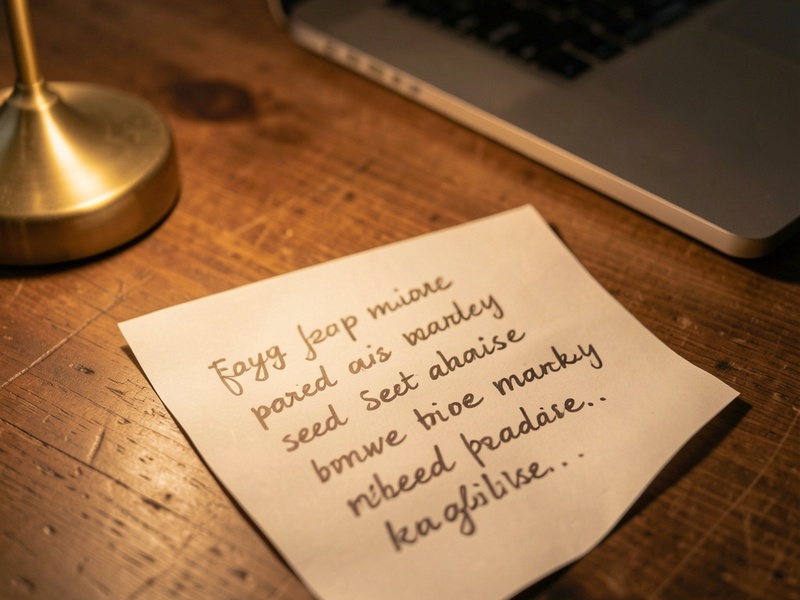
A blurry photo of your paper backup can make a lost wallet feel unrecoverable, but BIP39 seed phrases contain built-in structure that helps you identify unclear words. This guide assumes you own the wallet and want to recover your own seed phrase. The steps below focus on privacy, because anyone who sees your seed phrase can take your funds.
How Mycelium Seed Phrases Are Built
Mycelium uses the standard BIP39 format, usually with 12 words. Every word comes from a fixed list of 2048 English words, and two properties make recovery possible:
- Unique prefixes: The first four letters of each word in the list are unique, so a partly readable word often identifies itself.
- Checksum: The final word encodes a checksum over the others. Many wrong combinations fail this check, which narrows the search.
Step 1: Protect the Photo and Your Device
Before you try any recovery method, secure your data.
- Never upload the photo to an online OCR tool or a website that promises seed recovery. Any service that receives your phrase can access your funds.
- Work on a computer you trust, and disconnect it from the internet while you handle the seed words.
- Keep the original photo unchanged, and edit only a copy.
Step 2: Improve Readability Locally
Many blurry photos only need better contrast or sharpness.
- Crop the image to the word area, then adjust contrast and sharpness in an offline image editor.
- Zoom in on one line at a time and write down your best reading of each word.
- Mark unclear words with a placeholder, and note how many letters you can see.
Step 3: Match Partial Words Against the Wordlist

Use the official BIP39 English wordlist, available in most open-source wallet tools. Compare each partial reading with the list. If only one word starts with the letters you can see, you have the answer.
When several words still match, test each candidate in its position. Keep only the combinations where the final checksum word is valid. This check removes most incorrect guesses quickly.
Step 4: Verify Before You Trust the Result
Do not move funds into a recovered wallet until you confirm it matches the original.
- Restore the phrase in an offline wallet tool or a trusted hardware wallet.
- Compare the first receive address with an address from your past transaction history.
- If the addresses match, send only a small test amount first.
If the addresses do not match, a word is probably still wrong. If you set an extra passphrase when you created the wallet, you also need that passphrase, and the seed words alone will not reveal your funds.
When Recovery Fails
If the blur hides too many words, consider a recovery service with a long public track record. Be wary of anyone who asks for your full seed phrase before they explain their process, and avoid anyone who asks for payment before showing results. Scammers often target people in this situation.
Protect Your Backup Going Forward
- Store the seed phrase in two separate physical locations.
- Use durable materials, such as a metal backup, if the paper may degrade.
- Do not photograph the seed phrase. If you already did, delete the photo from your phone, cloud storage, and any synced folders.
- Test a restore with a small amount once you finish setting up the backup.
Summary
A blurry photo does not always mean lost funds. Improve the image offline, use the wordlist and checksum to narrow the options, and verify the result against a known address before you rely on it. Keep the photo and any recovered words private.