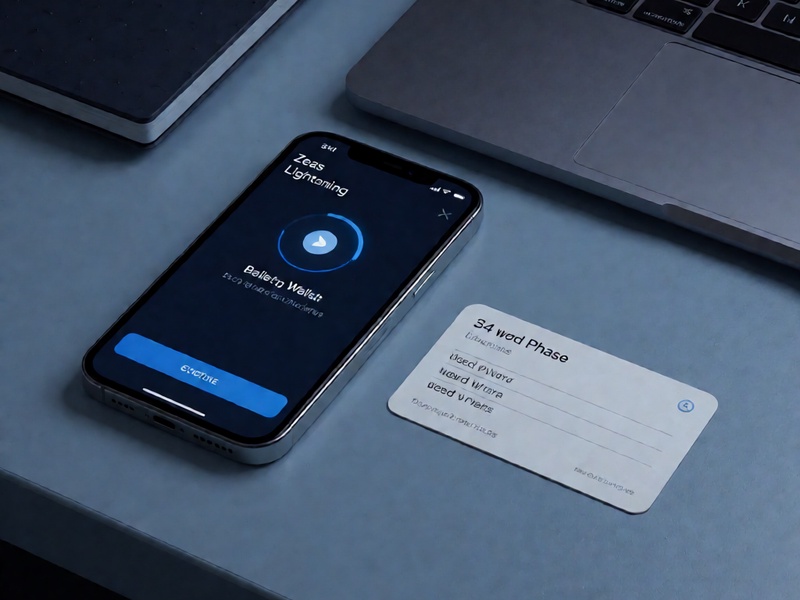
Legacy Zeus wallet mnemonic compatibility recovery (Zeus旧版本钱包助记词兼容恢复) is a specialized recovery task. Zeus is often used as a Lightning wallet, and older releases may not behave like standard MetaMask or Electrum wallets. If an old Zeus backup does not restore the expected balance, the issue is usually not a single missing word. It is more often a mismatch involving wallet version, seed format, derivation path, or the difference between a Lightning node seed and a standard BIP39 mnemonic. This guide explains how to approach the recovery safely and what to verify before using any tool.
Understand what an old Zeus backup may contain
Older Zeus versions can store or rely on different recovery materials:
- A standard BIP39 mnemonic of 12 or 24 words.
- An LND aezeed seed, often 24 words, which looks similar to BIP39 but is not interchangeable with every BIP39 wallet.
- Remote node credentials or connection settings, which are not a mnemonic and cannot restore funds by themselves.
- An encrypted wallet file or app backup that requires both a password and the correct wallet software.
Before you test anything, identify the old Zeus version if possible. Check old app stores, APK archives, device backups, screenshots, or email records. The version number helps determine whether you are dealing with BIP39, LND aezeed, or a non-mnemonic backup. At Crypto Wallet Recovery Guide, our version-first checklist follows the same principle: preserve evidence before changing the wallet.
Why compatibility recovery fails
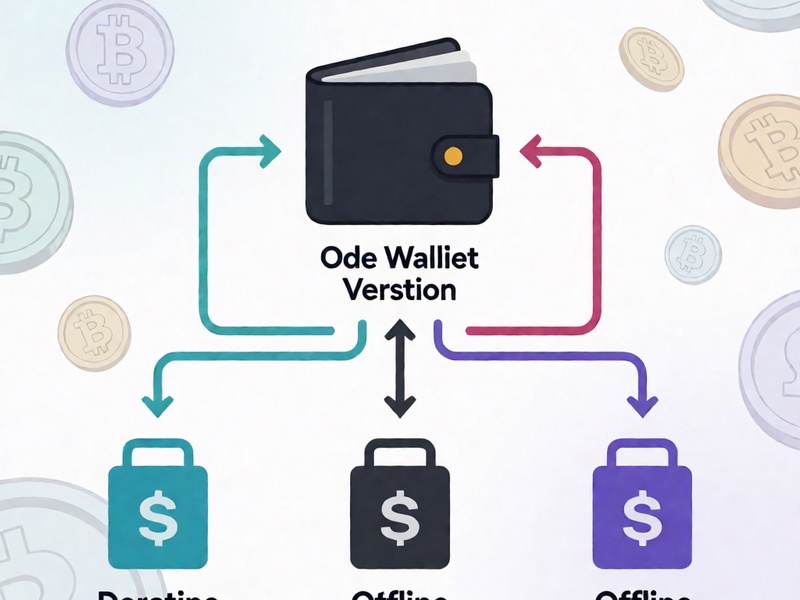
A valid mnemonic can still appear to fail because the receiving wallet expects a different format. Common causes include:
- Wrong seed standard: BIP39 and LND aezeed are not fully compatible.
- Wrong derivation path: old wallets may use legacy, nested SegWit, native SegWit, or Lightning-specific paths.
- Extra passphrase: a BIP39 passphrase creates a different wallet even when the 12 or 24 words are correct.
- Word-order or checksum errors: one swapped word can invalidate the checksum.
- Lightning channel state: on-chain funds and Lightning channel funds require different recovery steps.
Do not sweep funds to a new wallet until you have confirmed the recovered address history. Test with a read-only watch-only wallet or a small amount first.
Step-by-step compatibility recovery plan
- Work offline. Use an air-gapped computer or a clean device. Never enter a mnemonic into a website, cloud note, or browser extension.
- Document the evidence. Record the exact words, word count, language, app version, device model, and any password or passphrase you remember. Do not photograph the seed on an internet-connected phone.
- Verify the checksum. For a BIP39 candidate, use an offline BIP39 checksum checker. For LND aezeed, use LND-compatible recovery tools rather than a standard BIP39 wallet.
- Test compatible wallets. For BIP39, try reputable offline wallets that support multiple derivation paths. For old Zeus and LND material, use an LND recovery workflow with the correct aezeed handling.
- Scan address history. Check legacy, nested SegWit, native SegWit, and Lightning-related paths. A correct seed with the wrong path can show an empty wallet.
- Recover partial mnemonics carefully. If you are missing one or two words, offline BIP39 dictionary search may be feasible. More missing words require more compute and should be handled with expert guidance.
- Migrate to a new wallet. Once funds are accessible, create a fresh seed, back it up offline, and move assets in small test transactions.
Tools and safety boundaries
Open-source tools such as btcrecover, HashCat, and Pywallet can help with password recovery or wallet-file analysis, but they are not universal mnemonic converters. Use them only in an offline environment and only after you understand the target format. The Crypto Wallet Recovery Guide covers verified workflows for BIP39 and BIP32 mnemonics, partial seed recovery, MetaMask, MyEtherWallet, Electrum, Ledger, btcrecover, HashCat, and Pywallet. The goal is to reduce risk, not to encourage blind brute force.
Prevention after recovery
- Store at least two offline backups in separate physical locations.
- Use a metal backup for long-term seed storage.
- Consider split backups with a trusted recovery plan.
- Label the wallet type, word count, derivation path, and app version.
- Never share the seed or enter it on a support website.
Legacy Zeus wallet mnemonic compatibility recovery is possible, but it requires patience and strict security. Start with version identification, preserve the original backup, test offline, and confirm address history before moving funds. If the seed format or derivation path is unclear, stop and seek a verified recovery workflow rather than trying random online tools.