Restoring a crypto wallet feels routine until something goes wrong. A mistyped seed phrase, a screenshot saved to a cloud album, or a restore performed on a compromised device can cost you access to your funds for good. CakeWallet, like most self-custody wallets, gives you full control over your keys, and that control comes with responsibility. This guide walks through the security checks worth completing before you restore your wallet.
Why Key Checks Matter Before Restoration
A wallet restore works by regenerating your private keys from a recovery phrase or seed. Anyone who holds that phrase can rebuild your wallet on their own device. That means the restore process is a moment of exposure, not just a convenience. Checking your environment and your backup first helps you avoid two common failures: restoring from an incorrect or incomplete phrase, and restoring in a setting where your secrets can be observed.
Step 1: Confirm You Have the Correct Recovery Phrase
Before touching the restore screen, verify your backup.
- Confirm the number of words matches what your wallet originally generated.
- Check that each word is spelled correctly and appears in the BIP-39 English word list.

- Make sure the words are in the exact order you recorded them.
- Confirm that the phrase belongs to the correct wallet, especially if you manage several.
Write the phrase by hand on paper whenever possible. Digital copies are easier to leak, and a single transposed word will generate a completely different set of addresses.
Step 2: Inspect the Environment
The device you restore on should be clean and trusted.
- Update your operating system and the CakeWallet app from official sources only.
- Scan for malware, and remove any unfamiliar browser extensions or remote access tools.
- Avoid public or shared computers and unsecured Wi-Fi networks.

- Turn off screen recording and be aware of any apps with accessibility permissions that could read on-screen content.
If the device has been compromised, restoring a wallet on it can expose the seed phrase to malicious software. In that case, move your funds to a new wallet generated on a clean device before anything else.
Step 3: Verify the App Source
Fake wallet apps are a common attack vector. Download CakeWallet only from the official website or verified app store listings. Check the developer name, review count, and package details. Phishing sites that mimic wallet download pages often look convincing, so type the URL manually or use a bookmark you trust.
Step 4: Never Share Your Secrets During Restoration
No legitimate support agent will ask for your seed phrase or private key. If someone contacts you claiming to help with restoration, treat the conversation as an attack. Support requests should come through official channels that you initiated yourself.
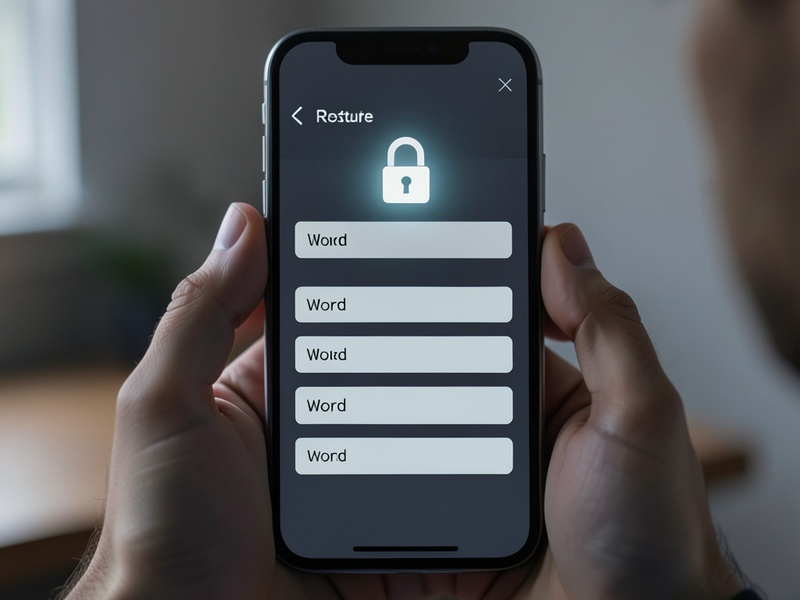
Step 5: Test Before You Trust
After restoring, confirm that the wallet works as expected before moving significant funds.
- Compare your balances and transaction history with what you remember.
- Send a small test transaction if you need to verify a receiving address.
- Make sure the restored addresses match the ones you previously used.
A quick check now can prevent a costly mistake later.
Final Thoughts
Restoring a CakeWallet is straightforward when you prepare properly. Verify your recovery phrase, secure your device, confirm the app source, and protect your secrets throughout the process. These habits take only a few minutes and significantly reduce the risk of losing access to your assets.