Losing access to a cryptocurrency wallet can feel overwhelming, especially when real funds are on the line. If you are searching for a Jaxx password recovery solution, the good news is that Jaxx was built on a decentralized model that gives you a reliable path back to your assets — as long as you understand how its security architecture works. This guide walks you through the correct recovery process, explains what to do after the Jaxx Liberty app's retirement, highlights the scams that target desperate users, and shows you how to build a bulletproof backup routine for the future.
Understanding How Jaxx Protects Your Funds
Before attempting any recovery, it is essential to understand one fundamental fact: Jaxx has no central server that stores your password or funds. Unlike a bank account or an exchange login, there is no "forgot password" link, no customer support agent who can reset your credentials, and no email-based recovery flow.
Jaxx (and its successor, Jaxx Liberty) is a self-custody wallet. Your crypto assets live on their respective blockchains, and the wallet software simply holds the cryptographic keys that prove ownership. This design gives you full control — but it also means full responsibility.
Password vs. Backup Phrase: Know the Difference
Many recovery attempts fail because users confuse two very different layers of protection:
- Wallet Password / PIN: This is an optional, local lock that encrypts the wallet app on your specific device. It prevents someone who picks up your phone from opening the app, but it does not control your funds on the blockchain. It cannot be "reset" by anyone, but it also isn't the key to your money.
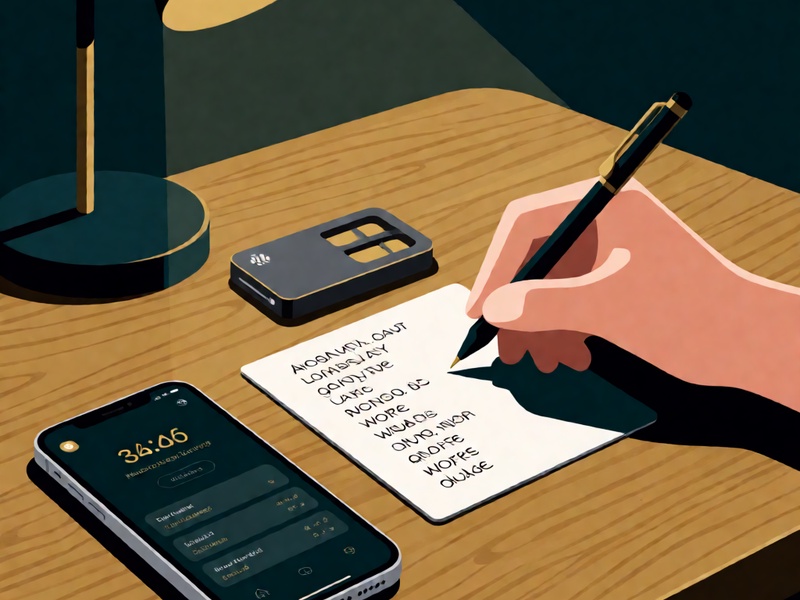
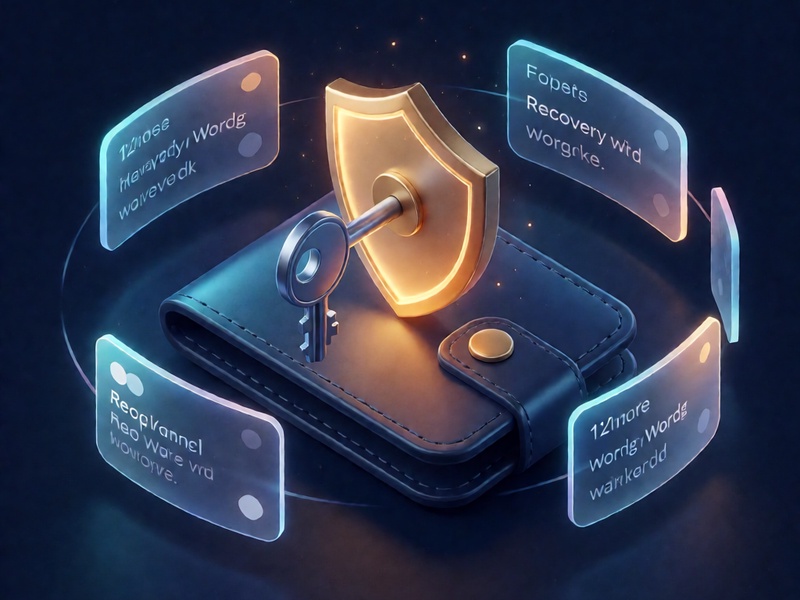
- 12-Word Backup Phrase (Seed Phrase): This is the true master key to your wallet. Generated when you first set up Jaxx, this BIP39-standard phrase can regenerate every private key in your wallet on any compatible device. Whoever holds this phrase controls the funds — period.
The critical takeaway: If you forgot your Jaxx password or PIN, you do not actually need it back. What you need is your 12-word backup phrase.
Step-by-Step: Recovering Your Jaxx Wallet
Follow these steps carefully, in a private setting, on a device you trust:
- Locate your 12-word backup phrase. Check physical notebooks, encrypted backups, or wherever you recorded it during setup. The words must be exact and in the correct order.
- Prepare a clean, secure device. Update your operating system, run a malware scan, and avoid public Wi-Fi during the recovery process.
- Choose a restoration path. If you still have the Jaxx Liberty app installed, use the "Pair/Restore Wallet" option and enter your phrase. If the app is no longer available (see the next section), select a reputable BIP39-compatible wallet instead.
- Enter the phrase carefully. Double-check spelling — even one wrong word will generate a completely different, empty wallet.
- Verify your balances. Confirm that your expected addresses and funds appear. For less common tokens, you may need to check derivation path settings or add custom tokens manually.
- Re-secure everything immediately. Set a new strong password or PIN, enable biometric locks if available, and consider moving large holdings to a hardware wallet.
Recovering After the Jaxx Liberty Sunset
An important consideration for anyone attempting Jaxx recovery today: Decentral, the company behind Jaxx, officially retired the Jaxx Liberty application in 2023. This means the app no longer receives updates or official support, and new downloads may not be available.
Fortunately, because Jaxx used the industry-standard BIP39/BIP44 protocol, your 12-word phrase remains fully portable. You can restore your wallet by importing the phrase into another reputable, standards-compatible wallet. When doing so:
- Download wallets only from official websites or verified app store listings.
- Confirm the wallet supports the specific blockchains your assets live on (Bitcoin, Ethereum, Litecoin, etc.).
- For significant holdings, strongly consider restoring directly onto a hardware wallet, which keeps your keys offline throughout the process.
Common Jaxx Recovery Scams — and How to Avoid Them
Wallet recovery is one of the most exploited moments in crypto. Scammers know that users searching for help are stressed and vulnerable. Watch out for these red flags:
- Fake "support agents" on social media, Telegram, Discord, or forums who offer to help — then ask for your seed phrase. Legitimate support will never request your backup phrase, private keys, or passwords.
- Phishing websites that mimic official wallet pages and prompt you to "verify" or "sync" your wallet by entering your 12 words. Always type URLs manually and verify domains character by character.
- Paid "recovery services" that promise to crack your wallet for a fee. If you have your seed phrase, you never need these services; if you don't, they cannot help you either — they can only steal what you send them.
- Malicious "Jaxx update" emails urging you to download software to protect your funds. Unsolicited download links are almost always malware.
Golden rule: Your backup phrase should only ever be typed into wallet software you have independently verified, on a device you control. Never share it with any human being.
Building a Recovery-Proof Security Routine
The best recovery strategy is one you never have to execute under pressure. Adopt these habits now:
- Store your seed phrase offline, in multiple locations. Write it on paper or engrave it on a metal backup plate, and keep copies in geographically separate, secure places such as a home safe and a bank deposit box.
- Never create digital copies. No screenshots, no cloud notes, no email drafts, no password managers connected to the internet. Digital copies are the number one cause of seed phrase theft.
- Test your backup periodically. On a spare or wiped device, verify that your phrase actually restores your wallet before you urgently need it.
- Segment your funds. Keep long-term holdings in cold storage (hardware wallets) and only spending amounts in hot wallets.
- Plan for inheritance. Ensure a trusted person or estate mechanism can access your backup if something happens to you.
Final Thoughts
Jaxx password recovery is ultimately not about the password at all — it is about your 12-word backup phrase. That phrase is your identity, your vault key, and your safety net rolled into one. Whether you are restoring into the legacy Jaxx Liberty app or migrating to a modern compatible wallet after its retirement, the principles remain the same: verify your software, protect your phrase like cash, and treat every unsolicited offer of help as a potential attack. With the right preparation, losing a password becomes a minor inconvenience rather than a financial catastrophe.
Stay vigilant, stay backed up, and stay in control of your keys.