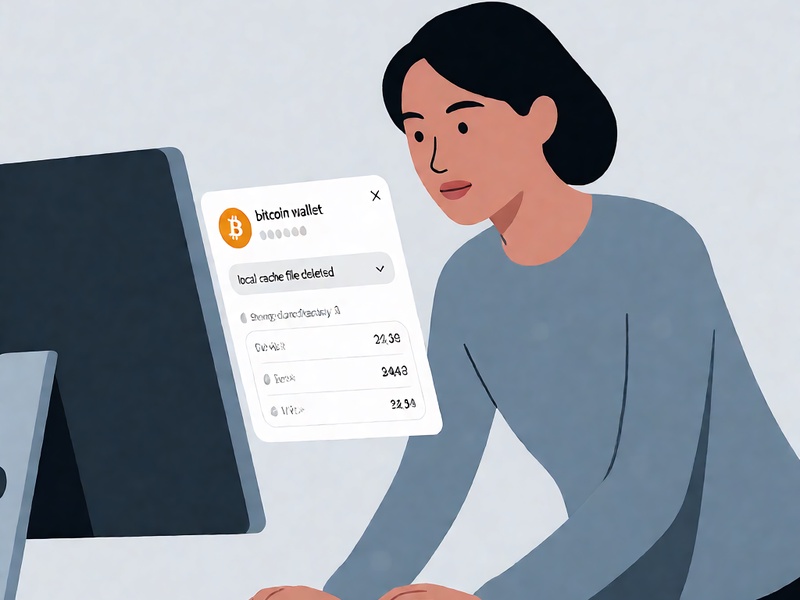
Accidentally deleting local Bitcoin wallet cache files is one of the most common non-malicious incidents that desktop wallet users face, often triggering unnecessary panic as users misdiagnose the issue as permanent fund loss. Unlike core wallet files (which store private keys, keystores, or mnemonic-derived seed data), local cache files typically store downloaded block headers, transaction indexes, UTXO set snapshots, SPV filter data, and client synchronization state. Deleting these files does not move or encrypt your Bitcoin holdings, but it can break wallet functionality, show incorrect balances, or trigger full re-sync delays from the network. This guide walks through a structured, low-risk recovery process to restore wallet functionality without exposing funds to unnecessary risk.
Pre-Recovery Critical Precaution: Stop Storage Overwriting Immediately
The second you confirm cache files have been deleted from the storage drive holding your Bitcoin wallet, cease all write operations to that drive immediately. Deleted files are only marked as available for overwriting by your operating system, and any new file saves, application installations, or even temporary system cache writes can permanently erase the recoverable cache fragments. Avoid opening new applications, downloading files, or browsing the web that writes cached data to the affected drive until recovery steps are complete. If you are using an external drive for your wallet, disconnect it temporarily to prevent automatic system indexing writes.
Step 1: Diagnose Exactly Which Cache Files Were Lost
Before running any data recovery tools, first confirm the scope of the deletion to avoid unnecessary work:
- First, verify that core wallet access files remain intact: Check if your
wallet.datfile (for Bitcoin Core), keystore file, or written mnemonic seed phrase is still accessible. If these core files are present, you are only dealing with lost cache data, not key material. - Map the missing cache type by checking the default storage paths: For Bitcoin Core, cache files are stored in the
/blocksand/indexessubdirectories; for lightweight SPV wallets like Electrum, Blue Wallet Desktop, or Samourai Wallet, cache data is stored in the hidden application data folder for your user profile. - Rule out false cache deletion alerts: Some antivirus tools will quarantine misidentified wallet cache files as suspicious, so first check your antivirus quarantine folder before initiating file recovery scans.
Step 2: Apply Targeted Recovery Methods by Cache Type
Not all cache losses require full file-level data recovery. Use the method matched to your wallet type to minimize effort:
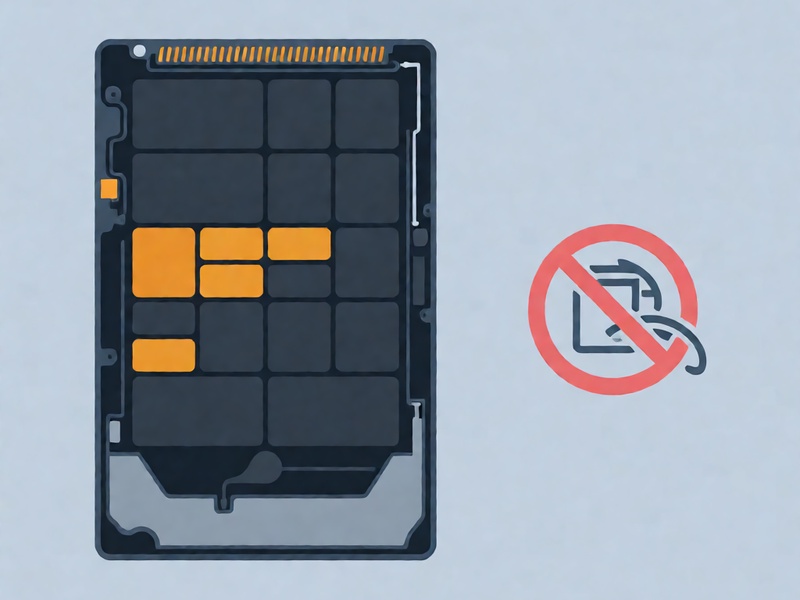
- Full node wallet (Bitcoin Core) cache recovery: Unlike unique user data, Bitcoin Core cache files are fully reconstructible from the public blockchain. There is no need to run file recovery tools for deleted blocks or index files: simply restart the client, select the fast snapshot sync option to download a verified recent UTXO set, and let the client rebuild its cache automatically. This process is 10-100x faster than scanning for deleted files and carries zero recovery error risk.
- Lightweight SPV wallet cache recovery: For desktop SPV clients, cache files store locally stored transaction proofs and filter data that lets the wallet avoid re-downloading years of block data. If you want to avoid a multi-hour re-sync, run open-source read-only data recovery tools (such as TestDisk, PhotoRec, or Recuva in deep scan mode) targeted at the original wallet cache directory path. Restore recovered cache files to the exact original folder path, as SPV clients validate directory structure before loading cached data.
- Cache deletion causing balance display errors: If the deleted cache caused the wallet to show a zero or incorrect balance, skip file recovery entirely. As long as you have your mnemonic seed, re-import the seed into a fresh, updated wallet client to let the client pull full UTXO data from the blockchain directly. This method eliminates corruption risks from partially recovered cache files.
Step 3: Post-Recovery Validation to Confirm Full Functionality
After restoring cache files or rebuilding the wallet state, run three mandatory checks to ensure no functionality is broken:
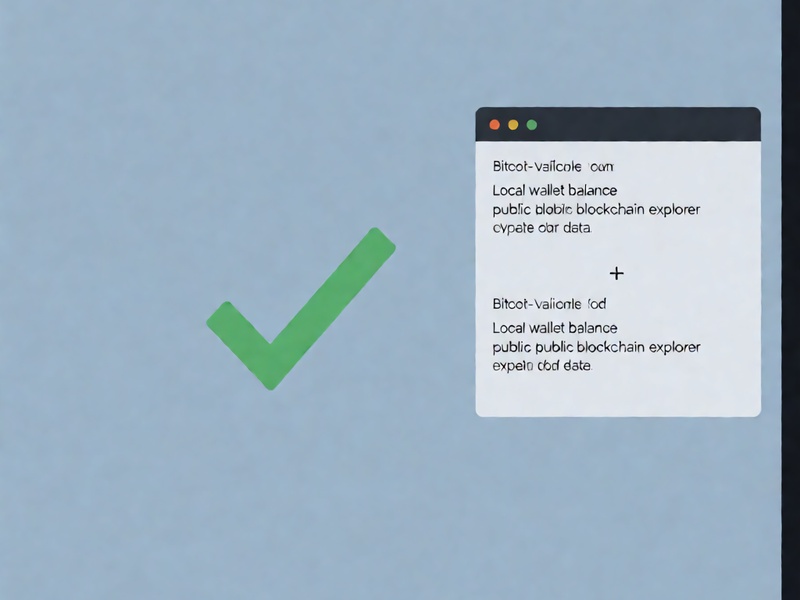
- Cross-validate balance: Compare the wallet's displayed balance against a public block explorer lookup for your receive addresses, to confirm all UTXOs are correctly loaded in the restored cache.
- Test a small transaction: Send a tiny amount of Bitcoin to a known address to confirm the wallet can correctly sign transactions using the loaded UTXO data, without signature errors caused by missing cache index data.
- Restore custom settings: If your cache stored privacy-related settings (such as CoinJoin round state, custom fee presets, or contact lists), manually restore these settings from your own notes to avoid unintended privacy leaks.
Key Takeaways
Bitcoin wallet local cache files are never the source of your fund ownership—your private keys or mnemonic seed are the only critical assets to protect. For most users, cache deletion is a minor, easily resolved issue that can be fixed either by rebuilding cache from the public blockchain or using low-effort data recovery tools, rather than expensive professional data recovery services. To avoid future cache loss, avoid manually deleting hidden application data folders for your wallet client, and run periodic checks to ensure antivirus tools are not incorrectly quarantining wallet files.