Recovering a crypto wallet from a mnemonic phrase should restore your funds, but the result depends on one often overlooked setting: the derivation path. In BitPie, choosing the wrong path can make a funded wallet look empty. This guide explains what a derivation path is, why it matters during BitPie wallet recovery, and how to set it correctly.
What Is a Derivation Path?
A derivation path is the instruction that tells a hierarchical deterministic (HD) wallet how to generate addresses from a seed. Standards such as BIP32, BIP44, BIP49, and BIP84 define purpose, coin type, account, change, and address index. A typical path looks like:
m/44'/0'/0'/0/0
Each segment changes the resulting address. Two wallets can hold the same mnemonic but show different balances if they use different paths.
Why the Derivation Path Matters in BitPie Recovery
BitPie is a multi-chain wallet that supports Bitcoin, Ethereum, TRON, and many other networks. When you restore a wallet, BitPie may use a default derivation path. If your original wallet used a different standard or a custom path, the restored addresses may not match the addresses that received your funds. The mnemonic is still correct; only the address derivation is different.
This is common when you switch wallet apps, recover an old backup, or used a specific address type such as SegWit or Native SegWit.
Common Derivation Paths
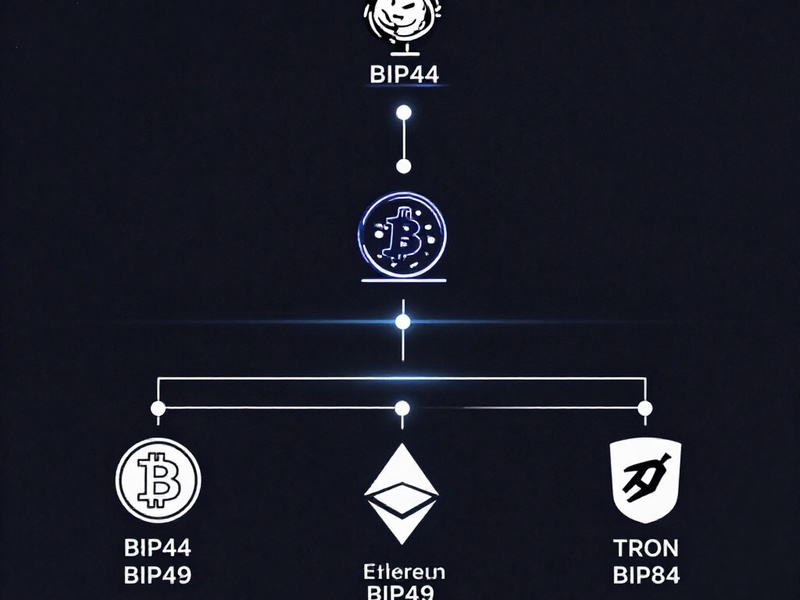
The exact list depends on your BitPie version and supported chains. These are common presets:
| Network / Address Type | Common Derivation Path |
| --- | --- |
| Bitcoin BIP44 (Legacy) | m/44'/0'/0'/0/0 |
| Bitcoin BIP49 (Nested SegWit) | m/49'/0'/0'/0/0 |
| Bitcoin BIP84 (Native SegWit) | m/84'/0'/0'/0/0 |
| Ethereum | m/44'/60'/0'/0/0 |
| TRON | m/44'/195'/0'/0/0 |
| Litecoin | m/44'/2'/0'/0/0 |
| Dogecoin | m/44'/3'/0'/0/0 |
If you used a custom path in another wallet, you may need to enter it manually. Always confirm the path from the original wallet or a reliable backup record.
How to Set the Derivation Path During BitPie Recovery
- Open BitPie and choose the wallet recovery or import option.
- Enter your mnemonic phrase or private key in a secure environment.
- Look for advanced options, such as derivation path or address type. The label may vary by app version.
- Select the path that matches your original wallet. If you are unsure, start with the standard path for the relevant network.
- Finish the recovery and check the receiving address.
- If the balance is empty, repeat the recovery with another common path. Do not delete or overwrite your original backup until you confirm the correct address.
Troubleshooting an Empty Balance After Recovery

- Try the common Bitcoin paths: BIP44, BIP49, and BIP84.
- Check the account index. Some wallets use
m/44'/0'/1'/0/0for a second account. - Remember that each blockchain uses its own coin type. A Bitcoin path will not restore an Ethereum address.
- Compare the first receiving address with any address you saved or used before.
- Use a small test transaction before moving a large balance.
Best Practices
Write down the derivation path and address type alongside your mnemonic backup, but store them separately and securely. Verify every receiving address before sending funds. Use only the official BitPie app or trusted source, and never share your mnemonic phrase with anyone.
Conclusion
A correct derivation path is essential for a smooth BitPie wallet recovery. If your restored wallet shows no funds, the mnemonic is not necessarily wrong. Check the derivation path, try the standard presets, and verify the address against your records. With the right path, your BitPie wallet can restore the addresses that hold your assets.