Key Takeaways
- A seed phrase is a BIP39 mnemonic, usually 12 or 24 words.
- Never enter your seed phrase online.
- Partial word lists can be checked offline with a wordlist and recovery tools.
- Password recovery for Electrum, MetaMask, Ledger, and MyEtherWallet can be done with tools such as btcrecover, HashCat, and Pywallet.
- The safest workflow is performed on an offline computer.
What Is a Seed Phrase Recovery?
Seed phrase recovery is the process of restoring access to a cryptocurrency wallet when the 12 or 24 words are incomplete, partially remembered, damaged, or lost. In Bitcoin, Ethereum, and most HD wallets, the seed phrase is not just a password. It is the source of the private keys. If you have the correct words, even if the wallet app is gone, you can rebuild the same wallet.
Crypto Wallet Recovery Guide focuses on practical methods for recovering wallets from missing mnemonic words, wrong word order, unknown passphrases, corrupted backups, and forgotten wallet passwords. We explain BIP39 and BIP32 in plain language, then show how to use verified tools offline.
Understanding BIP39 and BIP32
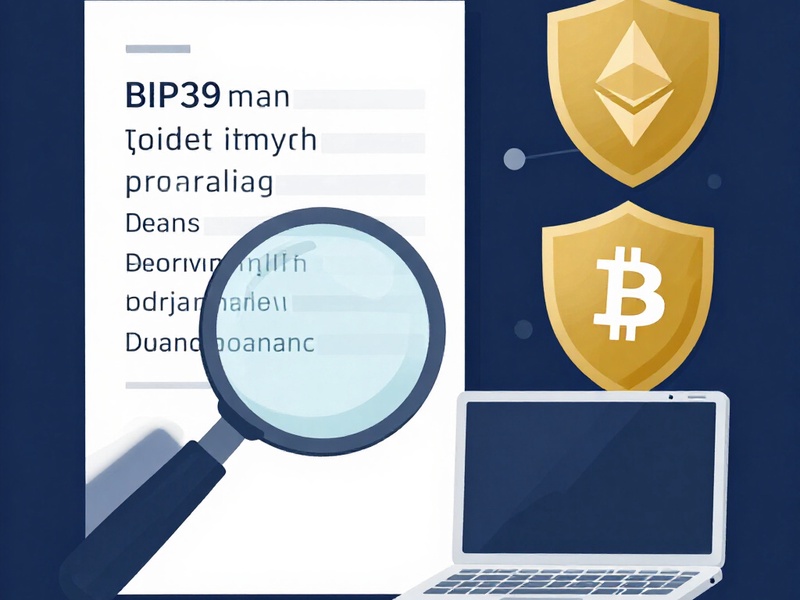
BIP39 is the standard for mnemonic phrases. A 12 word or 24 word phrase contains entropy and a checksum. The checksum makes the phrase mathematically valid. If one word is wrong, the final wallet address will usually change, so verification is critical.
BIP32 is the standard for hierarchical deterministic wallets. It defines how a single seed generates many addresses and keys. This is why one recovery process can restore all accounts in a wallet.
First Rule: Keep Everything Offline
Before trying any recovery:
- Use an air gapped computer if possible.
- Disconnect the internet.
- Do not use web converters.
- Do not send screenshots of seed words.
- Do not enter words into random sites.
- Keep backups in a secure physical location.
A seed phrase is only as safe as the machine used to type it. Offline work protects you from keyloggers, clipboard theft, and remote scanning.
Case 1: You Have All 12 or 24 Words
If you have all words, follow these steps:
- Confirm the word count.
- Check each word against the official BIP39 wordlist.
- Verify spelling and alphabetical order.
- Confirm no duplicate word was copied incorrectly.
- If the wallet uses a passphrase, note it separately.
- Import the seed phrase into a trusted offline wallet.
- Check addresses and balances.

If the wallet still does not restore, the issue may be:
- A passphrase was not used.
- The wrong derivation path was selected.
- A word was replaced by a similar looking word.
- The wallet uses a non standard path.
Crypto Wallet Recovery Guide includes step by step guides for common wallets such as Electrum, Ledger, MetaMask, MyEtherWallet, Trezor, and other HD wallets.
Case 2: One or More Words Are Missing
This is one of the most common recovery scenarios. You may remember most words but have forgotten one or two. Do not panic. Partial mnemonic recovery can be effective if you know the approximate position of the missing words.
Possible approaches:
- Check last word memory: the final word may be a checksum word, which can be guessed from valid combinations.
- Reconstruct the first word from partial memory.
- Search only missing positions, not all positions.
- Use a wordlist to test likely candidates.
- Validate derived addresses against old transactions.
Tools can automate this in an offline environment. For example, btcrecover supports partial seed phrase searches for some wallet types, while HashCat can process candidate lists on powerful hardware. Always run these tools offline and verify results locally.
Case 3: The Word Order Is Wrong
Some backups are written in the wrong order. If the words are known but the sequence is unknown, a permutation search can be used. Do not use online shufflers. Offline permutation tools can compare derived addresses with known receiving addresses.
If only a small block of words is uncertain, search only those positions to reduce the workload.
Case 4: You Forgot the Wallet Password
Not every wallet is protected only by a seed phrase. Some wallets require a password to open the encrypted keystore file. This applies to:
- MetaMask encrypted keystore files.
- Electrum wallet files.
- MyEtherWallet JSON files.
- Wallet.dat or similar local files.
Password recovery tools can test candidate passwords. Common candidates include:
- Old email addresses.
- Birth dates.
- Names of family members.
- Previous wallet names.
- Password managers.
- Keyboard patterns.
btcrecover can target many common crypto wallet file formats. HashCat is useful for large wordlist plus rule attacks. Pywallet can assist with certain legacy or file specific recovery tasks. The correct tool depends on the wallet format and recovery file type.
Hardware Wallet Recovery
Hardware wallets often provide the highest security, but they can still fail. If the device is broken, the seed phrase or backup should be enough to restore access. For Ledger, a backup or recovery sheet may be needed. If you cannot recover the device, use your verified BIP39 backup on another supported hardware wallet or a trusted offline software wallet.
Important hardware recovery notes:
- A hardware wallet backup is not the same as the device itself.
- Passphrase protected wallets need both the seed phrase and the hidden passphrase.
- Some devices require firmware reset before re importing.
- Never accept a seed phrase restoration from a stranger.
Electrum, MetaMask, MyEtherWallet, and Ledger: Fast Triage
For Electrum, check wallet file format, seed type, and derivation path. If the seed was imported with a passphrase, the wrong passphrase will create a different wallet. Use an offline Electrum install and verify addresses against your old transaction history.
For MetaMask, if the seed phrase works, import it as a new wallet. If you only have a keystore file, use password recovery tools offline. Do not import a keystore on an online machine until you are certain it is safe.
For MyEtherWallet, if you have a JSON keystore file, you need the correct password. If you have a 12 word phrase, import it directly into a trusted interface or verify offline.
For Ledger, if you have a 24 word recovery phrase, initialize a new Ledger device or use a verified backup. If you also use a hidden passphrase, both parts are required.
Advanced Option: Partial Memory and Wordlist Attacks
When a user remembers fragments, such as 9 of 12 words, a targeted attack can be practical. The process is:
- Write down the confirmed words in their likely positions.
- Mark missing slots.
- Generate candidates from the official wordlist.
- Restrict candidates using user memory.
- Test derived addresses against known on chain history.
- Repeat with expanded candidate rules.
This method is slower than full seed import, but it is safer than giving your wallet to a service. Crypto Wallet Recovery Guide teaches this workflow with step by step tutorials, sample command patterns, and offline safety checklists.
What Not to Do
- Do not share any word with anyone claiming to be support.
- Do not paste a partial seed into a random website.
- Do not install a wallet from a search ad or unknown link.
- Do not run recovery tools as administrator unless necessary.
- Do not store the recovered seed in cloud notes, chat apps, or screenshots.
If someone asks for your seed phrase, it is a scam. Support teams never need your private keys or full seed phrase.
Prevention: Avoid Permanent Loss
After recovery, create a better backup plan:
- Make at least two independent backups.
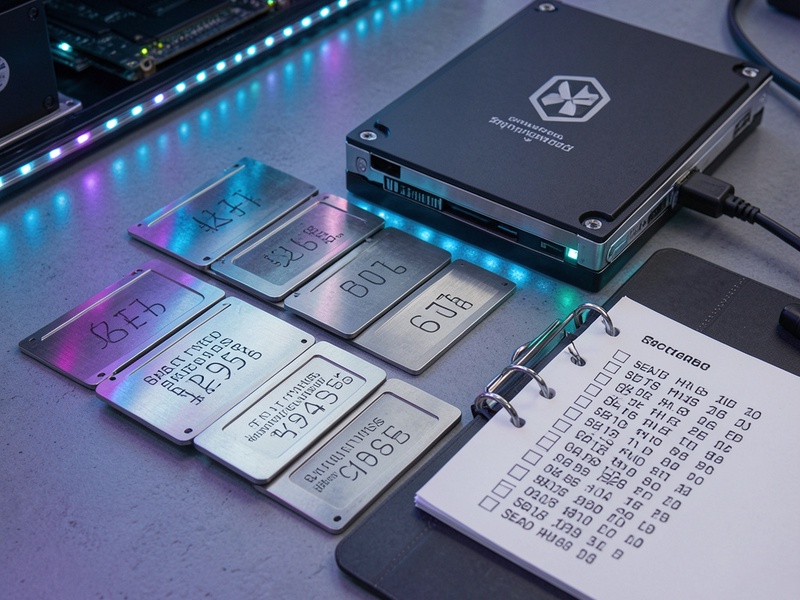
- Use metal plates for fire and water resistance.
- Store backups in separate secure locations.
- Consider Shamir splitting only if you understand reconstruction risks.
- Keep a small test balance before moving large amounts.
- Record the wallet type, derivation path, and any passphrase separately.
- Use an encrypted offline drive for recovery files.
- Test the backup periodically.
A seed phrase backup is not useful if the words are damaged, the order is unclear, or the derivation path is unknown. Crypto Wallet Recovery Guide provides backup templates and prevention checklists for Bitcoin and Ethereum users.
How Crypto Wallet Recovery Guide Helps
Our website is a professional guide for Bitcoin, Ethereum, and mainstream crypto wallet recovery. We cover mnemonic word restoration, password cracking, file recovery, hardware wallet reset, cold wallet backup, and offline verification workflows. Whether you lost part of a 12 word seed, forgot a MetaMask password, or need to rebuild an Electrum wallet from fragments, we provide clear tutorials that reduce risk and save time.
If you need a reliable plan, start with a low risk test first. Recover a small amount, verify all addresses, then move only the funds you can control with full security.
FAQ
Can I recover a crypto wallet without the seed phrase?
Sometimes yes. If you have a wallet file, keystore, encrypted backup, hardware device, or partial seed phrase, recovery may be possible. Password based tools and address verification can help.
Is it safe to use btcrecover or HashCat?
Yes, when run offline. Use downloaded copies from trusted sources, verify checksums when possible, and work on a machine with no active internet access.
Can I recover only one missing word?
Yes, if the word position is known and the remaining seed phrase is correct. Offline searches can test wordlist candidates and validate checksum plus derived addresses.
What is the safest first step?
Confirm what you have: words, password, file, device, or transaction history. Then choose the lowest risk offline method.