Why a recovery is not the same as a backup
Recovering access to your Bitcoin Freewallet restores control, but it does not automatically create a new backup. If the old seed phrase, private key, or account recovery method was lost, exposed, or stored on a compromised device, treat it as compromised. Re-backing up means creating and storing a fresh, verified copy of the credentials needed to restore the wallet in the future.
Step 1: Confirm the wallet is truly restored
Open the official Freewallet app or website. Check that the Bitcoin balance, transaction history, and receiving address match what you expect. Send a small test transaction only after you are sure you are using the legitimate Freewallet service. If anything looks wrong, stop and contact official support.
Step 2: Find the correct backup method
Freewallet may use different recovery models depending on the product and version.

- If the app shows a 12-word or 24-word recovery phrase, that is your wallet backup.
- If the app uses an email, phone number, cloud account, or exchange-style login, your backup is the account recovery method, password manager entry, and 2FA device.
- If the app supports exporting a Bitcoin private key, export it only in a private environment and never share it.
Step 3: Create the new backup
Go to Settings, Security, or Backup in Freewallet. Choose the recovery or backup option. Write down the new recovery phrase exactly, in order, including spelling and spacing. If Freewallet does not offer a seed phrase because it is custodial, secure the account credentials instead: update the password, enable two-factor authentication, add a recovery email, and save backup codes in an encrypted vault.
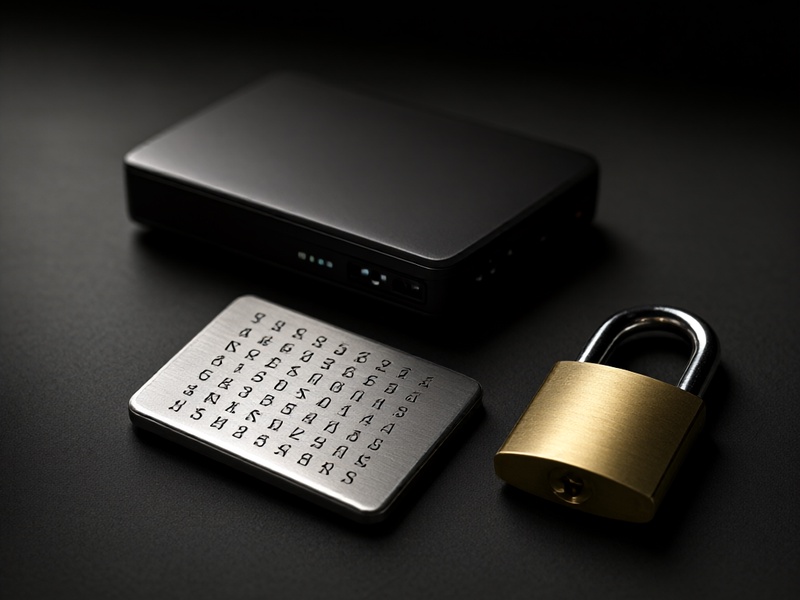
Do not screenshot the phrase. Do not store it in email, chat, notes, or unencrypted cloud storage. Do not type it into websites or share it with support.
Step 4: Store the backup safely
Use at least two secure locations. A common approach is a paper backup in a fireproof safe plus a metal backup in a separate secure location. For higher security, consider a reputable hardware wallet for long-term Bitcoin storage and keep the Freewallet seed separate from other wallets. Label the backup with the date and the wallet name, but never label it with the phrase itself.
Step 5: Verify the backup
Verification is essential. If safe and supported, restore the backup on a second device or an offline device, then check that the same Bitcoin addresses and balance appear. Do not move large funds until you have verified the backup. If verification is not possible, at least confirm that every word or credential is readable and complete.
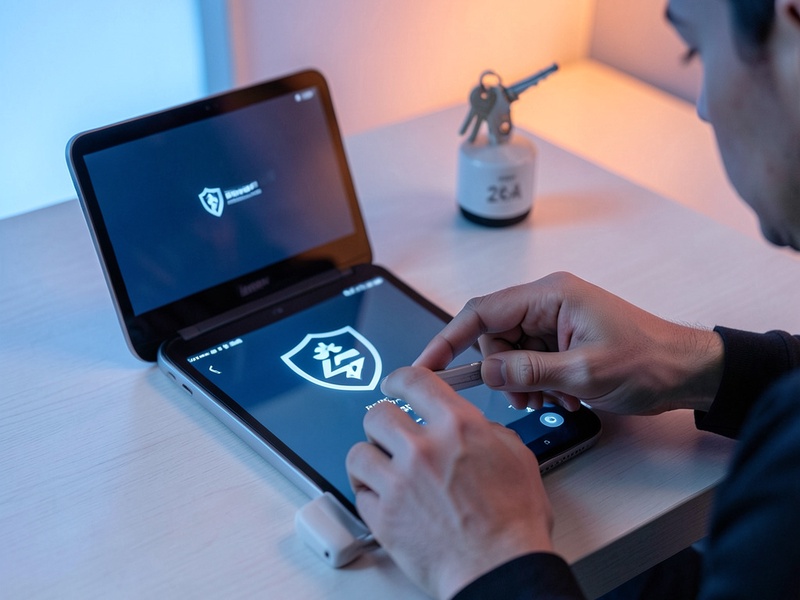
Step 6: Update account and device security
Remove old devices from Freewallet if the app allows it. Revoke old sessions, change the password, refresh 2FA, and confirm your recovery email and phone number. Update your operating system, lock the device with a strong PIN or biometrics, and avoid rooted or jailbroken phones for crypto wallets.
Step 7: Maintain the backup over time
Check your backup every 6 to 12 months. Replace damaged paper or metal backups. If you change wallets, phones, email addresses, or 2FA devices, create a new backup and destroy the old one after confirming the new one works. Keep clear instructions for trusted heirs, but store them separately from the backup itself.
Final safety reminders
Never share your recovery phrase, private key, or 2FA codes. Freewallet support will not ask for them. Avoid third-party recovery services that promise to restore wallets for a fee. If you are unsure, use only official Freewallet channels and consider moving long-term Bitcoin to a self-custody hardware wallet that you fully control.