If you are trying to recover a Mycelium Bitcoin wallet, the biggest risk is not the recovery itself. It is following a tutorial that is designed to steal your 12-word backup phrase. A safe Mycelium Wallet recovery tutorial should help you regain access without ever seeing or asking for your seed. This guide explains how to separate legitimate, offline-first recovery instructions from phishing pages, fake apps, and dangerous shortcuts.
Why Mycelium recovery tutorials attract scams
Mycelium has millions of users, and many people search for help after losing a phone, forgetting a PIN, or damaging a device. Scammers know this. They publish fake tutorials, cloned support pages, modified APK files, and YouTube videos that look helpful but are built to collect seed phrases. Once someone enters a 12-word phrase into a malicious site or app, the Bitcoin can be swept within seconds.
The core problem is simple: a recovery tutorial can look professional and still be a trap. Safety is not about how polished the page looks. It is about who controls the seed, where the recovery happens, and whether the method is verifiable.
The one absolute rule: no legitimate recovery needs your seed phrase
A legitimate recovery process may ask you to enter your seed phrase into the official wallet app on your own device, preferably offline. It should never ask you to:
- Paste your seed phrase into a website.
- Send it to support, an admin, or a recovery expert.
- Upload a photo or screenshot of your backup.
- Share your screen while typing it.
- Enter it into a Google Form, Telegram bot, Discord bot, or email.
- Use a browser extension that was not officially verified.
If any Mycelium Wallet recovery tutorial asks for your seed phrase, private key, or keystore file, stop immediately. That is not a recovery tutorial. That is a theft attempt.
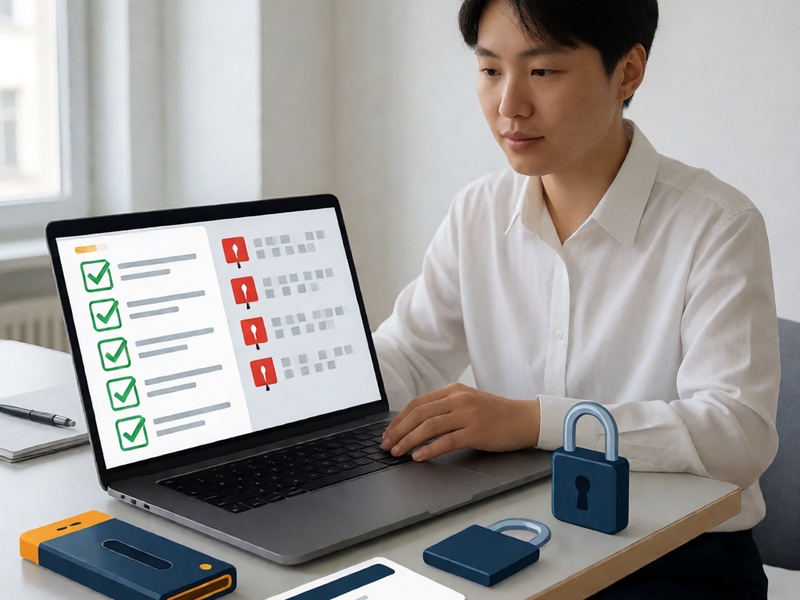
7 red flags of an unsafe Mycelium recovery tutorial
1. It asks for your seed phrase
This is the biggest red flag. No honest recovery guide needs to see your seed. The only place your 12 words belong is inside the official Mycelium app or another trusted wallet you control, ideally on an offline device.
2. It sends you to an unofficial app or download
Fake Mycelium APKs, browser extensions, and desktop installers are common. A safe tutorial points to the official app store listing, the official Mycelium website, or a verified open-source repository. It should also explain how to check signatures or checksums.
3. It promises guaranteed or instant recovery
Real recovery depends on what you still have: seed phrase, PIN, device, backup file, or partial memory. No honest guide can guarantee recovery. Claims like guaranteed in 10 minutes or hack any wallet are marketing for scams.
4. It creates urgency or fear
Scammers use pressure. They may say your funds are at risk, your wallet is being drained, or you must act now. A safe tutorial is calm, clear, and focused on offline verification.
5. It hides the tool or author
Anonymous tutorials can still be useful, but high-risk recovery should come with transparency. Look for open-source tools, known authors, version history, community discussion, and clear instructions for verifying downloads.
6. It requires cloud, email, or remote access
Safe recovery does not need your email password, cloud backup, Google Drive, iCloud, or remote desktop access. Any request for remote control, screen sharing, or TeamViewer is a serious warning sign.
7. It skips BIP39 and wallet-version details
A serious Mycelium recovery guide should explain word order, BIP39 checksum, derivation paths, wallet version, and possible passphrases. It should also explain what is impossible. If a tutorial treats seed recovery like magic, it is not safe or reliable.
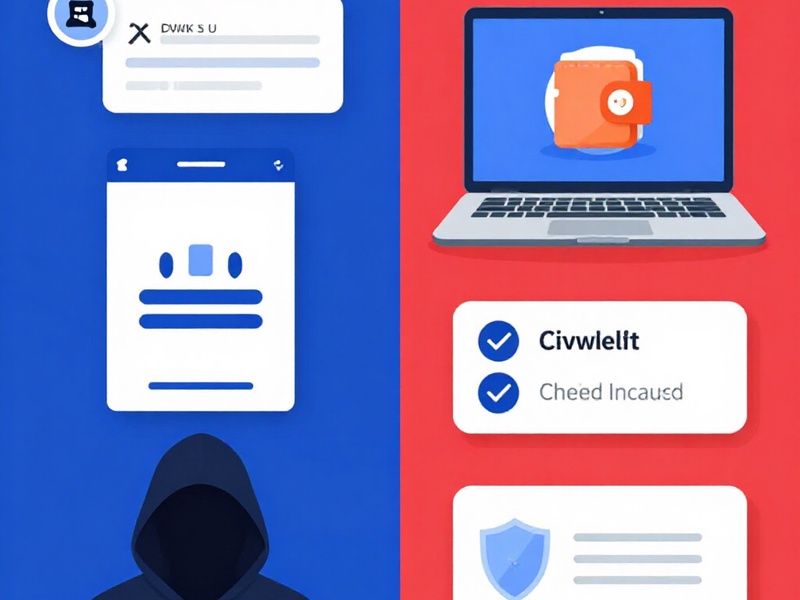
Green flags of a trustworthy Mycelium recovery tutorial
A safe tutorial usually has these qualities:
- It tells you to work offline or on an air-gapped device whenever possible.
- It never requests your seed phrase, private keys, or keystore.
- It references official Mycelium sources or verified open-source tools.
- It explains BIP39/BIP32, word order, checksum, and derivation paths.
- It shows how to verify downloads using SHA256 checksums or signatures.
- It explains limits, risks, and what happens if the seed is truly lost.
- It recommends testing with a small amount before moving large funds.
- It includes prevention advice such as multiple offline backups and metal seed storage.
Mycelium-specific recovery scenarios and what safety looks like
1. You have your 12-word backup phrase
This is the safest scenario. Download Mycelium only from the official source, restore the wallet using your 12 words, set a new PIN, and verify the receiving address. If possible, do this on a clean device with the internet disconnected until the restore is complete. Never use a web page that asks you to type your phrase.
2. You forgot your PIN but still have the device
If the device is working, use the official Mycelium app and its built-in recovery or restore options. If you have the seed phrase, restoring may be simpler than trying to bypass a PIN. Avoid jailbreaks, modified APKs, and services that offer remote PIN removal. Those methods often require your seed or install malware.
3. You lost your phone and have only a partial phrase
Partial seed recovery is advanced. A safe tutorial will explain that success depends on how many words are missing, whether the order is known, and whether the wallet uses standard BIP39. It should use offline dictionary tools and checksum verification, not an online form. Never upload even a partial phrase to a website. Our Crypto Wallet Recovery Guide covers offline BIP39 methods, btcrecover, HashCat, and Pywallet workflows for Bitcoin and Ethereum wallets.
4. You have the device but no seed and no PIN
If the wallet is encrypted and you cannot access it, honest guides will be clear about the difficulty. Some password recovery may be possible with tools like btcrecover or HashCat if you have a backup file and can make educated guesses. But if a service promises guaranteed extraction for an upfront crypto payment, treat it as high risk.
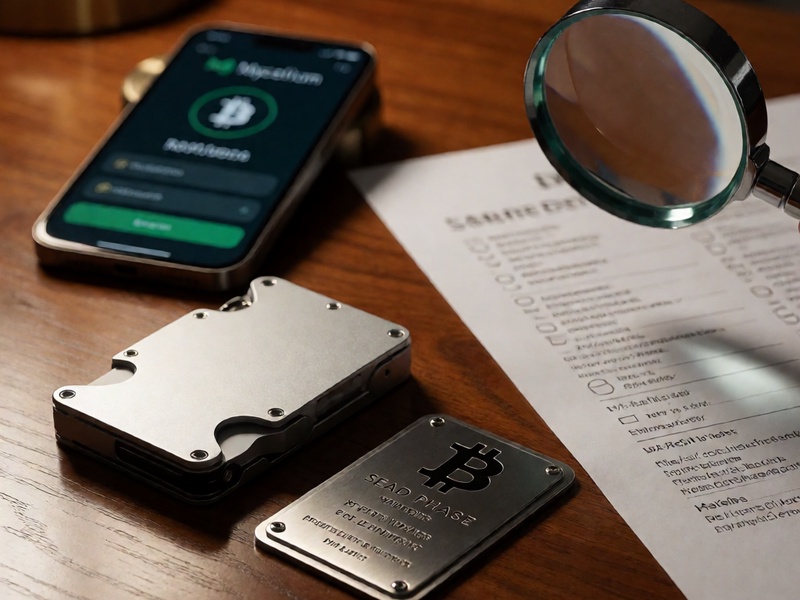
A 10-minute safety checklist before following any Mycelium tutorial
Before you follow any Mycelium Wallet recovery tutorial, run this checklist:
- Check the URL and source. Is it the official Mycelium site, a known repository, or a trusted guide site such as Crypto Wallet Recovery Guide?
- Check the download. Is it from an official app store or a signed release? Can you verify the checksum?
- Check the network. Can you perform the recovery offline or on an air-gapped computer?
- Check seed handling. Does the tutorial ask for your seed phrase? If yes, close it.
- Check the claims. Does it promise guaranteed recovery, urgent fixes, or paid DMs? If yes, leave.
- Check the community. Are there real reviews, GitHub issues, audits, or expert discussion?
- Check the outcome. Does it explain what can and cannot be recovered?
- Test first. Recover a wallet with a small amount before trusting the method with large funds.
- Re-secure. After recovery, create a new wallet and new seed if the old seed may have been exposed.
- Prevent repeat loss. Use multiple offline backups, split storage, and a hardware wallet for long-term holdings.
How to verify tools and code safely
Recovery tools are powerful, but they are only safe when used correctly. BIP39 recovery tools should be run offline and downloaded from trusted sources. Password recovery tools such as btcrecover and HashCat should be used on a copy of your wallet file, never on a machine that is connected to the internet if possible. Always verify checksums and avoid random scripts from forums or social media.
The same standard applies to Mycelium. If a tutorial tells you to install an old version, modify your phone, or use a third-party service to scan your device, slow down. Ask what data the tool can access, whether it needs network permissions, and why the official app cannot do the same job.
What to do if you already followed an unsafe tutorial
If you entered your seed phrase into a suspicious site, app, or chat, assume it is compromised. Do not wait.
- Create a new wallet on a clean device.
- Generate a new 12-word or 24-word seed phrase and write it down offline.
- Move all funds from the old wallet to the new wallet immediately.
- Do not reuse the exposed seed phrase.
- Scan your device for malware and consider reinstalling the operating system.
- Report the phishing page or fake app to the wallet provider and relevant platform.
- Do not pay blackmail or recovery fees to get your seed back.
Safe recovery is boring, and that is a good sign
A safe Mycelium Wallet recovery tutorial is often repetitive and cautious. It tells you to verify sources, go offline, keep your seed private, and test carefully. It avoids drama, guarantees, and secrecy. If a tutorial feels like a secret hack, it is probably a trap.
For vetted, offline-first recovery guides for Mycelium, Electrum, Ledger, MetaMask, MyEtherWallet, and other wallets, visit Crypto Wallet Recovery Guide. We cover BIP39/BIP32 seed phrase recovery, forgotten password workflows, hardware wallet backup strategies, and prevention methods designed to reduce the risk of permanent loss. Always prioritize security over speed.