Restoring a ZCash wallet from a mnemonic phrase is a critical skill for anyone who holds ZEC. Whether you are migrating to a new device, recovering from a lost wallet, or simply testing your backup, the process demands precision. A single mistyped word can lead to a failed restoration or, worse, a compromised wallet. This guide walks you through the correct, secure steps to import your ZCash mnemonic and regain access to your funds.
What Is a ZCash Mnemonic and Why It Matters
A ZCash mnemonic—often called a seed phrase or recovery phrase—is a human-readable representation of your wallet's master private key. It typically consists of 12, 24, or sometimes 25 words, depending on the wallet software. These words encode the entropy needed to derive all your ZCash addresses and private keys.
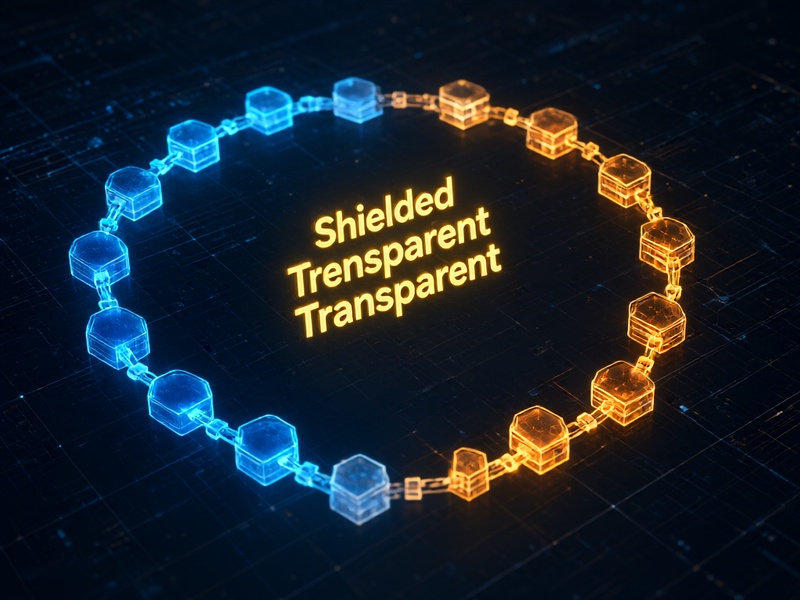
Because ZCash supports both transparent and shielded addresses, your mnemonic must be compatible with the wallet you intend to use. Not all ZCash wallets handle mnemonics in the same way. Some use BIP-39, while others rely on custom derivation paths. Understanding this compatibility is the first step toward a successful restore.
Prerequisites Before You Start
Before importing your mnemonic, gather the following:
- A trusted ZCash wallet that supports mnemonic import, such as YWallet, Zingo!, Nighthawk, or a hardware wallet with ZCash support.
- Your mnemonic phrase, written down accurately and stored securely offline.
- A private, offline environment if possible, to minimize exposure to malware or network snooping.
- The correct derivation path or wallet-specific configuration, if required.
Never enter your mnemonic into a website, browser extension, or any software you do not fully trust. Phishing sites frequently mimic legitimate wallets to steal seed phrases.
Step-by-Step: Importing Your ZCash Mnemonic
Step 1: Download and Verify the Wallet
Only download wallet software from the official source. Check the developer's website, verify PGP signatures if available, and confirm the checksum of the downloaded file. For mobile wallets, use the official app store listing and review the developer name carefully.
Step 2: Choose the Restore or Import Option
When you open the wallet for the first time, you will usually see options like "Create New Wallet," "Restore Wallet," or "Import Existing Wallet." Select the restore or import option. Do not create a new wallet, as that will generate a fresh mnemonic and overwrite your chance to recover the old one.
Step 3: Enter the Mnemonic Carefully
Most wallets will ask you to type or paste your mnemonic phrase. Follow these best practices:
- Type each word manually if you are on a secure device. Avoid clipboard if malware is a concern.
- Use the correct word order. Mnemonics are order-sensitive.
- Check for spelling. Many wallets use a fixed word list (e.g., BIP-39 English). A single wrong letter can invalidate the phrase.
- If your mnemonic includes a passphrase (sometimes called the "25th word"), enter it in the designated field. Do not confuse it with the mnemonic itself.
Step 4: Select the Correct Derivation Path or Address Type
ZCash wallets may derive addresses differently. Some default to transparent addresses, while others prioritize shielded addresses. If your previous wallet used a specific derivation path (e.g., BIP-44, BIP-84, or a custom ZCash path), select it during import. If you are unsure, try the default first and check whether your expected addresses appear.
Step 5: Confirm and Sync
After entering the mnemonic and settings, confirm the import. The wallet will derive your addresses and begin syncing with the ZCash blockchain. Depending on the wallet and your connection, syncing can take minutes to hours. Once complete, verify that your balance and transaction history match your expectations.
Common Mistakes to Avoid
- Typing the mnemonic into a phishing site. Always double-check the URL and app authenticity.
- Using the wrong word order. Even if all words are correct, the wrong sequence will produce a different wallet.
- Ignoring the passphrase. If you used a BIP-39 passphrase, omitting it will restore a different set of addresses.
- Choosing the wrong address type. If you only see transparent addresses but expected shielded ones, re-import with a different derivation path.
- Storing the mnemonic digitally. Avoid screenshots, cloud notes, or email. Use paper or metal backups in secure locations.
Testing Your Restore Safely
After a successful import, send a small test amount of ZEC to one of the restored addresses and confirm it arrives. Then, if you plan to keep using the wallet, consider creating a new wallet with a fresh mnemonic and moving your funds there. This reduces the risk that your old mnemonic has been exposed.
Final Thoughts
Importing a ZCash mnemonic is straightforward when you use the right wallet, double-check every word, and understand the derivation settings. Treat your mnemonic like the key to a vault: never share it, never type it into untrusted software, and always verify your restored addresses before relying on them. With patience and care, you can recover your ZCash wallet safely and confidently.