A 12-word mnemonic is a human-readable backup of a cryptocurrency wallet. If you are restoring a Coldcard, you must enter those 12 words in the exact order on the device itself. This tutorial walks through the safe recovery process, from preparing your Coldcard to verifying your restored wallet.
Before You Start
- Use only official Coldcard firmware and hardware from Coinkite.
- Never type your 12 words into a computer, phone, website, cloud note, or chat app.
- Have your 12-word backup ready, in order, on paper or metal.
- Know whether your wallet used a BIP39 passphrase. If yes, you need that exact passphrase too.
- If your Coldcard already has a wallet, back it up first. Restoring a different mnemonic can replace the current wallet after a wipe.
- Work in a private room. Disable cameras and screen recording.
What You Need
- A Coldcard hardware wallet.
- Your 12-word BIP39 mnemonic backup.
- The original PIN, or ability to set a new PIN on the restored device.
- A MicroSD card is optional for firmware updates or encrypted backups, but not required for manual 12-word entry.
- A power source and, if needed, a USB cable or battery pack.
Step-by-Step: Coldcard 12-Word Mnemonic Recovery
1. Update and Prepare the Coldcard
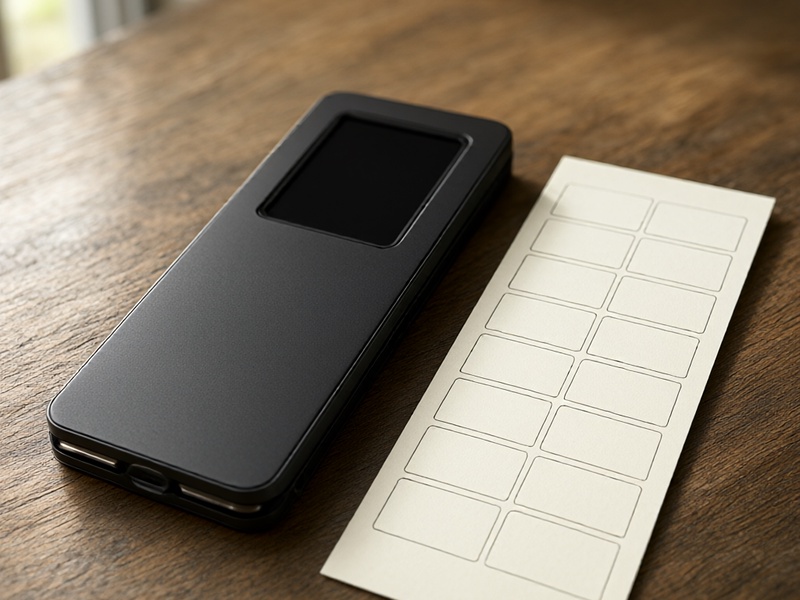
If possible, update the Coldcard firmware from the official Coinkite website using a MicroSD card. Do not use third-party firmware. If the device already has a wallet, make sure you have a backup of it before wiping.
2. Power On and Set or Enter the PIN
Turn on the Coldcard. If it is new, follow the screen to choose a PIN. If it already has a PIN, enter it. If you do not know the PIN, you may need to wipe the device, but only do this if you have the recovery phrase for any funds on it.
3. Select Restore Wallet
From the main menu or first-boot menu, choose Restore Wallet or Import Existing Wallet. Menu names can vary slightly by firmware version, but the recovery option is clearly labeled.
4. Choose 12 Words
Select 12 words as the mnemonic length. A 12-word BIP39 phrase provides 128 bits of entropy. Do not choose 24 words unless your backup actually has 24 words.
5. Enter the Words in Order
The Coldcard will ask for Word 1, Word 2, and so on. Enter each word carefully using the device keypad. Coldcard uses a predictive word list, so you usually type the first few letters and then select the correct BIP39 word. If a word is not accepted, check spelling and make sure it belongs to the BIP39 English word list.
Key rules:
- Order matters. Word 1 must be first, Word 12 must be last.
- Do not skip or replace words.
- Do not add extra words unless your original wallet used them.
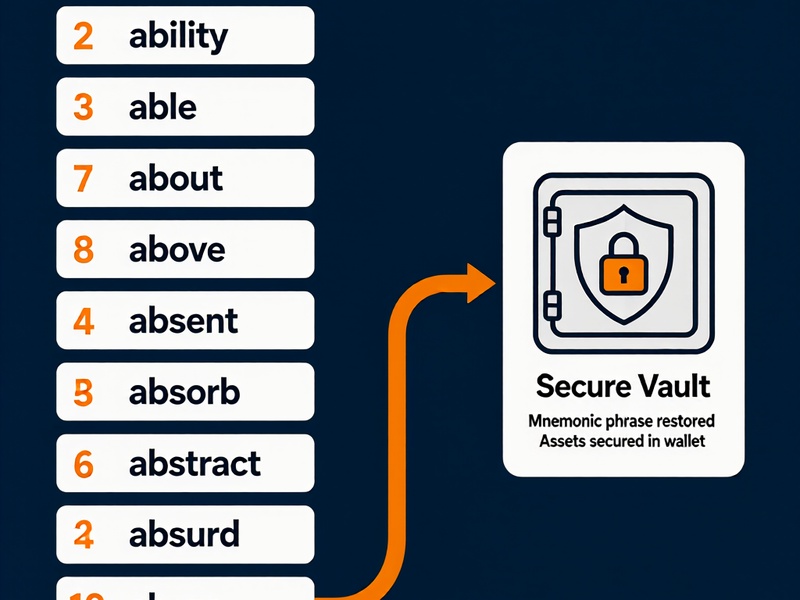
- If your backup includes a passphrase, do not enter it as part of the 12 words. Enter it later as a BIP39 passphrase.
6. Confirm the Seed
After all 12 words are entered, the Coldcard will validate the checksum. If the phrase is valid, confirm the seed. If the device reports an error, recheck the word order, spelling, and word count. A common mistake is confusing similar words such as 'cattle' and 'battle' or using a word from a different language list.
7. Apply the BIP39 Passphrase If Needed
If your original wallet used a BIP39 passphrase, enable it and enter the exact same passphrase on the Coldcard. The passphrase is case-sensitive and may include spaces or symbols. Without the correct passphrase, the restored wallet will show different addresses and no funds.
8. Let the Wallet Derive Addresses
Once the seed and optional passphrase are set, the Coldcard will derive your wallet. It may create a new encrypted backup file on a MicroSD card if you choose. You can now check the first receiving address.
9. Verify the Restored Wallet
Compare the first few receiving addresses with the addresses from your old wallet or backup records. If you see the expected addresses, your recovery is correct. If the wallet is empty, check:
- Did you enter the words in the exact order?
- Did you choose the correct word count?
- Did you forget a BIP39 passphrase?
- Are you using the same account derivation path as before?
10. Secure the Device and Backup

Set a strong PIN. Store your 12-word backup offline in at least two secure locations. Consider metal backup for fire and water resistance. Never photograph the words. If you created a new encrypted backup file, keep it separate from the device and protect it with a strong password.
Important Security Reminders
- Your 12 words are the wallet. Anyone who has them can steal your funds.
- Coldcard support or any legitimate service will never ask for your seed phrase.
- Do not use a camera, phone, or computer to record the words during recovery.
- Test the recovery process with a small amount before moving large funds.
- If you suspect your seed phrase was exposed, create a new wallet and move your funds immediately.
Troubleshooting Common Issues
- Invalid checksum: Recheck every word and its position. The last word contains the checksum.
- Word not in list: Ensure you are using the English BIP39 list and spelling the word correctly.
- Empty wallet after restore: The most common cause is a missing or incorrect BIP39 passphrase, or the wrong derivation path.
- Device already has a wallet: Back up the existing wallet, then wipe the Coldcard before restoring a different seed.
- PIN problems: If you cannot access the device and have the seed, you can wipe and restore. Without the seed, funds in the old wallet may be unrecoverable.
Conclusion
Restoring a Coldcard with a 12-word mnemonic is straightforward when you work offline and follow the device prompts. The critical steps are choosing the correct word count, entering all 12 words in order, applying the same BIP39 passphrase if one was used, and verifying addresses before moving funds. Treat the 12 words as the ultimate key to your crypto and keep them private, offline, and secure.