Recovering access to a digital wallet can be an emotional moment. Funds that were temporarily out of reach are visible again, and normal account activity may resume. However, the recovery process itself can also leave new attack opportunities if the wallet, email, exchange account, or device is not properly secured. After a wallet is restored, two-factor authentication and related safeguards should be treated as essential steps, not optional extras.
1. Confirm the Recovery Came Through a Trusted Channel
Before enabling two-factor authentication, verify that the wallet recovery was initiated through the official app or official website of the wallet provider. Many scams imitate wallet support services and trick users into entering recovery phrases on fake pages.
During recovery, watch for warning signs such as:
- A website address that does not match the official domain
- A browser extension or mobile app that was not downloaded from a trusted store
- Support requests asking for the full seed phrase or private key
- Urgent messages claiming immediate loss of funds
- Pop-ups asking to connect hardware wallets to unknown applications
If any of these appear, stop the process. Reinstall the wallet only from the official source after scanning the device for malicious software.
2. Re-enable Two-Factor Authentication on All Linked Accounts
A wallet may not use traditional two-factor authentication directly, especially if access is controlled by a private key or recovery phrase. Even so, the surrounding accounts and devices usually need strong verification layers. These can include exchange accounts, email, cloud storage, device lock systems, and support portals.
Use two-factor authentication for:
- Crypto exchange or broker accounts
- Email accounts that receive wallet notifications
- Account recovery and backup storage services
- Social media or community accounts tied to wallet identity
- Any dashboard where the wallet provider allows 2FA
Prefer an authenticator app or hardware security key over SMS when available. SMS can be targeted through SIM-swapping attacks, while app-based codes and hardware keys provide stronger account protection.
3. Secure the Wallet Itself After Recovery
Once access is restored, review the wallet's internal security settings. Depending on the wallet type, this may involve changing passwords, confirming device approval, enabling biometric unlock, reviewing authorized connections, or disabling unknown sessions.
Check for the following:
- Unrecognized connected dApps or token approvals
- Recent withdrawals you did not approve
- Changes to withdrawal address lists
- New devices registered to the account
- Notifications about failed login attempts
- Requests to update recovery information
If a wallet supports multi-signature protection, consider enabling it for higher balances. A single key is powerful, but multiple approvals can reduce the risk of one compromised device leading to fund loss.
4. Keep Recovery Data Offline and Protected
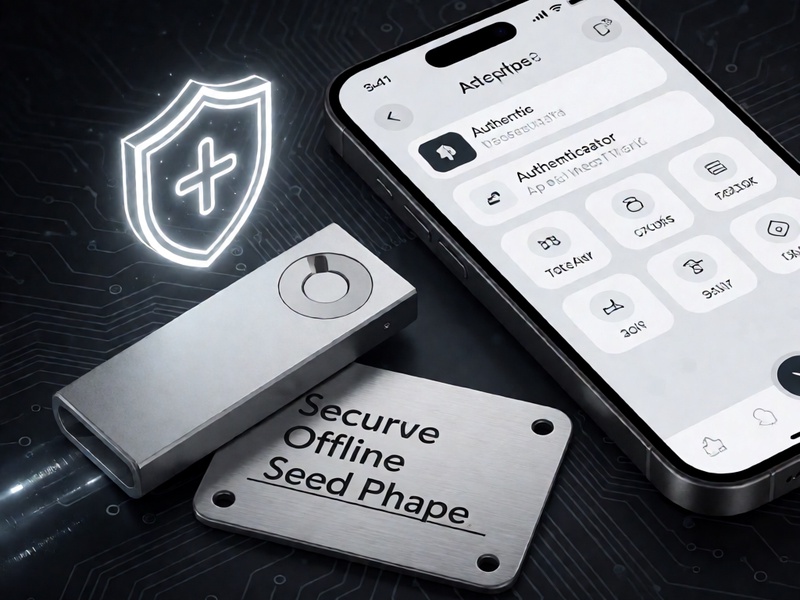
Two-factor authentication protects access channels, but recovery data still needs physical security. The seed phrase or private key is the ultimate control point. Treat it as a high-value credential.
Best practices include:
- Write the seed phrase on metal or paper and store it securely
- Never store the full seed phrase in plain text online
- Avoid taking photos of recovery words
- Use a trusted offline location such as a safe or secure vault
- Keep a separate backup in case of fire, theft, or loss
- Do not share the seed phrase with anyone claiming to be support staff
After recovery, test that your backup works only in a safe and controlled environment. Some wallets allow you to verify the seed phrase without exposing the entire phrase to the internet.
5. Prevent Phishing and Malicious Approval Prompts
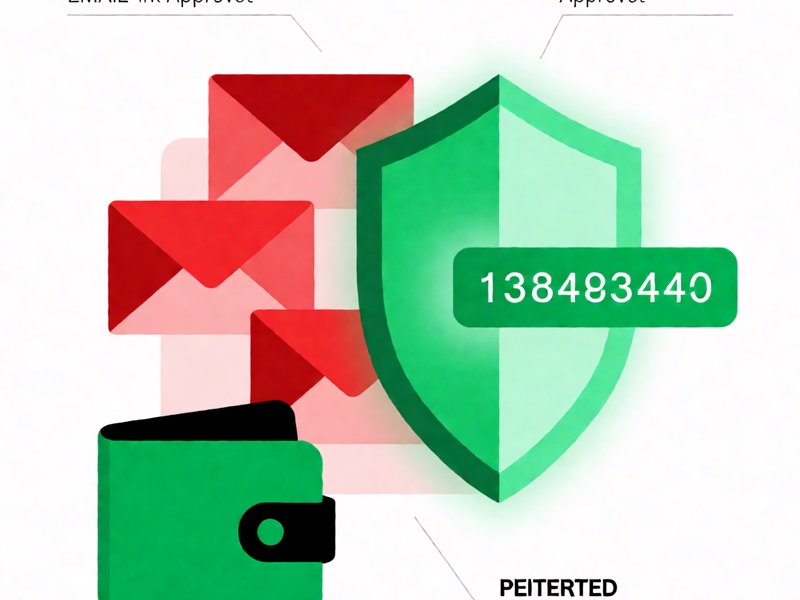
Wallet restoration often attracts phishing attempts because attackers know users may be anxious or unfamiliar with the interface. Two-factor authentication can stop account takeover, but it cannot prevent signing malicious transactions if the user approves the wrong request.
To reduce this risk:
- Read every transaction prompt carefully
- Confirm recipient addresses directly with the intended party
- Avoid approving unlimited token allowances
- Disconnect unused dApps and extensions
- Use a fresh wallet address for large transfers when practical
- Enable address whitelisting if the wallet supports it
For exchanges, also confirm that withdrawal address changes are protected by email, SMS, app confirmation, or support review. This reduces the chance that an attacker can reroute funds after gaining partial access.
6. Restore a Clean Recovery Routine
The most important step after wallet recovery is to return to a disciplined security routine. Two-factor authentication is not a one-time setting; it is part of a broader system that includes device hygiene, account monitoring, and backup management.
A simple routine can include:
- Reviewing security settings monthly
- Replacing weak passwords regularly
- Checking authorized devices
- Updating firmware and operating systems
- Testing backup recovery in a safe environment
- Recording where recovery phrases are stored
- Informing trusted family members or colleagues only about the existence of secure access, not the secret words
Conclusion
Wallet recovery restores access, but it can also expose the user to new security gaps if follow-up steps are skipped. The best defense after recovery is to verify the source, enable stronger two-factor authentication where available, secure linked accounts, inspect wallet connections, protect offline backups, and stay alert to phishing and transaction approval risks. A recovered wallet should be treated as a freshly compromised target until every access path has been reviewed and hardened.