Losing a Monero wallet after an accidental deletion, disk format, or drive failure is stressful. Searches for Monero wallet database recovery from file fragments often promise a clean fix, but the honest answer is more nuanced. Sometimes a complete .keys file can be carved from unallocated space. Sometimes only cache fragments survive. The difference decides whether you can restore spending access or only recover records.
This guide is an offline-first attempt plan. It focuses on Monero wallet files, not the Monero blockchain database, and it explains where fragment recovery helps, where it fails, and how to avoid making the damage worse.
First, identify what you are trying to recover
A typical Monero wallet directory contains several files with different recovery value:
| File | Role | Recovery value |
|---|---|---|
| walletname.keys | Encrypted secret keys and essential wallet material | Critical. If intact and the password is known, the wallet can often be opened or restored. |
| walletname cache | Transaction history, addresses, notes, and wallet metadata | Useful but not a substitute for keys. It can often be rebuilt from the blockchain if .keys is available. |
| walletname.address.txt | Public address text file | Helpful for identification and evidence, but not enough to spend funds. |
A crucial point: Monero does not use BIP39/BIP32. It uses its own 25-word mnemonic scheme. BIP39 partial-seed solvers and BIP32 derivation tools are designed for Bitcoin and Ethereum-style wallets. They do not restore Monero. That distinction matters when you evaluate recovery tools and online claims.
Why file fragments are harder than deleted files
A deleted file may still be recoverable as a whole if the filesystem has not reused its blocks. A fragmented file is different. You may have the header, part of the encrypted payload, and a trailing block, but missing middle sectors. Encryption and integrity checks make partial reconstruction unreliable. A fragment containing most of a .keys file is not usually 80% recoverable; it is often unusable unless the complete encrypted structure can be validated.
SSDs add another problem. TRIM and wear leveling can erase deleted blocks quickly. If the wallet was on an SSD and the machine stayed powered on, your window may already be closed. This is why the first step is always preservation, not experimentation.
Step 1: Stop using the source device and image it
Do not install recovery software on the affected drive. Do not run a wallet, browser, or sync client from it. Work from a write-blocked clone or a forensic image.
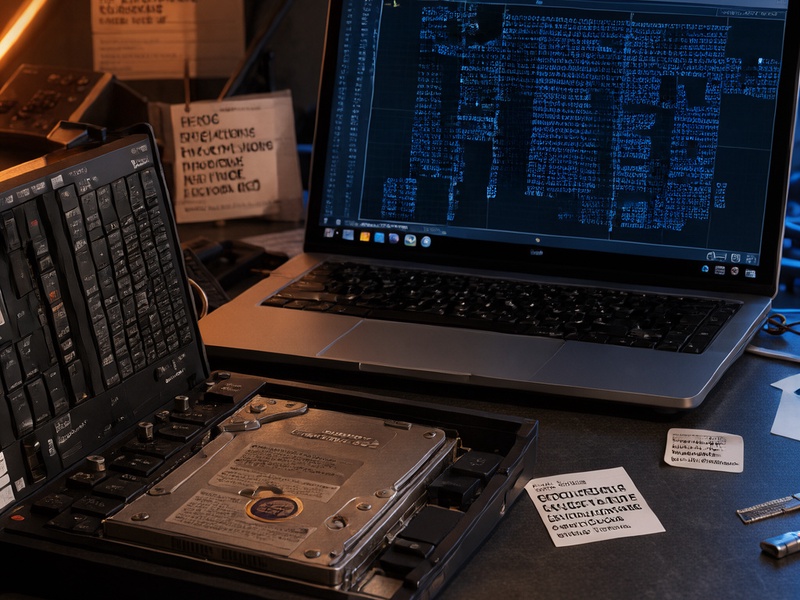
On Linux, a common imaging workflow looks like this:
sudo ddrescue -d -r3 /dev/sdX /evidence/monero-disk.img /evidence/ddrescue.log
sha256sum /evidence/monero-disk.img
Keep the original device untouched. Perform carving and validation on copies. Use an offline machine or isolated virtual machine for any wallet-opening attempt.
Step 2: Triage the image before carving
Before running carving tools, search for obvious survivors:
- Look for wallet names,
.keysfiles,.address.txtfiles, old backups, recycle-bin contents, snapshots, and cloud-sync copies. - Check email attachments, password managers, old laptops, USB drives, and documented restore heights.
- Use metadata tools such as
bulk_extractoror filesystem-aware recovery tools to locate filenames and small files. - Do not expect plaintext seed words in wallet files. Monero wallet files do not normally store the mnemonic in readable form.
If the file was deleted recently and the filesystem is not SSD/TRIM, whole-file undelete may succeed. Fragments are the fallback, not the first choice.
Step 3: Carve and validate candidate .keys files
Generic carving tools such as PhotoRec, foremost, scalpel, Autopsy, or commercial forensic suites can recover files by signature and structure. However, small Monero .keys files may not be in standard signature databases. If you know the header pattern and expected size for your wallet version, a custom carver can scan for that pattern, but it still needs the complete encrypted file to be useful.
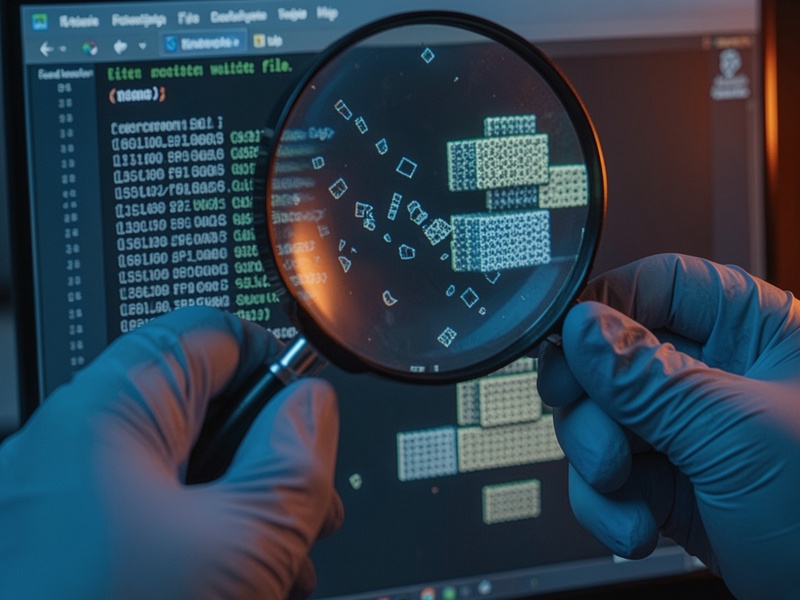
Validate candidates safely:
- Copy each candidate to an isolated offline environment.
- Use a current
monero-wallet-clibuild and checkmonero-wallet-cli --helpfor the exact restore and rescan flags in your version. - Open only a copy. If the wallet opens with the password, immediately make another backup.
- Restore or rescan against a local Monero node for privacy, then move funds to a new wallet.
- If the password is unknown, preserve the candidate and move to offline password recovery rather than editing the file.
A candidate that opens but shows a damaged cache is still valuable. A candidate that fails integrity checks is usually not repairable by hand.
Step 4: Rebuild the cache instead of stitching fragments
If .keys is intact but the cache is missing or corrupt, do not merge random fragments. Rename the damaged cache on a copy and let Monero rebuild or rescan from a known restore height. This can take time and disk space, and a local node is preferable for privacy.
If you only have cache fragments, you may recover transaction IDs, addresses, notes, or dates for record-keeping. That is forensic evidence, not spending access. The cache does not replace the .keys file or the seed.
Step 5: Password and seed recovery have hard limits
If .keys is intact but the password is forgotten, an offline dictionary, mask, or rule-based attack may work when the password is weak. Verify that the tool actually supports the Monero wallet format before investing GPU time. Hashcat can help only if your build has a compatible mode. Bitcoin-focused tools such as btcrecover and Pywallet should not be pointed at Monero files and expected to work.
If the seed is partially remembered, use Monero-aware mnemonic tools and checksum constraints. Do not use BIP39 solvers. Never paste a seed, private key, or .keys file into a website or a chat service.
If both .keys and the seed are gone and only encrypted fragments remain, practical recovery is unlikely. Be skeptical of services that guarantee fragment recovery.
Common mistakes that reduce recovery odds
- Writing new data to the source disk after deletion.
- Assuming the cache is the wallet and that transaction history equals spending access.
- Using BIP39/BIP32 tools on a Monero wallet.
- Editing or hex-patching
.keyswithout a verified backup. - Sending seed words or wallet files to online recovery services.
- Ignoring
.address.txt, old restore heights, or backup copies. - Testing candidates on the only surviving copy.
Prevention beats fragment recovery
Use a 3-2-1 backup strategy: three copies, two media types, one off-site. Test restores before you need them. Keep an encrypted .keys backup and store its password separately. Store the Monero seed on durable media, consider metal backup for long-term storage, and document the wallet version and restore height. If you use a hardware wallet or cold wallet, verify that the backup and recovery process works with your own hands.
Quick checklist
- Stop using the device and image it.
- Preserve the original and work on copies.
- Identify whether you have
.keys, cache, seed, or only fragments. - Try whole-file undelete before carving.
- Validate
.keyscandidates offline with a current Monero wallet build. - Rebuild the cache from the blockchain if keys are intact.
- Use offline password recovery only when the wallet format is supported.
- Move recovered funds to a new wallet immediately.
Conclusion
Recovering a Monero wallet database from file fragments is sometimes possible when a complete .keys file survives. It is rarely possible when only partial encrypted fragments remain. The best outcomes come from careful imaging, realistic triage, offline validation, and tested backups. For Bitcoin, Ethereum, and other BIP39/BIP32 wallets such as Electrum, MetaMask, or Ledger, the same offline-first discipline applies; the Crypto Wallet Recovery Guide at / covers seed-phrase and password recovery workflows for those ecosystems. For Monero, your strongest recovery asset is a complete .keys file, a verified seed, or a backup you have already tested.