Monero wallet recovery is a privacy-sensitive process that requires a controlled, methodical plan rather than improvised troubleshooting. Expert solutions focus on verifying ownership, reconstructing access from legitimate backups, limiting exposure of private information, and validating the recovered wallet before moving funds. This guide presents a professional framework that individuals, custodians, and technical teams can adapt to their own recovery needs.
Core Principles of a Secure Recovery
- Prove legitimate ownership before beginning any restoration work.
- Prefer official Monero software and verified installation media.
- Never expose mnemonic phrases, spend keys, or passwords to untrusted applications.
- Treat every recovery as a potential security incident until proven otherwise.
- Preserve evidence, backups, and logs in a controlled offline environment.
Step 1: Confirm Ownership and Define Scope
Before using recovery tools, document the wallet situation: how access was lost, which files remain, whether the seed phrase is known, and whether the device is compromised. If the wallet belongs to an organization, confirm authorization through internal policy. A clear scope prevents accidental exposure and helps avoid actions that may destroy recoverable data.
Step 2: Inventory All Available Recovery Assets
A professional recovery plan classifies assets by sensitivity:
- 25-word Monero mnemonic phrase: the most critical primary recovery material.
- Wallet file and password: may restore access if compatible and uncorrupted.

- Public address, view key, and spend key: useful for auditing or partial restoration.
- Exchange withdrawal logs: may help reconstruct approximate transaction history.
- Backup locations and timestamps: reveal which version should be trusted.
If no seed phrase exists, still search for encrypted archives, cloud snapshots, paper backups, or previous wallet exports. Do not overwrite likely recovery materials with new attempts until inventory is complete.
Step 3: Prepare a Clean and Offline Working Environment
Use a freshly installed, verified operating system or a known-good offline machine. Download Monero binaries and documentation from the official source and verify hashes before running software. Disable auto-updates during the recovery session and avoid copying private data to personal cloud services. If the previous device may be infected, assume the environment is hostile until restored elsewhere.
Step 4: Restore from the Mnemonic Phrase
The most reliable path for a legitimate owner is the Monero mnemonic.
- Open a trusted Monero wallet application.
- Choose restore from seed phrase or equivalent option.
- Enter the 25-word phrase carefully.
- Set a strong password for the new wallet.
- Specify the best known starting block height if available.
- Wait for scanning to finish and compare balances with trusted records.
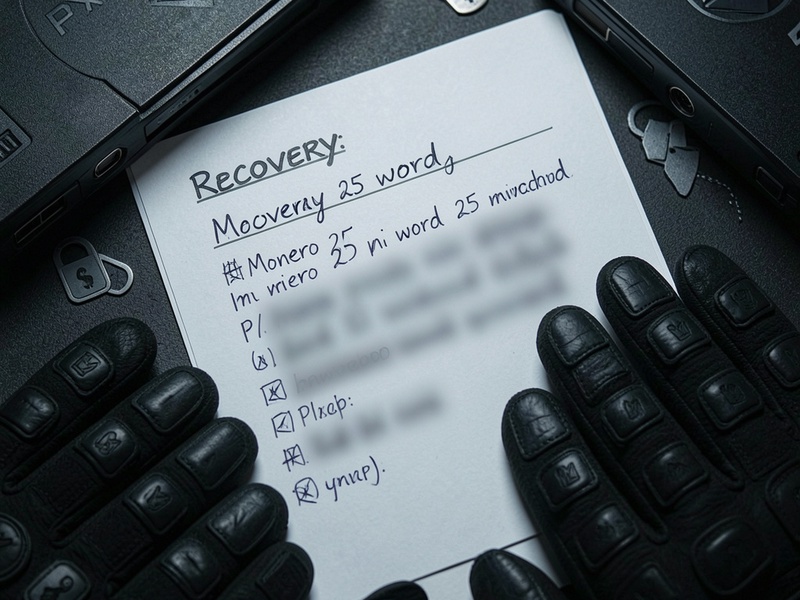
During restoration, keep the phrase hidden from cameras, shoulder surfers, and clipboard managers. If typing on a shared device, use on-screen protection or an offline trusted terminal.
Step 5: Restore from a Wallet File or Key Set
If the mnemonic is unavailable but a wallet file exists, a professional workflow may attempt to open the file on a clean machine using the remembered password. If password recovery is needed, use trusted forensic practices and preserve read-only copies first. If only a view key is available, restore a read-only wallet to inspect transaction history, but remember that a spend key or seed is required to move funds.
This route requires extra caution. Wallet-file restoration can fail after software changes, password mismatches, or corrupted data. A competent specialist will evaluate file integrity, timestamp consistency, and chain-scan status before drawing conclusions.
Step 6: Validate Balance and Transaction History
Monero accounts must be reconciled against independent records. Check the restored balance against the last known state, exchange withdrawals, and any paper logs. For privacy-sensitive users, review received outputs with appropriate tools and confirm that the wallet shows expected spendable funds. Do not assume the balance is wrong simply because scan status differs from a previous node.
A professional check list includes:
- Wallet height versus network height.
- Expected transaction count and timestamps.
- Unlocked versus locked output states.
- Presence of unexpected changes that could signal tampering.
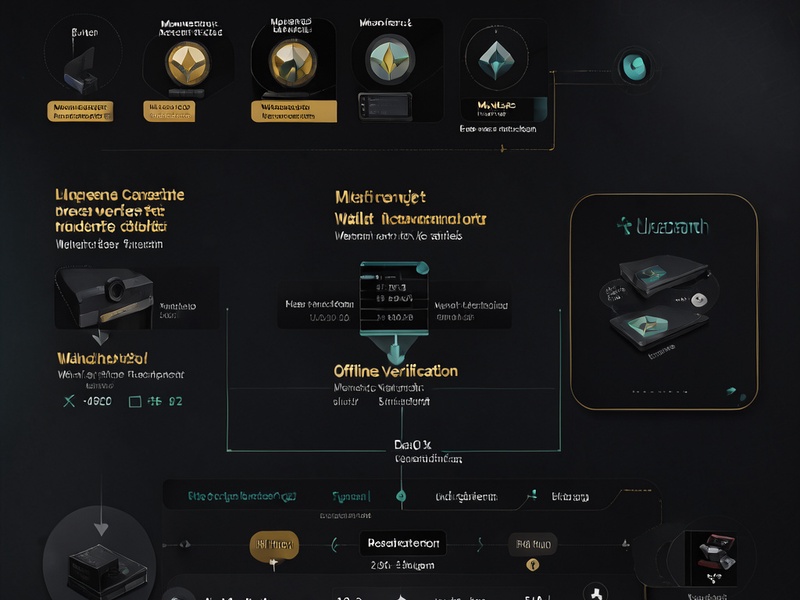
Step 7: Rebuild Safeguards After Recovery
Recovery is incomplete until the wallet is protected again. Replace weak passwords with unique high-strength credentials. Create multiple encrypted backups of the seed phrase in separate physical locations. Consider hardware-based or offline signing practices for regular use. For organizations, implement multisig or custodial segregation where appropriate.
Step 8: Escalate to Expert Support When Needed
Specialist assistance is appropriate for damaged backups, mismatched wallet states, suspected malware, or legally supervised recoveries. A reputable expert will ask for non-sensitive context first, never request full private keys upfront, and operate with written authorization. The goal is to restore access while preserving evidence and minimizing user exposure.
Common Mistakes That Worsen Recovery Risk
- Testing the seed phrase on random websites or unofficial apps.
- Overwriting a possibly corrupt wallet with a fresh export.
- Using a compromised machine after suspected theft.
- Recording private data in screenshots, notes, or chat threads.
- Moving funds immediately before confirming wallet integrity.
Final Guidance
A Monero wallet recovery expert solution is not simply a password reset. It is a privacy-aware reconstruction process that protects the owner, verifies the software, and restores confidence in the wallet state. When executed carefully, legitimate recovery can be achieved without surrendering the security model that makes Monero valuable.