Losing a recovery phrase feels like losing the key to a safe. If you are looking for a way to recover a Mutiny wallet seed phrase, the most important thing to know first is this: a seed phrase cannot be recovered by guessing, brute force, or cracking tools if you have no part of it. Understanding why will save you time, money, and possibly your funds.
How Mutiny Wallet Seed Phrases Work
Mutiny Wallet is a non-custodial Bitcoin and Lightning wallet. That means the wallet keys are generated and stored on your device, not on a company server. The seed phrase is typically a 12 or 24 word BIP39 mnemonic, which deterministically generates your keys following BIP32 derivation paths.
Because BIP39 phrases contain 128 to 256 bits of entropy, the number of possible combinations is astronomically large. Even with powerful hardware, trying every possible combination is not feasible. This is by design, and it is why no legitimate tool can 'crack' a fully lost seed phrase.
What Is Actually Recoverable
The realistic recovery paths depend on what you still have:
- A partial phrase. If you remember most words but not one or two, tools that test possible word combinations can work, provided you know which positions are uncertain and the missing words come from the standard BIP39 wordlist. Do this offline, on a clean machine, with a copy of the phrase, never by entering your phrase into a website.
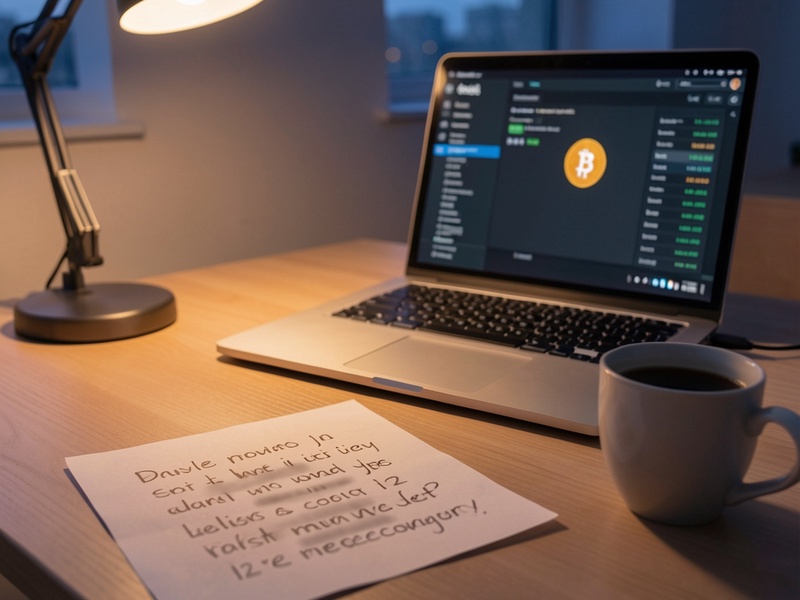
- A written or stored backup. Check paper notes, password managers, encrypted files, and any places you may have stored a copy. Many lost phrases are simply misplaced.
- A device with the wallet still installed. If the wallet data still exists on a phone or computer, you may be able to export the recovery phrase from within the app before uninstalling anything else.
- A wallet password. If you forgot the password that protects a wallet file but still have the seed phrase, the seed phrase is what matters. Reset access using the phrase rather than trying to crack the password.
Offline Practices That Reduce Risk
When handling sensitive recovery work, follow these habits:
- Work on an air-gapped or freshly installed machine when possible.
- Disconnect from the internet before entering any seed phrase or key material.
- Use only open-source tools you have verified from their official repositories.
- Never type your full seed phrase into an online checker or unknown app.
- Test any recovery on a small amount first, or confirm the derived addresses match your records before moving funds.
Warning Signs of Recovery Scams
Many people who lose access to crypto are targeted a second time. Be cautious of anyone who:
- Promises to recover your Mutiny seed phrase for an upfront fee or a percentage of your funds.
- Asks you to type your seed phrase into a website, chat window, or 'support' form.
- Contacts you first on social media, Telegram, or email claiming to be from Mutiny or a recovery service.
- Requests remote access to your computer or phone.
No legitimate support team will ever ask for your seed phrase. Anyone who asks for it is trying to take your funds.
Protect Your Seed Phrase Going Forward

If you do regain access, take steps so the problem does not happen again:
- Write your phrase on paper or metal, and store copies in at least two secure physical locations.
- Consider splitting the phrase using a shamir-style scheme or a multi-location storage plan, so no single copy reveals everything.
- Keep a record of your wallet type, derivation settings, and the date you created it.
- Test your backup by restoring it to a wallet you control before relying on it.
Final Thoughts
Recovering a Mutiny wallet seed phrase depends almost entirely on what information you still have. Partial recall and existing backups are realistic paths. A complete phrase that has been fully lost cannot be reconstructed by any tool. Before paying anyone or running any software, confirm your options carefully, keep your phrase offline, and check Mutiny's official channels for current service information.
For more step-by-step guidance on wallet recovery, backup strategies, and safe offline practices, visit Crypto Wallet Recovery Guide.