Recovering a Zcash wallet from a seed phrase, wallet backup, or hardware device can feel like relief. But recovery is also a high-risk moment: malware may be watching your clipboard, fake wallet apps may be waiting for your seed, and an old backup may hide unauthorized activity. A post-recovery security audit turns that relief into confidence by verifying every layer of the restored wallet before you trust it with meaningful funds.
A recovered wallet is not automatically a trusted wallet. Treat it as a new security incident until you have verified the software, keys, balances, privacy settings, and backup process.
Why a Zcash Wallet Recovery Security Audit Matters
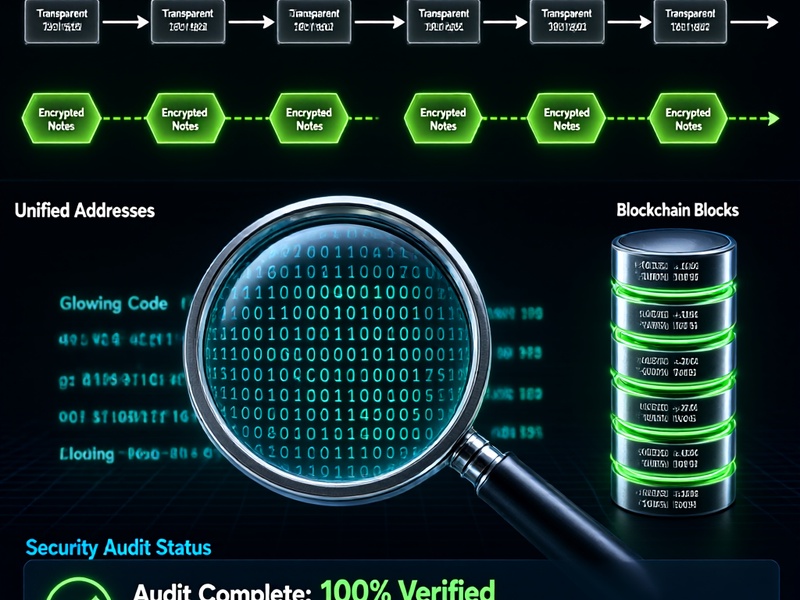
Zcash adds privacy features that change how you audit a wallet. You may be dealing with transparent addresses, Sapling or Orchard shielded balances, and Unified Addresses, depending on the wallet and the age of your backup. A simple balance check is not enough. You need to know whether the restored wallet is authentic, whether the seed phrase was exposed, whether the shielded notes are intact, and whether any transaction history looks unauthorized.
The goal is not only to recover access. The goal is to recover access safely, with a clean device, verified software, and a hardened backup strategy.
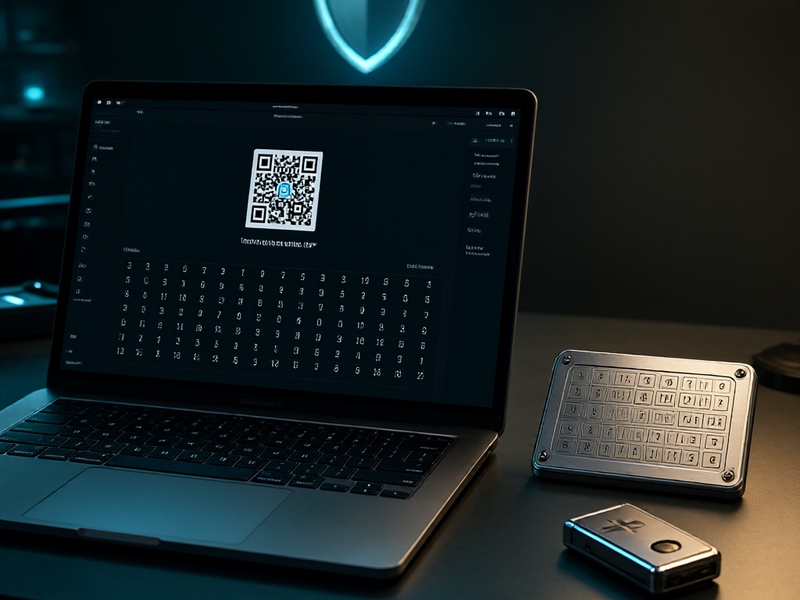
1. Prepare a Clean, Verified Recovery Environment
Before entering any seed phrase, prepare an environment that you control.
- Use a clean device or live operating system. A dedicated laptop, a fresh OS installation, or an amnesic live USB reduces the chance that existing malware captures your seed or clipboard data.
- Download wallet software only from official sources. Verify checksums, GPG signatures, and release notes. Fake Zcash wallets and phishing sites are common.
- Prefer a hardware wallet or a well-audited wallet with shielded support. If your funds are significant, avoid entering a seed phrase into a general-purpose browser or mobile device.
- Disconnect unnecessary services. Disable remote desktop tools, screen sharing, cloud sync, clipboard managers, and browser extensions you do not need.
- Document your starting point. Record the wallet version, date, device, network, and the backup source. This helps you compare the recovered state against known history.
If you must sync with the Zcash network, use a trusted full node or a reputable lightwalletd server over Tor. Do not rush. A few extra minutes of preparation can prevent irreversible loss.
2. Verify the Restored Wallet and Its Data
Once the wallet is restored, audit what it actually contains. Do not assume that a visible balance means the wallet is safe.
- Confirm the seed phrase and passphrase. Re-check word order, spelling, and any BIP39 passphrase. A single wrong word can restore a different wallet.
- Compare addresses and balances with your records. Check transparent balances, Sapling balances, Orchard balances, and Unified Addresses. If your backup notes show different totals, investigate before moving funds.
- Review transaction history. Look for unexpected outgoing transactions, unknown recipients, or activity that occurred after your last known use.
- Check derivation paths and accounts. Some wallets restore the first account only. If you used multiple accounts or older derivation paths, verify that all expected funds appear.
- Inspect shielded notes. Shielded balances may take longer to scan and recover. Confirm that the wallet has finished syncing and that no notes are missing.
- Test with a small amount first. If you plan to move funds, send a small test transaction to a newly created, verified address before transferring the full balance.
If you find missing funds or unauthorized transactions, stop. Do not keep using the same seed in the same environment. Create a new wallet on a clean device, generate a new seed, and move remaining funds there as soon as you can do so safely.
3. Audit Seed Phrase, Keys, and Backup Hygiene
The recovery process often exposes weaknesses in how the seed phrase and backups were stored. Audit them now.
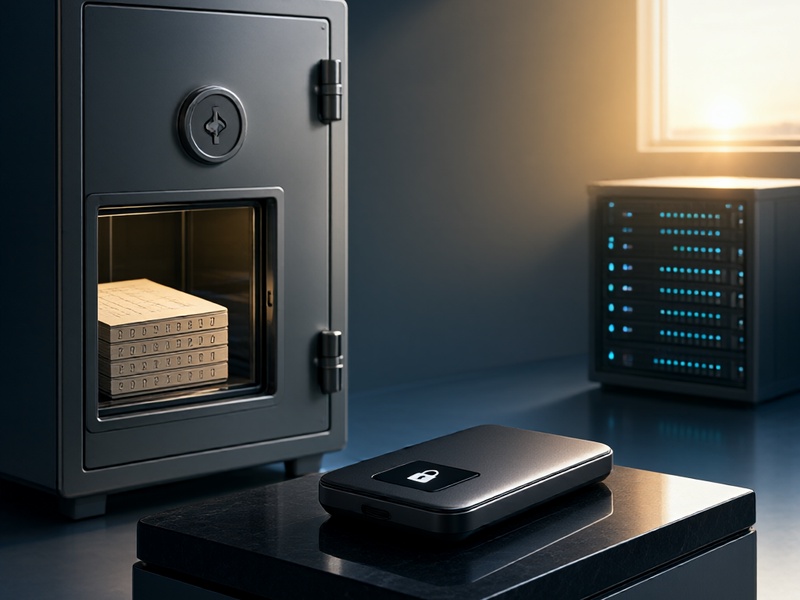
- Never store a seed phrase digitally. Avoid photos, screenshots, email, cloud notes, chat apps, and unencrypted password managers. For long-term storage, use fireproof and waterproof metal backup plates.
- Check for exposure. Assume any seed phrase typed into a compromised device is burned. If you are unsure, migrate to a new wallet rather than reuse the old seed.
- Secure the wallet with a strong passphrase and auto-lock. Use a unique password that is not reused anywhere else.
- Verify your backup method. Rehearse recovery on a clean device with a small test wallet, not your main wallet. Make sure you can read every word and that the backup is stored separately from the device.
- Destroy insecure old backups. Once a new, verified backup is in place, securely destroy paper notes, screenshots, or old files that could expose the seed.
- Consider multisignature or hardware-backed custody. For high-value holdings, reduce single points of failure with hardware wallets or multisignature setups where supported.
4. Check Network Privacy and Transaction Hygiene
Zcash privacy depends on how you use the wallet, not just on the fact that it supports shielded transactions.
- Shield transparent funds when appropriate. Transparent addresses expose balances and transaction links. Moving funds into the shielded pool can improve privacy, but do it deliberately and understand the wallet flow.
- Avoid address reuse. Use fresh Unified Addresses or shielded addresses for new payments. Reuse weakens privacy for you and your counterparties.
- Use your own node or a trusted connection. Running zcashd or Zebra gives you more control over your view of the blockchain. If you use a light wallet server, connect over Tor or a trusted network.
- Be careful with block explorers. Looking up your own addresses can link your identity to your wallet activity. Use explorers sparingly and prefer privacy-preserving methods.
- Verify the network and block height. Confirm that you are on the correct Zcash network and that your node is synced to the current chain tip. A stale or malicious node can show misleading data.
- Review privacy leaks outside the wallet. Browser extensions, clipboard history, screenshots, and cloud backups can reveal addresses, balances, or seed material.
5. Set Up Ongoing Monitoring and Incident Response
A post-recovery audit is not a one-time task. After recovery, put monitoring and response habits in place.
- Monitor for unexpected spending. Use wallet notifications, watch-only setups, or periodic balance checks. If you see an unauthorized transaction, act immediately.
- Keep software updated. Update your wallet, operating system, hardware wallet firmware, and Zcash node. Follow official Zcash security advisories and release announcements.
- Re-test backups. Schedule periodic recovery drills using a small test wallet. A backup you cannot restore is not a backup.
- Separate hot and cold funds. Keep spending money in a hot wallet and long-term savings in cold storage or hardware-backed custody.
- Have an incident plan. If you suspect compromise: disconnect the device, stop using the seed, create a new wallet on a clean machine, move remaining funds, and rotate all related credentials.
Summary
A Zcash wallet recovery should end with verification, not assumption. Prepare a clean environment, verify the wallet software and restored data, audit your seed and backup hygiene, check network and transaction privacy, and set up ongoing monitoring. If anything looks wrong, migrate to a new wallet rather than reusing a potentially exposed seed. The best recovery is one that leaves you with stronger security than before.
Quick post-recovery checklist:
- Clean, verified device and wallet software
- Seed phrase, passphrase, and derivation path confirmed
- Transparent, Sapling, Orchard, and Unified Address balances reviewed
- Transaction history checked for unauthorized activity
- Seed stored offline, ideally on metal, with no digital copies
- Full node or trusted Tor connection used
- Transparent funds shielded where appropriate and address reuse avoided
- Backups tested and monitoring in place