Overview
Mnemonic recovery, also called seed phrase restoration, lets a user recreate a wallet on a compatible Electrum Cash application. The process is simple but risky if the seed is exposed. This guide describes an operational standard for restoring a wallet safely, protecting private keys, and verifying that the restored wallet controls the expected addresses.
Before You Start
Use a clean and trusted device. If possible, install Electrum Cash from an official source and verify checksums or release signatures when available. Do not perform recovery on a shared, public, or untrusted computer. Disable browser password managers, clipboard tools, screen recorders, cloud backups, and remote access programs. Close unnecessary applications and disconnect other online accounts that may sync wallet-related data.
Prepare the Seed Phrase Safely
Place the seed phrase offline in a controlled environment. If the seed is written on paper or stored on a metal backup, keep it out of camera view. If typing, use a clean keyboard and ensure no keylogger is present. Do not take screenshots during recovery. Do not photograph the seed. Do not type the seed into a website, email, support chat, or search engine.
Recovery Procedure
- Launch Electrum Cash and choose to create a new wallet or restore from an existing seed, depending on the interface.
- Select the mnemonic or seed recovery option rather than generating a new wallet.
- Enter the seed phrase carefully, confirming the word count, order, spelling, and any passphrase. If an optional passphrase exists, use the exact original passphrase.
- Set a strong local wallet password to protect encrypted wallet data on the device.
- Allow the application to rescan the blockchain. The scan may be slow if the wallet contains many transactions or uses custom derivation settings.
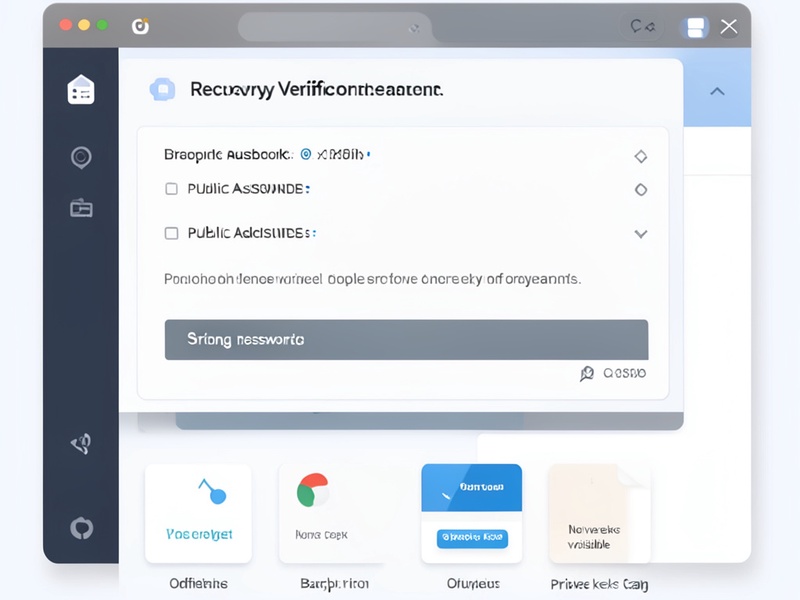
- Verify that the restored wallet displays expected balance categories and address labels. Compare only public addresses, never share them unnecessarily.
- Send a small test transaction if practical and check that the address is recognized by your existing ledger or backup plan.
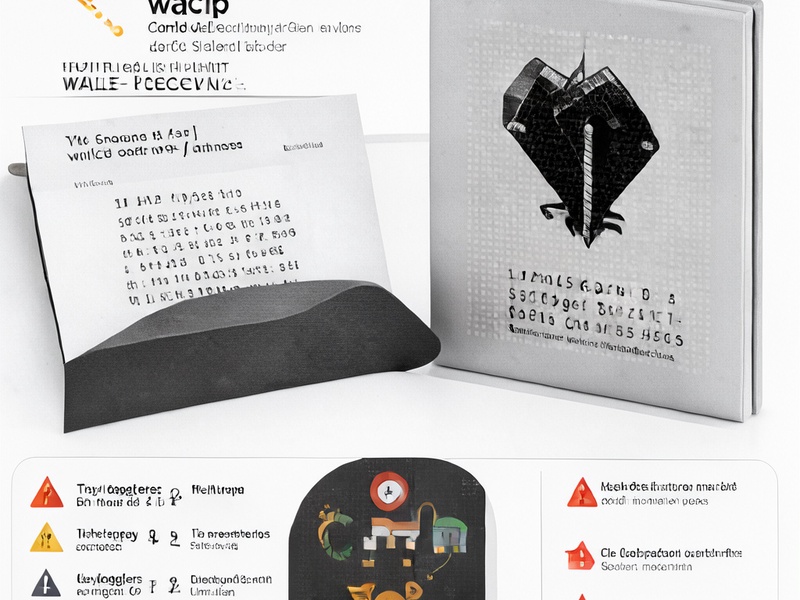
- Back up the new wallet file, seed, and derivation information offline using your long term storage method.
Security Rules
Never share the mnemonic seed or wallet password. Support staff, exchange agents, and wallet developers should never request a full seed. Do not enter the seed into any online form. When using a passphrase, store it separately from the seed only if you are comfortable with the loss risk. Keep physical backups fireproof, waterproof, and separated according to your threat model. Consider a multisignature setup for higher value holdings when supported and appropriate.
Common Risks
Restoring a wallet can be dangerous if malware is present, because the seed may be typed from memory and later intercepted. Cloud sync tools can accidentally upload wallet directories or backup archives. Clipboard managers can retain fragments of sensitive text. Public or remote assistance sessions can expose typed seed characters. Always assume that a compromised device cannot safely restore a wallet.
Final Checklist
- Trusted device verified
- Malware and screen capture disabled
- Seed entered offline
- Passphrase validated
- Wallet rescanned
- Expected addresses confirmed
- Small test transfer reviewed
- Offline backup stored securely