Restoring a Cardano wallet from a mnemonic phrase feels simple: type 24 words, set a spending password, and your ADA reappears. But a mnemonic recovery is not a routine login. It is a private-key reconstruction event. If those words were exposed to malware, a camera, a clipboard hijacker, a phishing site, or an untrusted device, the wallet should be treated as compromised until proven otherwise.
This guide explains how to perform a Cardano wallet security audit after mnemonic recovery. It covers software verification, address derivation, transaction history, staking delegation, native assets, red flags, and remediation.
Why Mnemonic Recovery Is a High-Risk Moment
A Cardano mnemonic phrase is the master secret for your wallet. In most wallets, it derives all spending keys, stake keys, addresses, and staking rights. Anyone who has the phrase can reconstruct the wallet and sign transactions.
During recovery, the phrase may pass through:
- The keyboard or touchscreen
- The operating system clipboard
- Wallet software memory
- Browser extensions
- Malware or remote-access tools
- Cloud backups or screenshots
If any of those layers are untrusted, the recovery is a potential key leak. Even if the wallet currently shows the correct balance, an attacker can wait, drain funds later, or change staking delegation without obvious signs.
Pre-Audit Setup: Build a Clean Environment
Before inspecting the wallet, prepare a controlled environment.
- Use a clean, updated device. Ideally, use a dedicated computer or an air-gapped machine.
- Prefer a hardware wallet. Restore the mnemonic only on a hardware wallet if possible. The seed should never touch a general-purpose browser wallet after exposure.
- Download wallet software from official sources. Verify the publisher, domain, signatures, and checksums. Avoid search ads and third-party download mirrors.
- Disconnect unnecessary networks and extensions. Disable browser extensions, screen-sharing tools, remote access software, and clipboard managers.
- Have a second trusted device for verification. Use it to check blockchain explorers such as Cardanoscan or Cexplorer without entering the seed.
If the seed phrase was already entered into a hot wallet, do not assume the audit can make that wallet safe. The audit is for understanding exposure and planning migration.
Step-by-Step Cardano Wallet Security Audit
1. Verify Wallet Software Authenticity
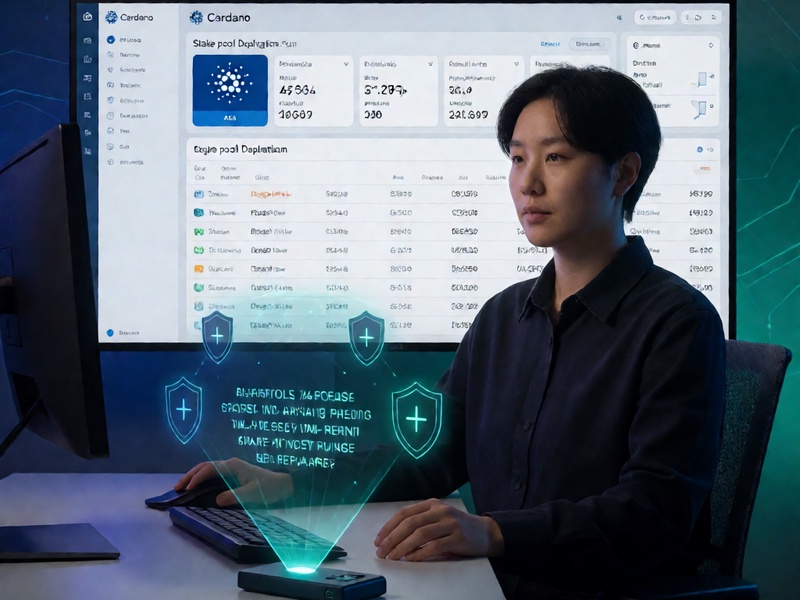
Confirm you are using legitimate Cardano wallet software. Common wallets include Daedalus, Yoroi, Lace, Eternl, Typhon, and hardware wallet integrations. Check the official website, release notes, and cryptographic signatures.
Red flags include:
- Slightly misspelled domains
- Fake browser extensions with positive reviews
- Apps asking for the full mnemonic after initial setup
- Pop-ups claiming your wallet needs urgent validation
A malicious wallet can display correct balances while silently sending keys to an attacker.
2. Restore in a Controlled Environment
If you must restore in software, do it offline. Disconnect from the internet, enter the mnemonic, then reconnect only after the wallet has derived addresses. Better yet, restore on a hardware wallet and keep the seed offline permanently.
After restoration, set a strong spending password. Remember: the spending password encrypts the local wallet file. It does not replace the mnemonic or protect you if the seed itself is compromised.
3. Confirm Address Derivation and Balances
Cardano wallets derive many addresses from one seed. Verify that the wallet shows the expected accounts, addresses, and balances.
Check:
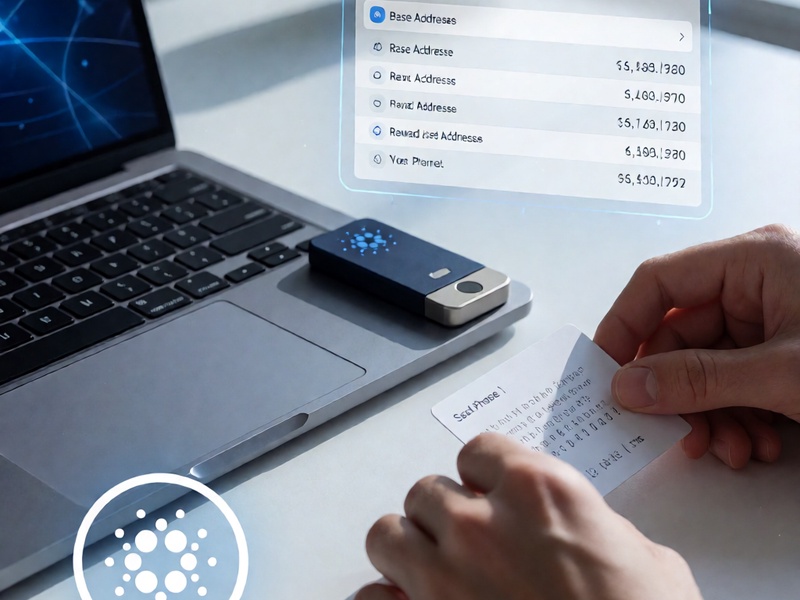
- Base addresses, enterprise addresses, and reward addresses
- Account index and address index, often following CIP-1852 paths such as
m/1852'/1815'/0'/0/0 - ADA balance and staking rewards
- Native tokens and NFTs
Compare the wallet balance with at least two independent blockchain explorers. If the wallet shows less than expected, the recovery may have used a different derivation path, account index, or wallet type.
4. Inspect Transaction History
Review every outgoing transaction. Look for:
- Transfers you did not authorize
- Small test transactions followed by larger drains
- Unknown recipient addresses
- Token or NFT transfers
- Reward withdrawals
- Transactions sent to mixers, exchanges, or unknown contracts
Cardano uses the UTXO model. Each transaction consumes previous outputs and creates new ones. A careful review means checking inputs, outputs, fees, and metadata, not just the total balance.
5. Audit Staking and Delegation
Staking is a common attack surface after seed exposure. An attacker with the stake key can change delegation or withdraw rewards, even if they cannot spend ADA from a hardware-protected spending key in some configurations. In a standard software wallet restored from a mnemonic, both spending and staking keys are derived from the same phrase.
Check:
- Which stake pool is delegated
- When the delegation certificate was submitted
- Whether the pool ID is familiar
- Whether rewards were withdrawn to an unknown address
- Whether the stake key was deregistered or re-registered
If you see an unknown pool or unexpected delegation, treat the wallet as compromised.
6. Review Native Assets and NFTs
Cardano native assets and NFTs live at addresses controlled by the same wallet keys. Attackers often drain high-value NFTs first because they are easy to identify and sell.
Use a trusted explorer or portfolio tracker to compare:
- Policy IDs
- Asset names
- Quantities
- Current holding addresses
If assets are missing, capture transaction hashes and report the incident to relevant marketplaces or communities where possible.
7. Check Passphrase and Wallet Settings
Some Cardano wallets support a BIP39 passphrase, sometimes called the 25th word. This passphrase creates a completely different wallet when combined with the same mnemonic.
Verify:
- Whether a passphrase was used during the original setup
- Whether the restored wallet matches the expected passphrase
- Whether multiple accounts or hidden wallets exist
If you forgot a passphrase, you may be looking at a different wallet with a zero balance. This is not necessarily a compromise, but it requires careful reconstruction.
8. Monitor Old Addresses
After recovery, copy the old receive addresses into a watch-only tool or explorer. Do not enter the seed. Monitor for unexpected withdrawals, staking changes, or dust transactions.
Attackers sometimes wait weeks or months before acting. Monitoring gives you early warning and evidence.
Red Flags That Demand Immediate Migration
Move funds to a new wallet immediately if you observe:
- Unauthorized outgoing transactions
- Delegation to an unknown stake pool
- Missing NFTs or native tokens
- Unexpected reward withdrawals
- Wallet balance changes while offline
- Seed phrase entered into a suspicious app or website
- Device infected with malware, keylogger, or clipboard hijacker
In these cases, an audit is not enough. The mnemonic must be considered burned.
Secure Remediation: Create a New Wallet
The safest response to a potentially compromised mnemonic is to create a new wallet with a new mnemonic on a hardware wallet.
Recommended migration steps:
- Generate a new 24-word mnemonic on a hardware wallet.
- Write it down offline, ideally on metal, and store it securely.
- Add a BIP39 passphrase if your wallet supports it and you can manage it safely.
- Send a small test transaction from the old wallet to the new wallet.
- Transfer native assets, NFTs, and ADA in batches.
- Re-delegate the new wallet to a trusted stake pool.
- Keep enough ADA in the old wallet for transaction fees until migration is complete.
- Monitor the old wallet and old addresses for further activity.
- Never reuse the compromised mnemonic for a new wallet.
If the old wallet has staking rewards, withdraw and migrate them carefully. In Cardano, staking rewards belong to the reward address derived from the stake key, so a compromised stake key can affect them.
Long-Term Cardano Wallet Security Habits
- Use a hardware wallet for meaningful holdings.
- Store the seed phrase offline and never type it into a website.
- Verify every receiving address on the hardware wallet screen.
- Use separate wallets for staking, NFTs, experimentation, and long-term storage.
- Keep firmware and wallet software updated from official sources.
- Treat unsolicited support messages as scams.
- Never share screenshots of seed phrases, QR codes, or private keys.
- Test recovery procedures with a small test wallet before relying on them.
Final Thoughts
A Cardano wallet security audit after mnemonic recovery is about more than checking a balance. It is a full review of software integrity, key derivation, transaction history, staking delegation, native assets, and device cleanliness. If there is any chance the mnemonic was exposed, do not try to clean the old wallet. Create a new wallet, migrate assets, and retire the compromised seed permanently.
Your mnemonic is not a password. It is the wallet. Treat every recovery as a security incident until proven safe.