Recovering a Bitcoin wallet is often more dangerous than losing access to it. When you use Sparrow Wallet, the goal is not just to regain funds, but to do it without exposing your seed phrase, leaking private keys, trusting fake tools, or overwriting a backup too early. The following method reduces the risk of a second loss.
1. Stop and assess before you touch anything
Do not delete old wallet files, reinstall Sparrow, import your seed into unknown apps, or share screenshots of recovery phrases. If malware is suspected, do not enter the seed on that device. If a hardware wallet is involved, verify that the device is genuine and expected.
2. Build a small recovery checklist
Before using Sparrow, write down only non sensitive information:
- Last known balance and coin type
- Wallet name or account names
- Public addresses or xpub, if safely stored

- Derivation path if known
- Whether the wallet used a passphrase
- The device or backup source you intend to use
Never write the full seed phrase in an online note.
3. Use an isolated recovery environment
Prefer a clean offline computer or a separate device with no browser, email, or chat apps running. If possible, use a freshly installed OS on a non network device. The main rule is simple: Sparrow may run on your network for final sending, but seed phrase entry should happen on a trusted, isolated setup whenever possible.
4. Install Sparrow only from the official source
Download the correct version for your platform and verify checksums or signatures. Malware often hides in fake wallet installers, support sites, or recovery tool pages. Do not accept help from strangers who ask for a screen share or seed.
5. Recover as watch only first when possible
If you have an xpub or descriptor, create a watch only wallet before using private keys. This lets you confirm that balances and history match without exposing your seed. If the watch only wallet shows the expected coins, the recovery data is likely correct.
6. Enter the seed phrase carefully into Sparrow
Use the correct language, word list, and order. If a passphrase was used, make sure it is identical and case sensitive. Check the wallet fingerprint when available and compare it with your original records. Sparrow can recover from seed, hardware devices, or descriptors; use the method that matches your backup.
7. Do not overwrite anything too early
Keep your original backups and config folder untouched until the recovered wallet shows expected history and controls funds. If you are moving coins, create a new secure destination first. If you are only restoring access, do not delete the old wallet file.
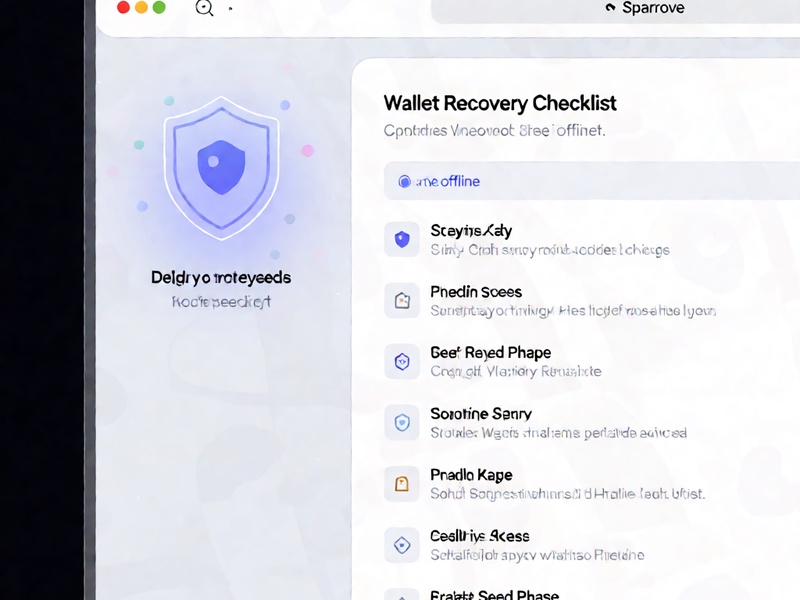
8. Test with a small value before major transfers
Send a tiny amount to the recovered wallet, then send it back to a second verified address. If hardware wallet is involved, confirm each signing device operation. A small test can expose wrong paths, missing passphrase, corrupted device, or malware interference.
9. Protect against social engineering
Scammers exploit recovery panic. They may pretend to be wallet support, ask for private keys, or offer recovery software. No legitimate service needs your seed phrase. Never pay an unknown person to unlock your wallet.
10. Create a new backup after recovery
Once recovered, make a clean paper or metal backup of the seed phrase and store it separately. If you used a temporary seed or passphrase during testing, rotate funds to a new secure wallet and back that up too. Verify backups regularly.
Final rule
A careful recovery is a slow recovery. Verify the environment, verify the wallet data, test the flow, and keep backups until every step is proven. This is the best way to recover a Sparrow Wallet without suffering a second loss.