Introduction
Hardware failure is never convenient, but in the Stellar ecosystem it can threaten two very different assets: access to XLM held in a hardware wallet, and the uptime of Stellar node or validator infrastructure. Effective Stellar hardware damage repair therefore begins with a clear distinction between consumer key-storage devices and server-class blockchain infrastructure. The goal is not simply to make damaged equipment power on again. The goal is to restore access and service without exposing secret keys, corrupting data, or creating a second failure.
This guide provides a structured playbook for Stellar hardware damage repair. It covers safe triage, wallet recovery through trusted backups, node restoration, storage forensics, and preventive resilience. The central principle is simple: protect secret material first, verify backups second, and repair or replace hardware only after the recovery path is understood.
Clarify the Scope: Wallets, Nodes, and Validators
Stellar hardware can refer to several categories of equipment, and each requires a different repair strategy.
- A hardware wallet such as a Ledger or Trezor device may store the keys that control an XLM account. In this case, physical repair is usually less important than secure migration to new hardware using the recovery phrase.
- A Stellar node or validator server runs stellar-core and supporting services. Repair may involve replacing a power supply, disk, RAM module, network card, or motherboard, followed by synchronization and validation checks.
- A secure enclave or HSM may protect validator keys or organizational signing material. Damage here requires vendor support, key rotation procedures, and strict chain-of-custody controls.
The most important question is not what component failed, but where the secret material lives. If keys are protected by a hardware wallet, migration is generally safer than attempting component-level repair. If the issue is node infrastructure, replacing failed parts and re-syncing from trusted sources is often faster and safer than trying to recover a corrupted database.
First Response: Triage Before Repair
Before opening a case, replacing a disk, or plugging a damaged device into a computer, perform a disciplined triage.
- Stop using the damaged device or server immediately. Repeated power cycles can worsen electrical faults or storage damage.
- Preserve the current state. Photograph symptoms, record error messages, and note recent changes such as firmware updates, power events, or physical shocks.
- Identify all backups. Locate recovery phrases, encrypted node configuration backups, validator key procedures, history archive access, and database snapshots.
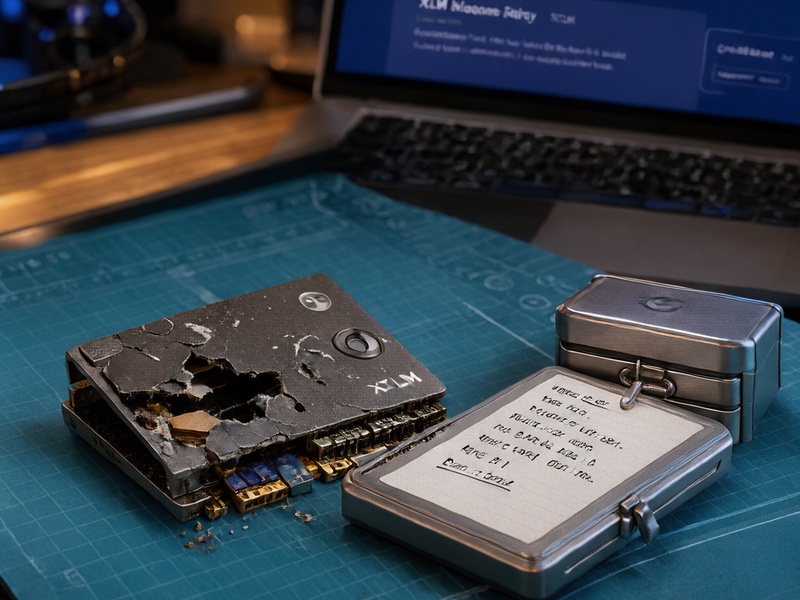
- Isolate secret material. Do not connect unknown drives to production systems, and do not attempt firmware recovery on a wallet that may still contain live keys.
- Document the recovery plan. Assign responsibility for wallet migration, node restoration, security review, and post-incident monitoring.
Avoid the common mistake of treating repair as an emergency hardware task. In Stellar environments, recovery is primarily a key-management and service-continuity task. A repaired device that has exposed a seed phrase is still a security incident.
Recovering Stellar Wallets from Damaged Hardware
When a hardware wallet holding XLM is physically damaged, the safest path is usually replacement and restoration, not repair. Physical repair of a wallet can expose the secure element, create hidden tampering risks, and void vendor assurances.
Use the following workflow:
- Obtain a new hardware wallet from an official vendor or authorized reseller. Avoid second-hand devices for high-value accounts.
- Verify that the device is genuine, initialize it with a new PIN, and restore the Stellar account only through the official recovery process using the backup recovery phrase.
- Confirm the restored public account address begins with G and matches the expected Stellar account. Check balances, trustlines, signers, and recent operations before signing anything.
- If the recovery phrase may have been exposed during the incident, treat the account as compromised. Create a new Stellar account, move assets, and revoke or update signers according to a pre-planned multisignature policy.
- If no recovery phrase exists, professional data recovery may be the only remaining option, but it carries serious secret-exposure risk. Use a vetted specialist with clear legal and security controls, and assume that any recovered key material must be rotated.
A damaged hardware wallet should generally be retired, not returned to service. Stellar hardware damage repair in this context means repairing access safely through backups and new trusted hardware.
Restoring Stellar Node and Validator Hardware
For Stellar node infrastructure, repair can be more conventional, but restoration must still be controlled. A failed power supply, RAM module, disk, or network card can often be replaced. The critical work is restoring a trustworthy configuration and verifying ledger synchronization.
Recommended steps include:
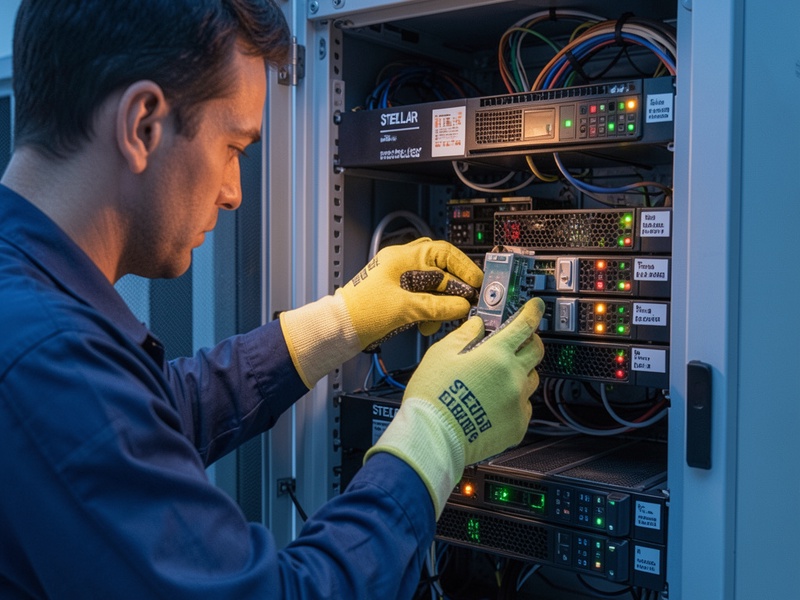
- Replace failed components with identical or vendor-approved parts. Use ESD-safe handling and label every disk before removal.
- Restore stellar-core configuration from versioned backups, including quorum settings, history archive configuration, network passphrase, and database connection details.
- Rebuild the operating system on clean media when hardware compromise or filesystem corruption is suspected. Reinstall stellar-core from official packages and verify checksums.
- Restore the database only if backups are verified and current. In many cases, catching up from history archives or re-syncing from the network is safer than restoring a questionable database.
- Monitor ledger synchronization, peer connectivity, validator status, and error logs until the node is fully caught up and stable.
- If validator key material was stored on the damaged system and compromise is possible, rotate the validator key and update the quorum set through the appropriate governance process.
For production validators, use redundant power supplies, UPS protection, RAID or replicated storage, out-of-band management, and alerting. Repair should restore service without weakening the validator security model.
Storage Recovery and Digital Forensics
Damaged storage is the most sensitive repair scenario. A failed disk may contain wallet data, node databases, configuration files, or validator secrets. Do not improvise.
- Image the drive before attempting repairs whenever possible. Avoid repeated power cycles and do not rebuild RAID arrays without understanding the original layout.
- For physical disk failure, use a professional clean-room data recovery service. For encrypted volumes, recovery still requires the correct keys or passphrases.
- For Stellar node databases, compare recovery time against re-sync time. A clean re-sync from trusted history archives is often the safer and faster option.
- Never send a hardware wallet or storage device containing live secret keys to an untrusted repair provider. Use chain-of-custody documentation and security supervision.
Data recovery is not the same as security recovery. Even if files are restored, any possibility of key exposure should trigger rotation and account review.
Repair or Replace? A Practical Decision Framework
Not every damaged device should be repaired. Use three criteria: security, cost, and downtime.
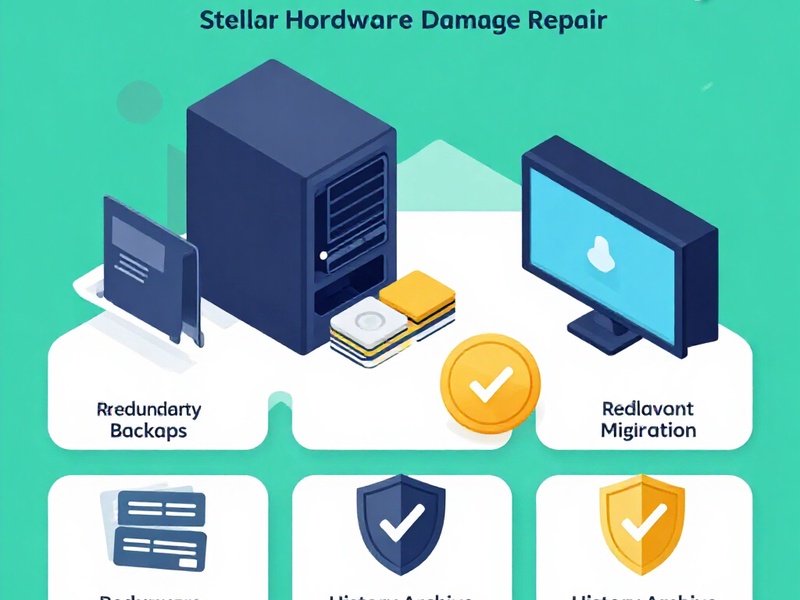
- Hardware wallets: replace and restore from backup. Repair only under vendor guidance and never for high-value accounts without rotating keys.
- Stellar nodes: repair when the fault is isolated, backups are verified, and the restored system can be validated. Replace when damage is widespread, the platform is obsolete, or security cannot be assured.
- Validators and HSM-backed systems: follow vendor and organizational incident-response procedures. Security assurance outweighs speed.
When in doubt, choose the path that minimizes secret exposure. A new device with a verified backup is usually safer than a repaired device with an uncertain history.
Preventive Resilience for Stellar Hardware
Stellar hardware damage repair is easier when resilience is designed in advance.
- Maintain 3-2-1 backups for node configuration and critical operational data, with at least one copy offline and encrypted.
- Store hardware wallet recovery phrases offline in secure, redundant locations. Never photograph them or store them in cloud notes.
- Use multisignature accounts for high-value XLM holdings and separate signing duties where practical.
- Keep spare power supplies, disks, and network components for production nodes. Use surge protection, UPS systems, cooling controls, and ESD-safe practices.
- Document recovery runbooks, test restores regularly, and conduct disaster recovery drills that include wallet migration and validator key rotation.
- Monitor hardware health, disk SMART data, temperature, power events, and node synchronization so failures are detected before they become outages.
Resilience turns a potential disaster into a routine recovery exercise.
Conclusion
Stellar hardware damage repair requires more than technical repair skills. It requires disciplined key management, verified backups, and a clear understanding of whether the affected asset is a wallet, a node, a validator, or a secure signing device. For wallets, migrate to trusted hardware and protect recovery phrases. For nodes, replace failed components, restore from trusted sources, and validate synchronization. For storage, prioritize forensic safety and assume exposure until proven otherwise. By treating repair as part of a broader recovery and resilience strategy, Stellar operators can restore access and service without compromising the security of the network or their XLM holdings.