Krux wallet recovery and wallet type selection are two critical skills for Bitcoin self-custody. Krux is an open-source, air-gapped Bitcoin signer that many privacy-focused users build themselves. If your device is lost, damaged, or wiped, recovery usually depends on the backup you created: a 12 or 24-word BIP39 mnemonic, a SeedQR, an encrypted backup, or a BIP39 passphrase. This guide explains how Krux recovery works, how to restore access safely, and how to choose a wallet type that is easier to recover in the future.
What Is a Krux Wallet?
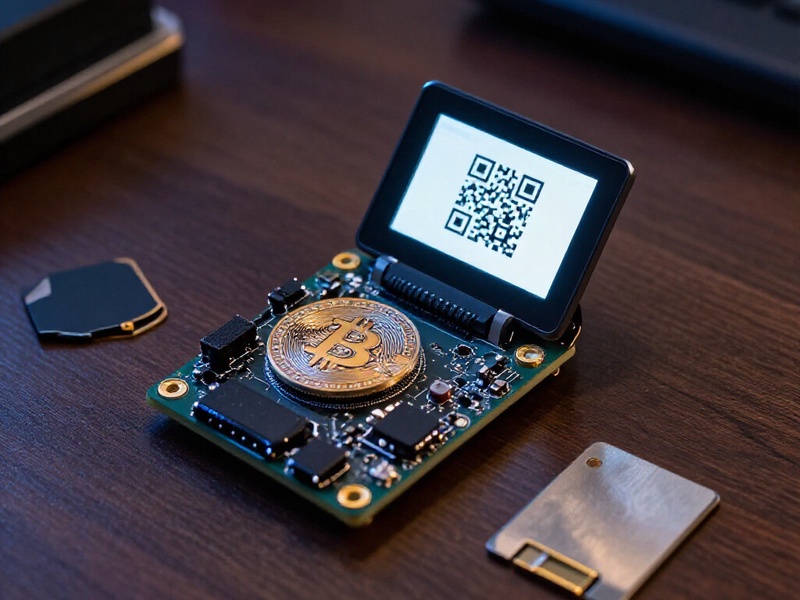
Krux is a DIY hardware signer built around common ESP32 hardware. It is designed for Bitcoin-only use, air-gapped operation, QR code communication, and compatibility with wallets such as Sparrow, Specter Desktop, BlueWallet, and other descriptor-based wallets. Many users run Krux as a stateless signer, meaning the seed is loaded when needed and not permanently stored on the device. Others use an SD card for encrypted backups or SeedQR storage. Because Krux is open-source, it appeals to users who want to verify firmware, avoid closed hardware, and keep private keys away from an internet-connected computer.
However, open-source flexibility also means you are responsible for backups, firmware verification, and recovery testing. A Krux device does not magically recover Bitcoin if the mnemonic is gone. The device is a signing tool; the real recovery key is your seed phrase or backup.
What Krux Wallet Recovery Really Means
Krux wallet recovery can mean several different things:
- Device recovery: Your Krux device is lost, bricked, or reset, and you want to load the same seed into a new Krux or compatible wallet.
- Seed recovery: You have the mnemonic but need to convert it back into a working wallet, including the correct derivation path and script type.
- SeedQR recovery: You have a SeedQR backup and need to scan or decode it to restore the mnemonic.
- Encrypted backup recovery: You saved an encrypted seed file to an SD card and need to decrypt it with your key.
- Partial mnemonic recovery: You remember some words or positions and want to use BIP39 checksum logic and offline tools to find the missing words.
- Passphrase recovery: You remember the 12 or 24 words but forgot the BIP39 passphrase, which creates a separate hidden wallet.
- Multisig recovery: You need a quorum of seeds plus the correct wallet descriptor to spend funds.
In every case, safety comes first. Never type your seed phrase into a website, cloud note, email, chat app, or mobile phone. Use an offline, air-gapped environment whenever possible.
Pre-Recovery Safety Checklist
Before you attempt any Krux wallet recovery, prepare a clean workspace:
- Work on an offline computer or a dedicated air-gapped machine.
- Verify Krux firmware from the official source and check signatures when available.
- Use open-source recovery tools such as btcrecover, HashCat, or custom BIP39 scripts only on trusted hardware.
- Have your metal seed backup, SeedQR, SD card backup, passphrase, and derivation path notes ready.
- Do not photograph your seed phrase or store it digitally.
- Test recovery with a small amount before moving large balances.
For a wider set of offline-first recovery tutorials and backup strategies, see Crypto Wallet Recovery Guide. It covers wallet recovery workflows for Bitcoin and Ethereum wallets, including BIP39 seed recovery, password cracking, and hardware wallet restoration.
Step-by-Step Krux Wallet Recovery
1. Gather Your Backups
Start by locating every backup you created. This may include:
- The 12 or 24-word BIP39 mnemonic.
- A SeedQR or encrypted QR backup.
- An encrypted SD card backup.
- The BIP39 passphrase, if used.
- The derivation path and script type, such as BIP84 native SegWit.
- The wallet descriptor or multisig configuration, if applicable.
Write down what you know before touching any device. A missing passphrase or wrong derivation path can make a correct seed look empty.
2. Rebuild or Replace the Krux Device
If your old Krux device is unavailable, flash the latest firmware to a compatible ESP32 board. Verify the firmware source and checksum. Then boot the device and choose the option to load an existing mnemonic. You can enter the words manually or scan a SeedQR. If you used an encrypted backup, decrypt it using the correct key. If you used a passphrase, enter it exactly, including spaces, capitalization, and unusual characters.
3. Restore in a Compatible Wallet
For watch-only access, import the extended public key, such as xpub or zpub, into Sparrow, Specter, Electrum, or another descriptor wallet. For spending, pair Krux with the wallet through QR codes. Verify that the first receiving address matches an address from your old wallet. If it does not, check the derivation path, account number, and script type. Krux commonly uses native SegWit, but your setup may differ depending on the coordinator wallet.
4. Recover a Partial Mnemonic
If you remember only part of your mnemonic, recovery may still be possible. BIP39 uses a fixed wordlist and a checksum, so missing words can sometimes be calculated. One or two unknown words are often recoverable on a normal computer. More unknown words require stronger hardware and may become impractical. Offline tools such as btcrecover can help with partial seeds and passphrase recovery, but you must run them in a secure environment.
5. Handle Passphrases and Multisig
A BIP39 passphrase is not the same as your Krux PIN. The PIN protects the device; the passphrase creates a completely different wallet. If you forgot the passphrase, offline dictionary and rule-based attacks may help, but only if you can make educated guesses. For multisig, one seed is not enough. You need the required number of seeds and the multisig descriptor. Without the descriptor, recovered seeds may not reconstruct the wallet.
6. Verify and Re-Secure
After recovery, verify addresses and balances. Send a small test transaction before moving significant funds. If you suspect the seed was exposed, create a new wallet with a new seed and migrate your Bitcoin. Recovery is not the end of the process; it is a chance to improve your backup and security setup.
Wallet Type Selection: Krux vs Other Bitcoin Wallets
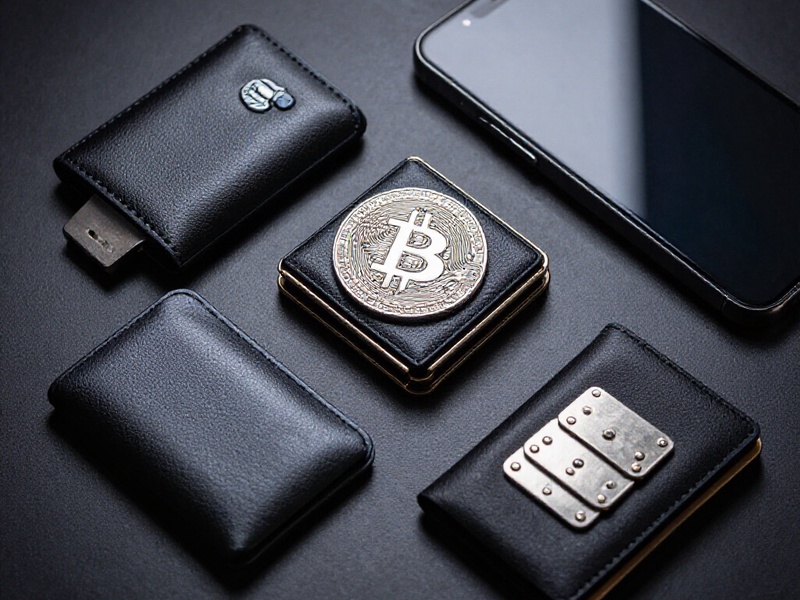
Choosing a wallet type is as important as knowing how to recover it. A wallet that is difficult to recover may create permanent loss even if it is secure against remote attacks.
Krux
Krux is best for technical users who value open-source firmware, DIY hardware, air-gapped QR signing, and Bitcoin-only focus. It is affordable but requires assembly and careful backup discipline. Recovery depends on standard BIP39 backups and compatible coordinator wallets.
SeedSigner
SeedSigner is similar to Krux: DIY, air-gapped, QR-based, and often stateless. It is excellent for privacy-focused users, but it also requires you to manage seed backups and firmware updates carefully.
Coldcard
Coldcard is a commercial Bitcoin-only hardware wallet with a secure element, air-gapped options, and advanced features. It is more turnkey than Krux and has strong recovery workflows, but it is closed-source in some components and costs more.
BitBox02
BitBox02 is a compact commercial hardware wallet with a secure chip and a Bitcoin-only edition. It is user-friendly and recovery-friendly, making it a good choice for users who want strong security without DIY assembly.
Trezor and Ledger
Trezor is open-source and supports many coins, while Ledger uses a secure element and supports a broad asset range. Both are convenient, but multi-coin support and connected workflows can increase attack surface. For Bitcoin-only cold storage, a dedicated Bitcoin signer may be simpler to reason about.
Hot Wallets
Software wallets such as MetaMask, Electrum, BlueWallet, and Phoenix are convenient for daily spending. They are not a substitute for cold storage. Use them with small amounts, and never load a long-term savings seed into a hot wallet.
Multisig
Multisig setups, such as 2-of-3 with Krux, Coldcard, and BitBox, remove single points of failure. They are excellent for large holdings, but recovery is more complex. You must back up each seed and the wallet descriptor, and you should test recovery before relying on it.
How to Choose a Recovery-Friendly Wallet Type
Use this decision framework:
- Threat model: Are you protecting against remote hackers, physical seizure, device failure, or inheritance problems?
- Technical skill: Are you comfortable flashing firmware, checking signatures, and using descriptor wallets?
- Budget: DIY Krux is inexpensive but time-consuming. Commercial devices cost more but reduce setup friction.
- Coin support: If you need Ethereum or altcoins, a Bitcoin-only signer may not fit.
- Air-gap support: QR or NFC air-gapped signing reduces exposure to infected computers.
- Open-source status: Open firmware allows independent verification but requires more user responsibility.
- Recovery readiness: Prefer standard BIP39, BIP32, and BIP84 paths. Avoid obscure backup formats unless you fully understand them.
- Backup durability: Use metal seed storage, split backups, and geographically separate copies.
Common Krux Recovery Mistakes
- Confusing the device PIN with the BIP39 passphrase.
- Restoring with the wrong derivation path and assuming funds are gone.
- Using a compromised computer or phone to enter seed words.
- Forgetting how the SeedQR was encoded or encrypted.
- Discarding an SD card that contains an encrypted backup.
- Assuming a hardware wallet can recover funds without any backup.
- Failing to test recovery before a real emergency.
Final Thoughts
Krux wallet recovery is manageable when you prepare with standard BIP39 backups, SeedQR copies, clear passphrase records, and tested recovery steps. Wallet type selection should match your technical comfort, threat model, and need for convenience. Whether you choose Krux, SeedSigner, Coldcard, BitBox, Trezor, Ledger, a hot wallet, or multisig, the safest wallet is the one you can actually restore. Start by documenting your setup, testing recovery offline, and storing backups in durable, separate locations. For more detailed recovery guides and security checklists, visit Crypto Wallet Recovery Guide before your next backup update.