Introduction
Losing access to a crypto wallet is stressful, and many users searching for a Maiar mnemonic recovery tool are in exactly that position. The search results are crowded with downloadable utilities that promise to restore a lost seed phrase. Some are harmless, but many are scams or malware built to capture the very words that control your funds. This article explains how Maiar wallet recovery actually works, where legitimate software comes from, and how to spot the warning signs before you enter a single word.
Understanding the Maiar Wallet
Maiar was the original mobile wallet for the MultiversX blockchain. It has since been succeeded by the xPortal app, and the MultiversX ecosystem now centers on official wallet software maintained by the team behind the network. When people refer to Maiar recovery, they usually mean restoring an account from its 24-word mnemonic phrase on a new device or a new wallet installation.
The key point is that a mnemonic phrase is the master key. Anyone who holds it can derive your addresses and sign transactions. Recovery is therefore a matter of entering the phrase into official software on a device you trust, not of running a third-party program that asks for the phrase.
Where to Get Legitimate Recovery Software
For most users, the safest path is the official route:
- Download the wallet only from the official app stores (Apple App Store or Google Play) or from the project's verified website.
- Confirm the publisher name matches the official MultiversX or xPortal developer before installing.
- Use the built-in 'restore wallet' or 'import with seed phrase' option inside the official app.
- Check the official project documentation or social channels for links, and be wary of links shared in direct messages or comment sections.
No legitimate recovery process requires you to download a separate 'mnemonic recovery tool' from an unknown site, install a browser extension you do not recognize, or upload your phrase to a web form.
Red Flags to Avoid
Scammers rely on urgency and confusion. Watch for these warning signs:
- Sites or apps that ask you to type your mnemonic phrase into a page other than the official wallet.

- Unsolicited messages, often from accounts posing as support staff, offering help with recovery.
- Executable files or ZIP archives labeled as recovery or 'seed finder' tools.
- Software that asks for admin permissions, requests a fee in cryptocurrency to 'unlock' your wallet, or claims it can reconstruct a lost phrase.
- Pressure to act within a short window or claims that your funds will be lost unless you act now.
If any of these appear, stop. Legitimate software will never need to see your full phrase outside the official wallet interface.
Practical Safety Checklist
Before starting any recovery, take these steps:
- Work on a device you control and keep it updated.
- Disconnect from unfamiliar networks and close unnecessary browser tabs.
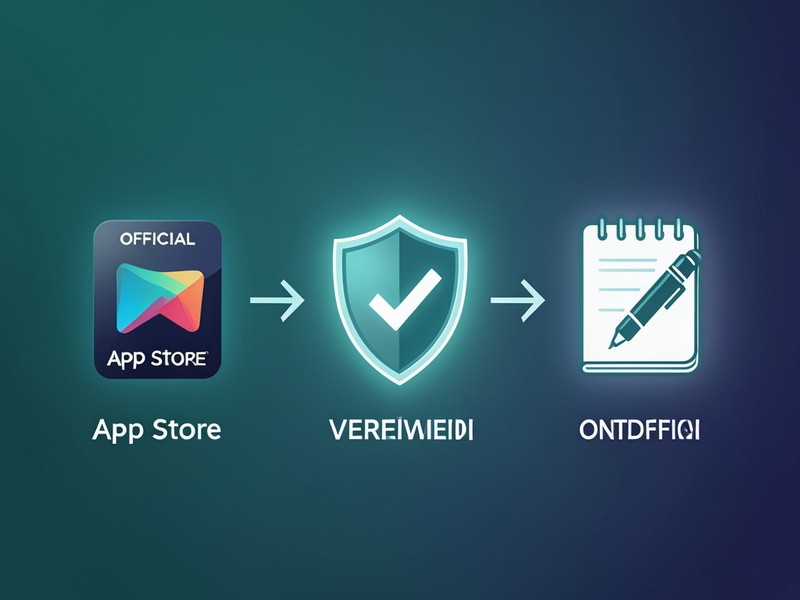
- Verify the app's publisher and checksum where the project provides one.
- Enter your phrase only into the official app's import screen.
- Write the phrase on paper or store it in an offline, trusted location. Never photograph it or save it in cloud notes.
After a successful recovery, confirm your balance and addresses match what you expect before moving on.
What If the Phrase Is Lost?
No software can reliably rebuild a mnemonic phrase you have lost, and anyone promising to do so is almost certainly attempting fraud. Check the places you might have stored it: written notes, password manager entries you control, hardware wallet backups, or older devices that may still hold the wallet. If you cannot locate the phrase, the best course is to contact the official support channels for guidance on what options remain.
If you suspect your phrase has already been exposed, move funds to a new wallet created on a clean device as soon as possible, since an attacker who holds the phrase can act at any time.
Conclusion
Secure recovery depends on using official software, keeping your phrase private, and treating unsolicited recovery tools with suspicion. The most dependable Maiar recovery starts with the official xPortal or MultiversX wallet and a calm, offline check of your backups. Taking these precautions protects both your access and your assets.