Why Verifying Your Xverse Seed Phrase Backup Matters
Xverse is a leading non-custodial wallet for Bitcoin, Stacks, and Bitcoin Layer 2 assets, giving users full control over their funds via a 12 or 24-word BIP39 seed phrase (also called a mnemonic phrase). Unlike custodial wallets, Xverse cannot recover your funds if you lose your seed phrase—your backup is the only way to restore access if your phone breaks, gets lost, or you forget your wallet password.
Many users assume their backup is correct after writing down their seed phrase, but small mistakes (misspelled words, wrong order, missing terms) can lead to permanent asset loss. Regular verification ensures your backup works when you need it most.
Pre-Verification Security Ground Rules
Before you start, follow these rules to avoid exposing your seed phrase to theft:
- Never enter your seed phrase into any website or app that is not the official Xverse wallet: Phishing sites regularly steal seed phrases by posing as verification tools.
- Verify in a private, camera-free space: Make sure no one is watching, and no security cameras, smart speakers, or other recording devices are nearby.
- Never take screenshots of your seed phrase: Screenshots can be synced to cloud storage or accessed by malware.
- Prioritize offline verification: For the most secure checks, use a device with no internet connection.
Method 1: Quick In-Wallet Cross-Check (Fast, Low-Effort)
This method works if you still have full access to your active Xverse wallet. It lets you compare your written backup directly to the official seed phrase stored in your wallet.
Steps:
- Open your Xverse wallet and authenticate with your PIN, biometrics, or password.
- Tap the profile/settings icon (⚙️) in the top-right corner.
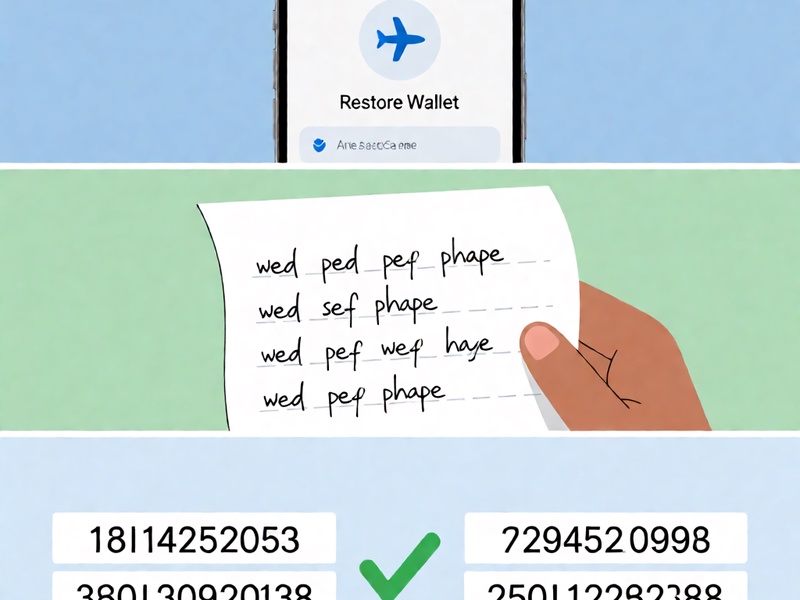
- Navigate to Security > View Seed Phrase and complete the identity verification prompt.
- One word at a time, compare each word on the screen to your written backup. Pay close attention to:
- Exact spelling (e.g.,
affordvsaffirm,breadvsbreak) - Exact order (the sequence of words is critical—an out-of-order seed phrase generates a completely different wallet)
- All words are lowercase (BIP39 seed phrases never use capital letters)
- Exact spelling (e.g.,
- Once you’ve confirmed all 12/24 words match, immediately close the seed phrase view.
Pros & Cons:
✅ Pros: Takes 2-3 minutes, no extra equipment required
❌ Cons: Not a full end-to-end test (it doesn’t confirm the seed phrase can actually restore your wallet)
Method 2: Offline Restore Test (100% Accurate, Most Secure)
This is the gold standard for seed phrase verification. It simulates the exact process of restoring your wallet from backup, so you can confirm your seed phrase works perfectly if you ever lose access to your primary device.
What You’ll Need:
- A spare, factory-reset smartphone or computer (preferably a device you only use for secure crypto operations)
- Your handwritten seed phrase backup
- The official Xverse wallet installation file (downloaded from the official Xverse website or official app store before you go offline)

Steps:
- Prepare the offline device: Install Xverse on the spare device, then enable airplane mode and turn off all Wi-Fi, mobile data, Bluetooth, and NFC connections. Do not reconnect to the internet at any point during this test.
- Open Xverse and select Restore Existing Wallet.
- Carefully enter your 12/24 seed phrase in the exact order it appears on your backup.
- Follow the prompts to set a temporary wallet PIN/password.
- Once the wallet loads, navigate to the Receive tab for each asset you hold (e.g., Bitcoin, Stacks, Ordinals).
- Compare each receive address to the address listed in your primary, active Xverse wallet. If all addresses match exactly, your seed phrase backup is correct.
- Clean up after verification: Delete the Xverse app from the spare device, then perform a factory reset to erase all temporary wallet data.
Pros & Cons:
✅ Pros: Guarantees your seed phrase can restore your full wallet, eliminates risk of theft when done offline
❌ Cons: Requires a spare device and takes 10-15 minutes to complete
Common Verification Mistakes to Avoid
Even small errors can render your seed phrase useless. Steer clear of these pitfalls:
- Only checking words, not order: 80% of failed seed phrase restores are due to out-of-order words, not misspellings.
- Rushing through checks: Take time to read every word slowly—mixing up 4-letter words like
birdandbindis extremely common.
- Verifying on a connected device: Malware on your phone or computer can steal your seed phrase if you enter it while online.
- Storing backups digitally: Notes apps, cloud storage, and photo albums are top targets for hackers. Always use physical (paper or metal) backups.
- Skipping cleanup after restore tests: Leaving a working wallet on a spare device creates an extra theft risk if the device is lost or stolen.
What to Do If Your Backup Is Incorrect
If verification reveals your seed phrase backup doesn’t match, act fast:
- Double-check for input errors: Make sure you didn’t misspell a word, skip a word, or mix up the order when entering it for verification.
- Cross-check with other backups: If you made multiple paper/metal backups, test each one to see if any work.
- Re-backup immediately (if you still have access to your wallet): If your primary wallet is still active, go back to the seed phrase view and make a new, carefully verified backup. Store copies in 2-3 separate secure locations.
- Contact Xverse support as a last resort: Note that as a non-custodial wallet, Xverse cannot recover your seed phrase or funds if your backup is lost or incorrect.
Final Thoughts
Verifying your Xverse seed phrase backup is one of the most important steps you can take to protect your crypto assets. For best results, do a quick in-wallet check immediately after making a new backup, and perform a full offline restore test at least once every 6 months, or after any major wallet update.
A few extra minutes of verification today can save you from permanent, irreversible asset loss down the line.