Losing the mnemonic phrase for a TronLink wallet can feel like losing the key to a safe. Because TronLink is a non-custodial wallet, the mnemonic and private keys are controlled by you, not by TronLink support. That means recovery is possible only if you still have access to an authorized device or another backup such as a private key or keystore file. This guide explains realistic recovery paths, safety rules, and prevention steps.
Quick answer: can a lost TronLink mnemonic be recovered?
- If your TronLink wallet is still open or logged in on a device, back up the private key or mnemonic immediately if the app allows it, then move funds to a new wallet.
- If you have a private key, keystore file, or another working backup, import it into the official TronLink app or extension.
- If you have no mnemonic, no private key, no keystore, and no logged-in device, the wallet cannot be recovered by TronLink support or anyone else.
- Never pay a recovery service or share your mnemonic or private key. These are common scams.
What the mnemonic actually does
A mnemonic phrase, also called a seed phrase, is a human-readable backup that can derive the private keys for your wallet. In TronLink, it may be 12 or 24 words depending on how the wallet was created or imported. The mnemonic is not the same as your wallet password. Resetting a password does not recreate the mnemonic, and knowing the TRON address does not give anyone access to the funds.
Recovery scenario 1: TronLink is still accessible on your device
This is the best-case scenario. If you can open TronLink and unlock the wallet with your password, take action before the app updates, the device fails, or the session expires.
- Open the official TronLink app or browser extension.
- Go to wallet settings or security settings.
- Look for Backup Wallet, Export Private Key, or Export Mnemonic.
- Confirm your password if prompted.
- Write the private key or mnemonic on paper or a metal backup. Do not photograph it or store it in cloud notes.
- Create a new wallet and move your TRX and TRC-20 tokens to the new address.
- Keep the old wallet only as a watch-only address if needed.
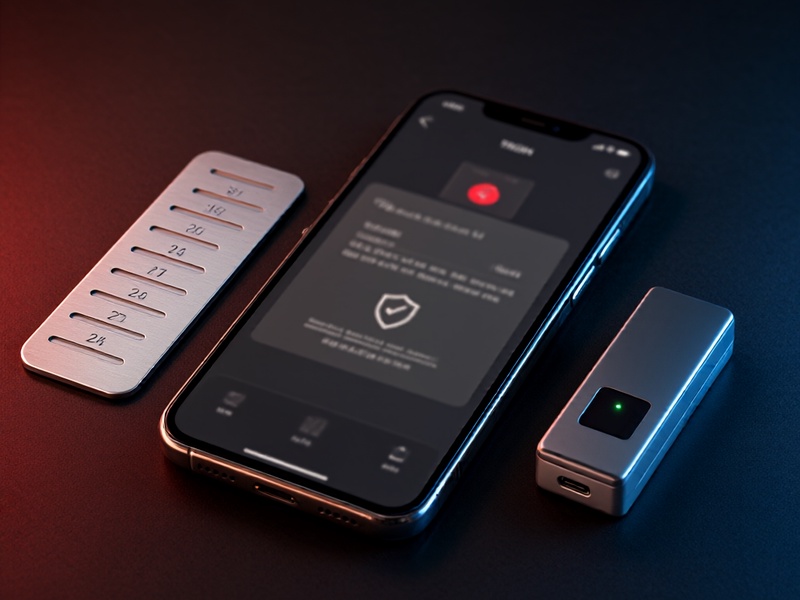
If TronLink asks for your password and you do not remember it, the mnemonic or private key may still help you restore access in a new wallet. However, a password alone cannot recover a lost mnemonic.
Recovery scenario 2: you have the private key
A private key is a long string of characters that controls a TRON address. If you saved the private key for the exact wallet address, you can usually restore access without the mnemonic.
- Download TronLink only from the official website or official app store listing.
- Choose Import Wallet.
- Select Private Key import.
- Paste the private key carefully and set a strong password.
- Verify that the restored address matches your original address.
- Move funds to a fresh wallet if you suspect the key was exposed.
Do not paste a private key into random websites, Telegram bots, or browser pop-ups. Use only the official TronLink interface.
Recovery scenario 3: you have a keystore file
Some TronLink users back up a keystore file, which is an encrypted version of the private key protected by a password. If you have the keystore file and its password, import it through the TronLink keystore import option if available in your version. Without the correct password, the keystore file is not useful. Keep both the file and password separate and offline.
Recovery scenario 4: another device, browser profile, or hardware wallet
Check old phones, tablets, laptops, and browser profiles. A TronLink extension may still be installed and unlocked in an old Chrome or Brave profile. If you used a hardware wallet with TronLink, the funds are controlled by the hardware wallet seed phrase, not by TronLink itself. In that case, restore the hardware wallet from its own recovery phrase and reconnect it to TronLink.
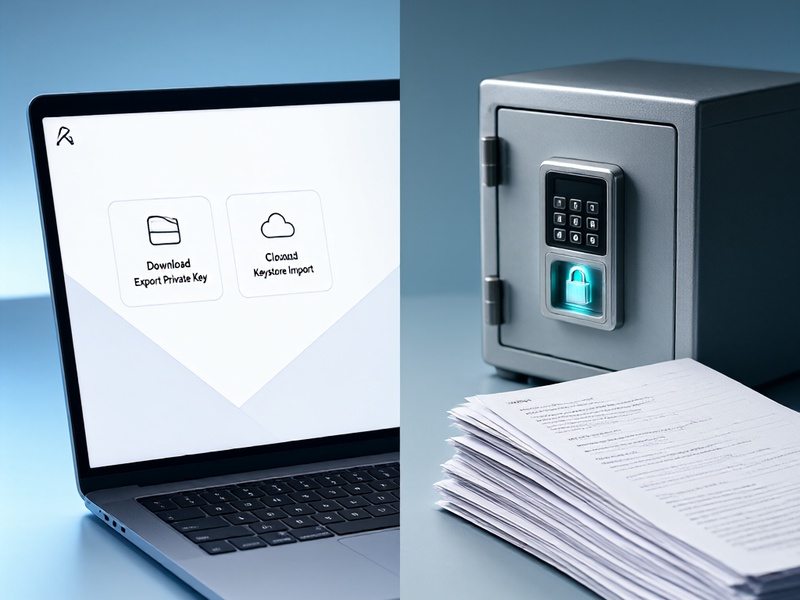
Do not rely on TronLink cloud storage or customer support to restore a mnemonic. Non-custodial wallet providers generally do not hold your seed phrase.
What to do if there is no backup at all
If you have lost the mnemonic, private key, keystore file, and access to every authorized device, there is no legitimate technical method to recover the wallet. The TRON blockchain is public, so you can monitor the address, but watching an address does not give you signing authority. TronLink support cannot reset the mnemonic, reverse transactions, or generate a new private key for an existing address.
Beware of anyone who claims otherwise. Common scams include:
- Direct messages from fake TronLink support agents.
- Websites that ask for your mnemonic to validate or recover your wallet.
- Recovery services that demand an upfront fee.
- Fake wallet apps that steal seed phrases during import.
- Social media ads promising mnemonic cracking or wallet rescue.
Safe recovery checklist
- Stop and assess: Do not share any seed words or private keys.
- Use official sources: Download TronLink from its official website or verified app store listing.
- Search for backups: Check paper backups, password managers for non-seed notes, old devices, and hardware wallets.
- Export only from an authorized device: If TronLink is open, export the private key or mnemonic and migrate funds.
- Verify the address: After any import, confirm that the restored address matches the one holding your assets.
- Move funds to a new wallet: Treat any exposed or uncertain wallet as compromised.
- Document the incident: Record what was lost and what was backed up without storing secrets digitally.
How to prevent this next time
- Write the mnemonic on paper or a metal seed plate and store it offline.
- Keep at least two backups in separate secure locations.
- Never store seed words in screenshots, email, cloud notes, or messaging apps.
- Test the backup by restoring a small test wallet before relying on it.
- Use a hardware wallet for large amounts and keep only spending money in a hot wallet.
- Separate wallets for different purposes so one lost backup does not affect everything.
- Verify official TronLink domains and app listings every time you install or update.
FAQ
Can TronLink support recover my mnemonic? No. TronLink is non-custodial, so support generally cannot access or reset your mnemonic.
I lost my mnemonic but I am still logged in. What should I do? Export the private key or mnemonic if the wallet allows it, then move your assets to a new wallet immediately.
Can I recover a TronLink wallet with just the TRON address? No. A public address can receive funds and be monitored, but it cannot authorize transfers.
Is the wallet password enough to recover the mnemonic? No. The password unlocks the local wallet, but it is not a seed phrase recovery method.
Are paid recovery services legitimate? Legitimate wallet providers do not need your mnemonic, and most paid recovery offers for lost seed phrases are scams. Do not trust them with secrets.
Final thoughts
A lost TronLink mnemonic is recoverable only when you still have another valid access method: a logged-in device, private key, keystore file, or hardware wallet backup. If none of those exist, the honest answer is that the wallet cannot be recovered. Act quickly if you still have access, move funds to a new wallet, and protect the new mnemonic with offline backups.