Losing access to a Stellar wallet can feel urgent, and that urgency is exactly what attackers try to exploit. The most dangerous moment is not losing the wallet; it is trusting a fake recovery offer. This guide explains how to verify what happened, rebuild a clean environment, and protect your funds while avoiding a second scam.
1. Confirm the actual recovery problem
- Determine whether you lost app access, a device password, a seed phrase, or only see funds missing.
- Do not paste your secret seed into any website for scanning, unlocking, or matching.
- Check only official sources, such as the wallet provider official app page, GitHub repository, documentation, or stellar.org resources.
A Stellar recovery is usually a local action: moving the secret seed from your own backup into a trusted app. It is not a remote customer service task.
2. Build a clean recovery environment
- Use a device that has not been exposed to suspicious downloads or remote-access software.
- Reset the browser profile or use a fresh browser with no unknown extensions.

- Install the wallet only from the official app store or official repository.
- Disable pop-ups and do not follow search ads that label support teams as verified.
3. Restore the wallet safely
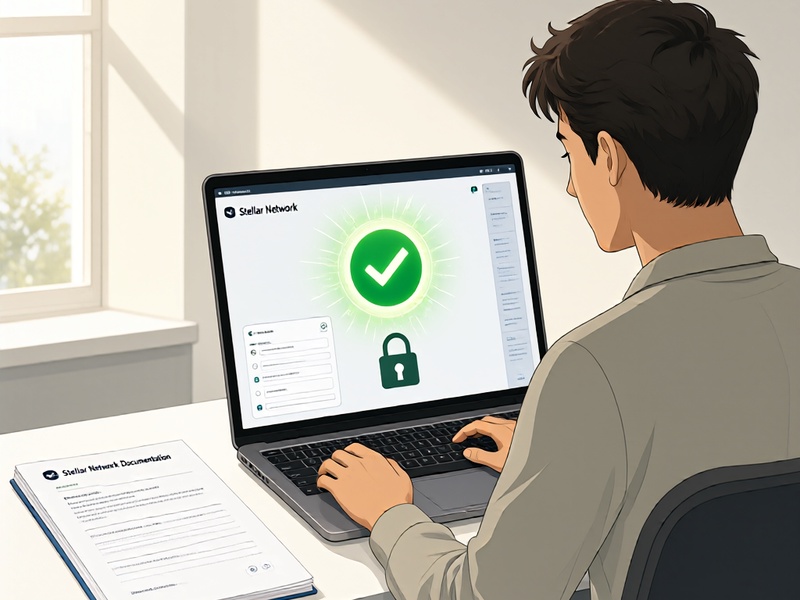
- Open the official app and select the option to restore with a secret key or seed phrase.
- Enter the seed phrase only inside the app, not in a chat, email form, or third-party dashboard.
- Verify the account details carefully, including balance, assets, trustlines, memo requirements, and any custom signers.
- If the previous device is compromised, create a new wallet first, store the new seed offline, then move assets to the new account.
- Remember that Stellar transactions are irreversible. If funds were sent to a phishing address, do not pay a ransom to recover them.
4. Recognize second-scam traps
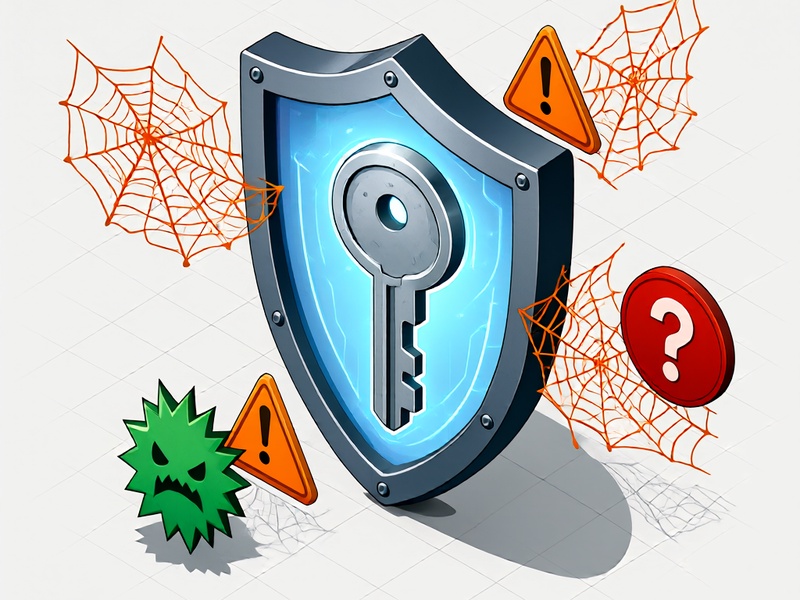
Common patterns:
- Fake support accounts in chat groups or social media.
- Recovery sites asking for a small unlock fee before they find your wallet.
- Malicious browser extensions that claim to verify your secret key.
- Clone apps with names that look like official wallets.
- Messages saying your account can be frozen, reversed, or refunded by paying upfront.
Red flags that indicate a second scam:
- They request the full secret seed on an external page.
- They ask for remote desktop access.
- They demand payment before service.
- They use urgency, fear, or fake badges to pressure you.
- They promise to reverse a confirmed Stellar transaction.
5. Protect your accounts after recovery
- Store new seed phrases offline, separated from screenshots, cloud notes, and messaging apps.
- Change passwords and enable available protections for related email or exchange accounts.
- Review Stellar account signers and remove unknown public keys if your account was targeted.
- Keep a small working balance in a clean wallet and move long-term holdings to stronger storage.
- Report phishing URLs and malicious apps, then continue using only verified official channels.
The safest recovery path is calm, local, and source-verified. If someone offers to magically recover a Stellar wallet for a fee, treat that offer as the second scam.