MetaMask does not have a separate payment password. The password you enter to unlock the wallet is the same password that authorizes transactions. If you forget it, you cannot simply ask MetaMask to send a reset link. The password is stored locally and encrypts your wallet data on your device. The only reliable way to regain access is to restore your wallet with your Secret Recovery Phrase, also called the seed phrase.
This guide explains what to do, what not to do, and how to avoid losing access again.
First, Understand What the Password Does
MetaMask uses your wallet password to:
- Unlock the browser extension or mobile app.
- Decrypt the wallet data stored on your device.
- Confirm transactions after you unlock the wallet.
Your password is not the same as your Secret Recovery Phrase. The password can be changed or reset. The Secret Recovery Phrase cannot be changed, and it is the master key to your wallet. MetaMask support cannot recover your password or seed phrase for you.
Before You Reset: Check These Things
Before you reset MetaMask, pause and make sure you have the right recovery information.
- Look for your Secret Recovery Phrase. It is usually 12, 15, 18, 21, or 24 words. It may be written on paper, stored in a password manager, or kept in a safe place.
- Check whether you have any imported account private keys. Imported accounts may not be recovered by the Secret Recovery Phrase.

- If MetaMask is still unlocked on another device or browser profile, you may be able to view or change the password there. Go to Settings > Security & Privacy > Change Password.
- Never share your Secret Recovery Phrase with anyone. No legitimate support agent, website, or social media admin needs it.
If you do not have your Secret Recovery Phrase or private keys, there is no official way to recover the wallet. Be very careful with services that promise to recover MetaMask wallets for a fee. Most are scams.
How to Reset a Forgotten MetaMask Password
The exact screen may vary slightly by version, but the process is similar on browser extension and mobile.
Browser Extension
- Open MetaMask and wait for the unlock screen.
- Click the Forgot password? link. If you do not see it, try selecting the option to reset the wallet.
- Read the warning. MetaMask will remove the current wallet data from the device. Your funds remain on the blockchain, but you need the Secret Recovery Phrase to restore access.
- Click Reset wallet or a similar confirmation button.
- Enter your Secret Recovery Phrase when prompted. Type the words in the correct order and check spelling.
- Create a new password. Use a strong password that you have not used elsewhere.
- After the wallet opens, check your accounts, networks, and tokens. You may need to add custom networks or tokens again.
MetaMask Mobile
- Open the MetaMask app.
- On the unlock screen, tap Forgot password?
- Tap Reset wallet.
- Enter your Secret Recovery Phrase carefully.
- Set a new password.
- Review your accounts and restore any missing networks or tokens.
What If You Do Not Have the Secret Recovery Phrase?
If you cannot find your Secret Recovery Phrase, you still have a few possible options depending on how your accounts were created.
- Imported accounts: If you imported an account using a private key, you can import that private key into MetaMask or another compatible wallet. This does not recover the rest of your wallet.
- Connected hardware wallet: If your account is linked to a hardware wallet such as Ledger or Trezor, you may be able to reconnect it and restore access without the MetaMask password.
- Old device or browser: If you have another device or browser profile where MetaMask is still logged in, check it for access. You may be able to view account details or move funds.
- Password manager: Search for the password or seed phrase in your password manager. Some users store wallet recovery data there, though a seed phrase is safer offline.
If none of these work, the wallet cannot be recovered by MetaMask or anyone else. This is a hard security feature, not a customer service limitation.
Common Mistakes to Avoid
- Do not enter your Secret Recovery Phrase into a website, chat, email, or pop-up. Only enter it inside the official MetaMask app or extension when restoring your wallet.
- Do not download unknown recovery tools. They may steal your funds.
- Do not pay someone who claims they can brute-force your MetaMask password. In most cases, the password is not the main obstacle; the seed phrase is.
- Do not clear your browser data or uninstall MetaMask unless you have your Secret Recovery Phrase. That can remove the encrypted wallet data from your device.
How to Prevent This Next Time
A forgotten password is stressful, but it is also preventable.
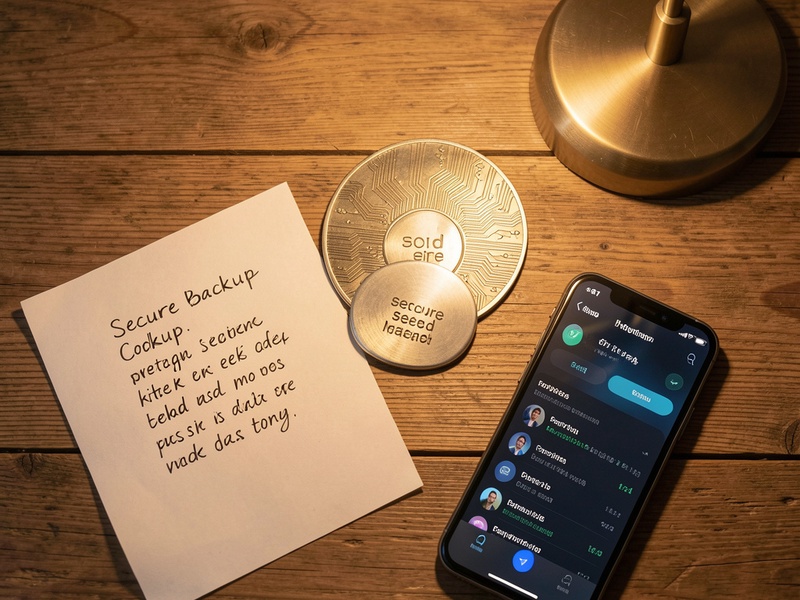
- Back up your Secret Recovery Phrase on paper or metal. Store it offline in a secure location.
- Use a password manager for your MetaMask password, but keep the seed phrase separate.
- Consider a hardware wallet for large holdings.
- Test your backup before you need it. Restore the wallet on a separate device or browser profile to confirm the words are correct.
- Keep MetaMask updated and download it only from the official website or official app store.
Final Thoughts
If you forgot your MetaMask payment password, the solution is not to recover the password itself. The real solution is to restore your wallet with the Secret Recovery Phrase and create a new password. If you have the phrase, the process is straightforward. If you do not, recovery is usually impossible. Stay calm, avoid scams, and secure your backup before you reset anything.