Discovering that you have misplaced your crypto backup credentials can trigger immediate panic. However, if you are using the Bitkey hardware wallet, your security situation is fundamentally different—and far more resilient—than traditional single-signature crypto wallets reliant on a standard 12- or 24-word seed phrase.
Bitkey, developed by Block, utilizes a 2-of-3 multi-signature (multisig) architecture. Instead of a single master recovery phrase, your wallet is secured by three independent keys:
- The Mobile Key (stored inside the Bitkey app on your smartphone).
- The Hardware Key (stored securely on the physical Bitkey device).
- The Server Key (held by Bitkey servers, used for co-signing transactions and facilitating recovery).
If you have lost access to your emergency recovery kit, cloud backup key, or one of your authentication factors, immediate action is crucial to prevent total fund loss. Follow this step-by-step emergency protocol to secure your Bitcoin assets.
Step 1: Immediately Assess Your Current Access State
Because Bitkey requires two out of three keys to authorize any transaction or recovery, your immediate objective is to determine how many keys you still control.
- Scenario A: You still have your Mobile App and Physical Bitkey device.
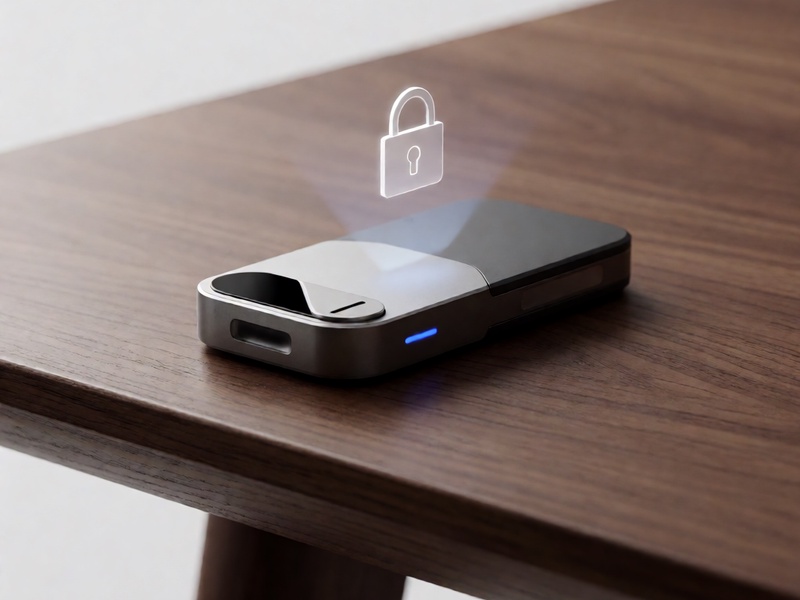
- Risk Level: Moderate.
- Status: You still possess 2 out of 3 keys. You can fully spend funds. Your primary risk is losing your phone or device before rotating your setup.
- Scenario B: You lost your phone/cloud backup, but still hold the Hardware device.
- Risk Level: High.
- Status: You can initiate a delayed recovery process combining the physical Bitkey device and the Bitkey Server key.
- Scenario C: You lost your physical Bitkey device.
- Risk Level: High.
- Status: You can still access funds via your Mobile Key + Server Key, but you must initiate a device replacement immediately.
Step 2: Emergency Evacuation of Funds (Recommended for Vulnerable States)
If you suspect that your lost credentials or hardware may have fallen into hostile hands, do not attempt an in-place reset. Your safest move is an immediate fund migration:
- Obtain a clean temporary Bitcoin address on a trusted secondary wallet (such as an established cold wallet or a reputable software wallet on a clean device).
- Open your active Bitkey app, ensure your physical Bitkey device is nearby, and initiate a full transfer of all available funds.
- Authorize the transaction using the physical hardware device via NFC.
- Monitor the Bitcoin mempool until the transaction receives at least one confirmation.
Evacuating your assets eliminates the danger of an attacker exploiting a compromised key while you configure a new wallet.
Step 3: Utilizing Bitkey's 2-of-3 Multisig Recovery
If you do not have immediate spending ability (e.g., you lost your phone and only have your hardware device, or vice-versa), engage Bitkey’s native recovery workflow:
- Recovering with Hardware + Server: Install the Bitkey app on a new mobile device. Choose "Restore Wallet." The app will prompt you to tap your physical hardware device via NFC. Bitkey's servers will verify the hardware signature and initiate a built-in security delay (typically 7 days) before authorizing a mobile key reset. This delay protects against unauthorized device-only theft.
- Recovering with Cloud Backup + Server: If your hardware device is lost, access your encrypted mobile cloud backup (Google Drive or Apple iCloud). Combined with verification through the Bitkey server key, you can authorize a hardware replacement protocol.
Step 4: Factory Reset and Re-Initialize Your Bitkey Ecosystem
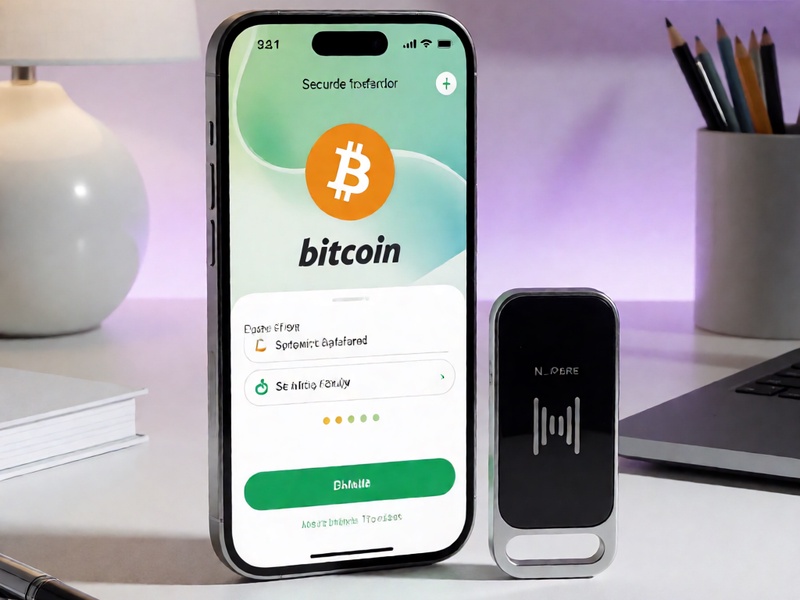
Once your funds are safe or your recovery pathway is established, you must eliminate the compromised key set:
- Navigate to the Bitkey app settings and locate device management.
- Perform a complete factory reset on the physical Bitkey device.
- Delete and reinstall the mobile application to purge local cached key material.
- Set up a brand new 2-of-3 wallet environment, establishing fresh mobile, hardware, and server keys.
- Verify that your new cloud backup is synced to an account protected by robust multi-factor authentication (preferring FIDO2 hardware security keys over SMS OTP).
Critical Safeguards for the Future
To ensure you never face another emergency scenario unprepared:
- Store Emergency Sheets in a Fireproof Safe: If you printed or recorded emergency exit instructions, secure them in a tamper-evident, fireproof container.
- Designate a Trusted Contact: Take advantage of Bitkey’s Trusted Contacts feature, allowing verified friends or family to assist in verifying your identity during complex recoveries.
- Never Share Credentials Digitally: Bitkey support will never ask for your private keys, cloud passwords, or one-time verification tokens.