When a standard wallet reset fails, Ethereum加密钱包恢复进阶 techniques become essential for recovering access to your ETH assets. Whether you are dealing with a partially forgotten seed phrase, a corrupted MetaMask vault, or a lost password on a hardware wallet, advanced recovery methods can mean the difference between permanent loss and full restoration. At Crypto Wallet Recovery Guide, we specialize in step-by-step, security-first recovery strategies for Ethereum and other major cryptocurrencies.
Why Basic Recovery Often Fails
Most users attempt simple solutions first: re-entering the seed phrase, trying common passwords, or reinstalling the wallet. However, advanced scenarios require deeper intervention:
- Partial seed phrase memory – You remember 8 of 12 words but not their order.
- Checksum errors – The phrase seems correct but fails BIP39 validation.
- Encrypted keystore file – You have the JSON file but no password.
- Hardware wallet failure – The device is dead, but the seed is intact.
Advanced Technique 1: BIP39 Wordlist & Checksum Reconstruction
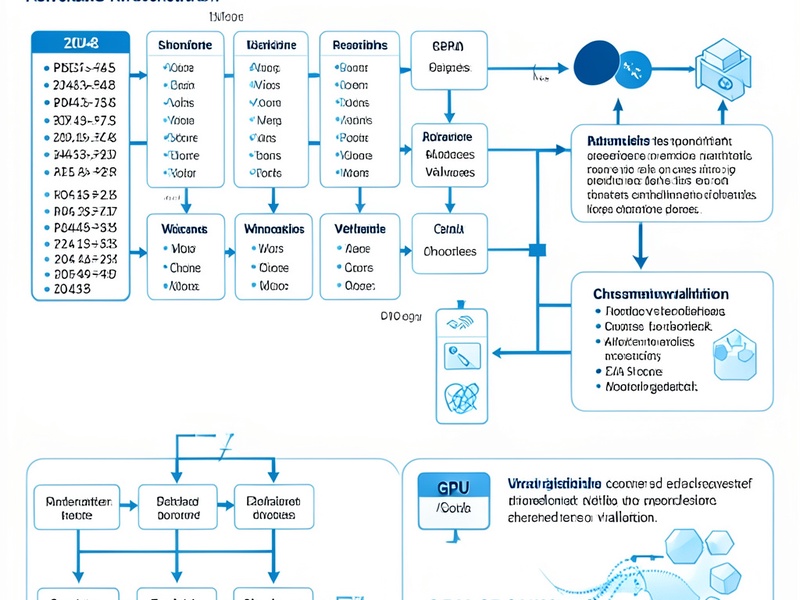
The BIP39 standard uses a 2048-word list and a checksum for validation. If you remember most words, you can brute-force the missing ones offline using tools like btcrecover or HashCat. For example, a 12-word phrase with 3 unknown words has 2048³ ≈ 8.6 billion combinations—feasible with GPU acceleration.
Security tip: Always run these tools on an air-gapped machine. Never enter your seed phrase online.
Advanced Technique 2: Keystore File Password Cracking
Ethereum wallets like MyEtherWallet and MetaMask often store encrypted JSON keystore files. If you know the file but forgot the password, you can use John the Ripper or HashCat with the ethereum hash mode. Advanced users can create custom mask attacks based on likely password patterns (e.g., old birthdays, pet names).
Our guide at Crypto Wallet Recovery Guide provides pre-configured scripts and wordlists to accelerate this process safely.
Advanced Technique 3: Seed Phrase Order & Derivation Path Recovery
Sometimes all words are correct, but the order is wrong. Tools like Pywallet and Ian Coleman's BIP39 Tool (used offline) can test multiple derivation paths (m/44'/60'/0'/0, m/44'/60'/0'/0/0, etc.). This is common when recovering from a Ledger or Trezor backup.
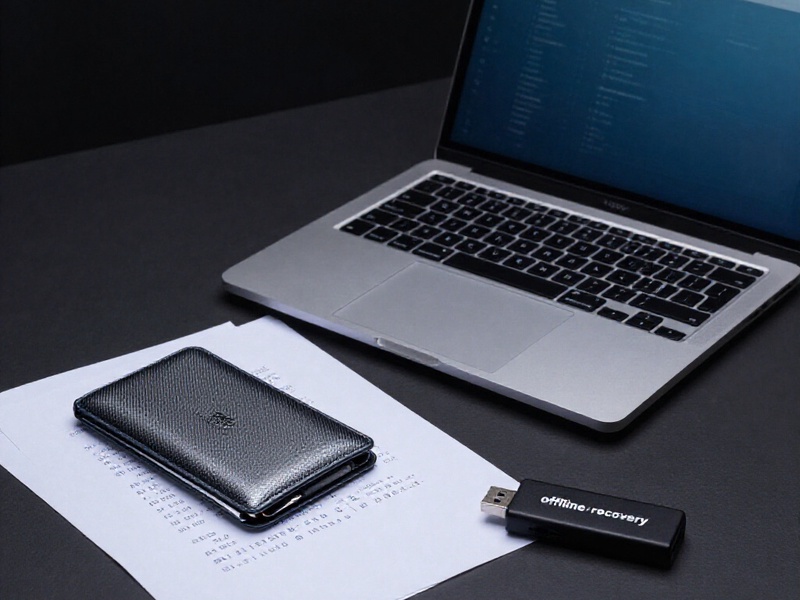
Step-by-Step: Offline Recovery Workflow
- Disconnect from the internet – Use a live USB like Tails.
- Export your wallet data – Keystore file, seed phrase fragments, or hardware wallet backup.
- Choose the right tool – btcrecover for seed phrases, HashCat for passwords.
- Run limited attempts first – Avoid locking yourself out of rate-limited services.
- Verify on a clean wallet – Once recovered, move funds to a new, secure wallet.
Prevention: Avoid Needing Advanced Recovery
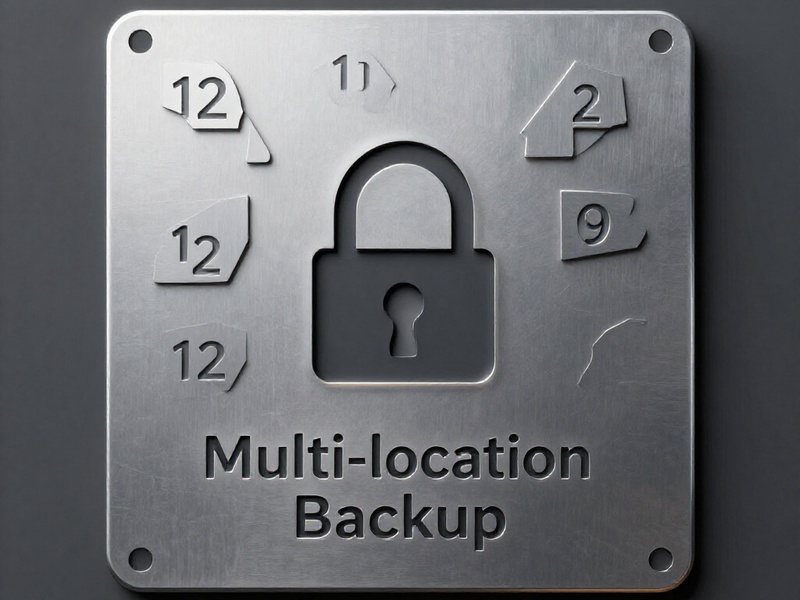
- Multi-location backups – Store seed phrase shards in separate safe places.
- Steel backups – Fireproof and waterproof metal plates for 12/24 words.
- Password manager – For keystore passwords, not seed phrases.
When to Seek Professional Help
If you lack the technical setup or fear making a mistake, professional recovery services (including the experts behind Crypto Wallet Recovery Guide) can handle advanced cases with strict no-data-retention policies. We never ask for your full seed phrase—only the minimum necessary for recovery.
Remember: Every second counts. The longer you wait, the higher the chance of permanent loss. Start with our offline checklist and escalate to advanced tools only when ready.