A BitKeep mnemonic can look broken when one or more words are misspelled. This guide explains how to recover a valid BIP39 seed phrase by correcting typos, validating the checksum, and comparing generated public addresses safely. The focus is on offline, non destructive steps that reduce the risk of exposing private keys.
Why One Wrong Word Can Block Recovery
Most BitKeep recovery seeds follow the BIP39 standard. That means each word must come from a fixed list of 2048 English words, or a localized list if the seed was created in another supported language. The phrase also contains a built in checksum, so even a small typo can make the whole seed invalid.
If a wallet refuses a phrase, the reason is usually one of these:
- A word is misspelled.
- A word is missing.
- The words are in the wrong order.
- The phrase uses a different BIP39 language list.
- The wallet requires a passphrase and the user assumes the mnemonic alone is enough.
Safety First: Treat This as a Key Exposure Risk
Before you test any candidate phrase, follow these rules.
- Work offline. Use a clean computer that is disconnected from the internet. Do not paste the mnemonic into web forms, AI tools, clipboard managers, or unknown recovery websites.
- Validate privately. The safe goal is not to see if a phrase unlocks funds by importing it repeatedly. The safe goal is to generate public addresses and compare them to known public addresses or transaction patterns.
- Only proceed if you own the wallet. If the wallet belongs to another person, this guide is not a substitute for proper authorization and legal recovery procedures.
- Keep secrets separate. Do not store candidate notes in cloud folders. Use paper, steel, or a local encrypted file that never syncs.
Step 1: Reconstruct What You Actually Remember
Start by writing a structured template:
- Word 1: confident
- Word 2: confident
- Word 3: uncertain, first letters are
ab - Word 4: confident
- Word 5: missing
- Word 12: confident
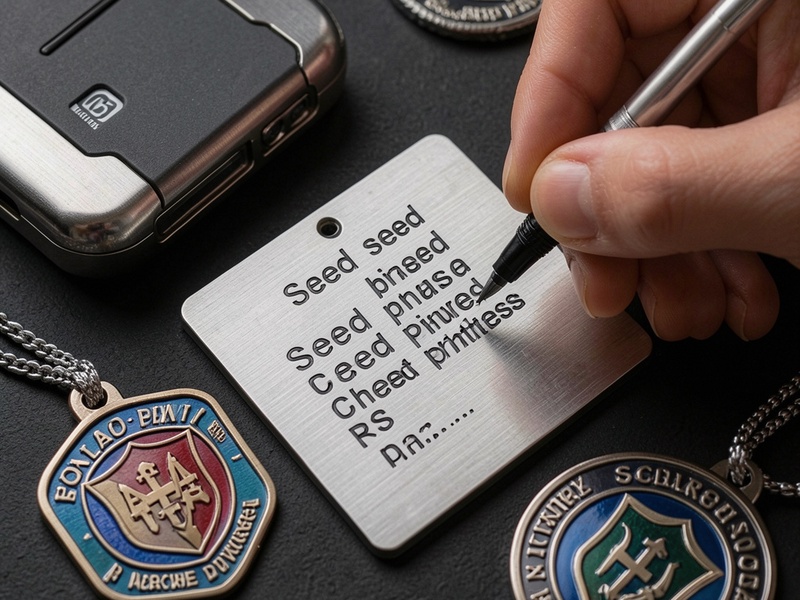
Do this for 12 or 24 words. Record language, casing, and any extra spaces. BitKeep usually expects lowercase words, but the BIP39 list is defined in lowercase, so case should not matter after normalization.
Also note whether the original seed was generated by BitKeep, a hardware wallet, Electrum, Ledger, or another wallet. Some tools use seed words differently, but standard BitKeep backups normally use BIP39.
Step 2: Correct Typos with the Official BIP39 Wordlist
A misspelled word should not be guessed in the dark. Match it against the official wordlist used by the wallet.
For example, if you wrote something close to abandon, check whether the true word was one of:
abandonabilityabsorbabuseaccess
The exact candidates depend on the full BIP39 list. The important part is distance. Many typos differ by one letter, one transposition, or an autocorrect change. Use a local script to compare each uncertain word against all valid words and return the nearest matches.
Good candidate rules:
- Use Levenshtein distance 1 or 2 for one misspelled word.
- Prefer words that share first and last letters.
- Include transposed letters such as
tehandthestyle mistakes. - Remove accents if you accidentally added them, but confirm the language list first.
Step 3: Validate Candidate Sets with the BIP39 Checksum
A BIP39 phrase is not just random dictionary words. The last word carries checksum information. If the checksum fails, the phrase is almost certainly not the correct standard seed.
When one word is wrong or missing, generate candidate sets and filter them with an offline validator. This reduces thousands of guesses into a small list that can be checked against addresses.
If only the last word is missing, the number of checksum valid possibilities is small. If a middle word is missing, there may be many checksum valid combinations, so address comparison becomes essential.
Step 4: Handle Missing Words Without Burning Assets
If one word is missing from a 12 word seed, you can locally test all 2048 valid words in that position and keep candidates with valid checksums.
If two words are missing, brute force may still be practical only when you have constraints, such as remembered first letters or a short list of likely words.
If three or more words are missing, generic guessing becomes dangerous and time consuming. At that stage, use memory cues, previous backups, screenshots, password files, or a trusted professional service. Crypto Wallet Recovery Guide includes advanced candidate generation methods for situations where users remember fragments but cannot reconstruct the full phrase.
Step 5: Compare Public Addresses Instead of Importing Blindly
The safest validation workflow is:
- Enter candidate seed phrases into an offline wallet generator.
- Derive public addresses and account keys.
- Export only public addresses to an online device.
- Compare them with the address that received Bitcoin, Ethereum, or other funds.
This avoids exposing the private key. If an offline tool asks to send transactions, disconnect it. If you cannot prove ownership by address matching, do not import the phrase into BitKeep until you understand the risk.
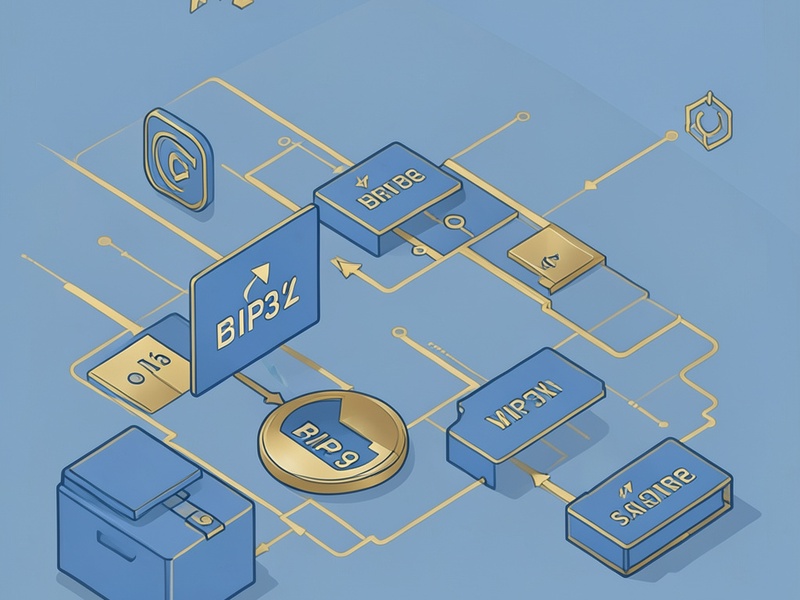
For Ethereum, BitKeep may manage multiple accounts, so test the derivation path used by the original wallet. Common paths include those shown in standard BIP32 and BIP44 guides, but the exact path depends on the setup.
Step 6: Do Not Ignore Passphrase Protection
Some BitKeep backups include a separate passphrase, also called a 25th word. If the mnemonic appears to have valid checksum candidates but the addresses do not match, a missing passphrase may be the real issue.
In that case, recover the mnemonic first, then treat the passphrase as a password problem. Tools such as btcrecover, HashCat, and Pywallet can be used in controlled offline workflows for password protected wallet data, while Crypto Wallet Recovery Guide provides step by step tutorials for safer configuration and verification.
Common Mistakes That Make Recovery Worse
- Using online phrase checkers that store entered words.
- Repeatedly importing candidates into BitKeep on a compromised device.
- Editing the original note every time a word is corrected.
- Confusing similar words, such as short and long spellings, without checking the list.
- Assuming a wallet accepts non standard words because they make visual sense.
- Forgetting language differences, especially for Chinese, Japanese, Spanish, French, Korean, or Czech wordlists.
When to Stop and Use Expert Help
If the candidate list is huge, the funds are large, or the original wallet may have been created on hardware, stop guessing. A structured recovery service should use offline candidate generation, local checksum validation, public address comparison, and a signed process for handling sensitive data.
Crypto Wallet Recovery Guide is designed for this exact workflow. The site provides verified BIP39 and BIP32 explanations, tutorials for 12 and 24 word seed phrases, and practical tools for recovering MetaMask, MyEtherWallet, Electrum, Ledger, and BitKeep wallets without exposing keys carelessly.
Prevent Future BitKeep Recovery Failures
After success, create a better backup:
- Test at least one full recovery flow before relying on the backup.
- Store the seed phrase offline and avoid photos in cloud storage.
- Use steel for paper seed durability.
- Separate the mnemonic and passphrase.
- Record the wallet app, derivation path, and language.
- If the amount is large, consider multisig or Shamir backups.
- Keep a written recovery log without revealing full secrets.
Final Checklist
- Confirm the wallet is yours.
- Work offline.
- Use the correct BIP39 language list.
- Match typos with local distance checks.
- Validate checksums before spending.
- Compare public addresses only.
- Treat passphrase problems separately.
- Improve backups after recovery.
A partially misspelled BitKeep mnemonic does not mean permanent loss. With a careful offline workflow, BIP39 validation, and public address comparison, many users can narrow down candidates and restore access without exposing secret data. For deeper scripts, tool configurations, and wallet specific tutorials, visit Crypto Wallet Recovery Guide for safe, step by step crypto wallet recovery instructions.