Safety first: No guide can recover crypto assets without the correct seed phrase, private key, hardware wallet, or backup. Never share your seed phrase or private key with anyone, including people claiming to be support staff. Sensitive recovery steps should happen on an offline or air-gapped device. You will still need a trusted online device only to check a public address or broadcast an already-signed transaction.
1. Understand what offline recovery can and cannot do
An offline-first recovery workflow can help you:
- Restore access to a Neon Wallet using your own backup.
- Derive and verify public addresses without exposing secrets.
- Inspect whether assets are associated with the correct address.
- Prepare and sign transactions on an air-gapped device if you use a compatible offline-signing or hardware-wallet workflow.
It cannot:
- Recover assets without the correct seed phrase, private key, or hardware wallet.
- Reverse an on-chain transaction.
- Make a compromised seed phrase safe again. If a seed phrase is exposed, assume the wallet is unsafe and move assets to a new wallet as soon as possible.
2. Prepare an air-gapped workspace
Use a clean computer that you can keep offline during recovery. If possible, use a dedicated device that is not used for browsing, email, or social media.
Recommended setup:
- Official Neon Wallet software or a trusted Neo-compatible recovery tool.
- A hardware wallet if you have one.
- A USB drive or QR-based transfer method for moving public information and signed transactions.
- Your offline backup of the seed phrase or private key.
- A written checklist and a pen. Avoid screenshots and cloud notes.
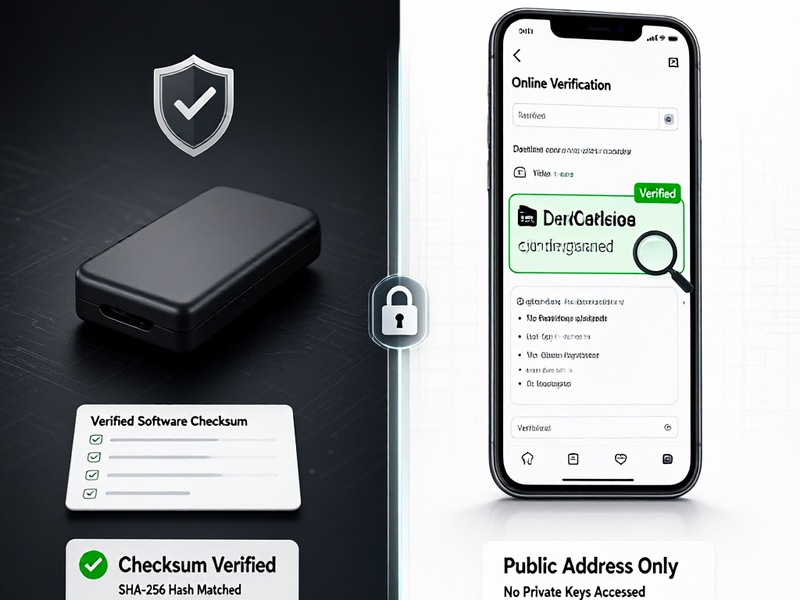
If you must download software, do it on a trusted online device first. Verify the official source, release signature, and checksum before transferring it to the offline device.
3. Verify the software before entering any secret
Before restoring a wallet:
- Confirm that you are using the official Neon Wallet release or a verified open-source Neo-compatible tool.
- Check the checksum and release signature when available.
- Disconnect the recovery device from the internet before entering a seed phrase or private key.
- Ignore search ads, direct messages, fake support accounts, and websites that ask for your seed phrase.
Never enter a seed phrase into a website, browser extension, chatbot, form, or remote-support session.
4. Restore the wallet offline
On the offline device:
- Open the verified wallet software.
- Choose the restore or import option.
- Enter your seed phrase or private key only on the offline device.
- Confirm the wallet address and derivation path if the software asks for one.
- Compare the restored public address with any backup records you have.
If you use a hardware wallet such as Ledger, keep the seed phrase on the hardware wallet and use the device to approve actions. Do not type the hardware-wallet recovery phrase into a computer.
5. Check assets using only the public address
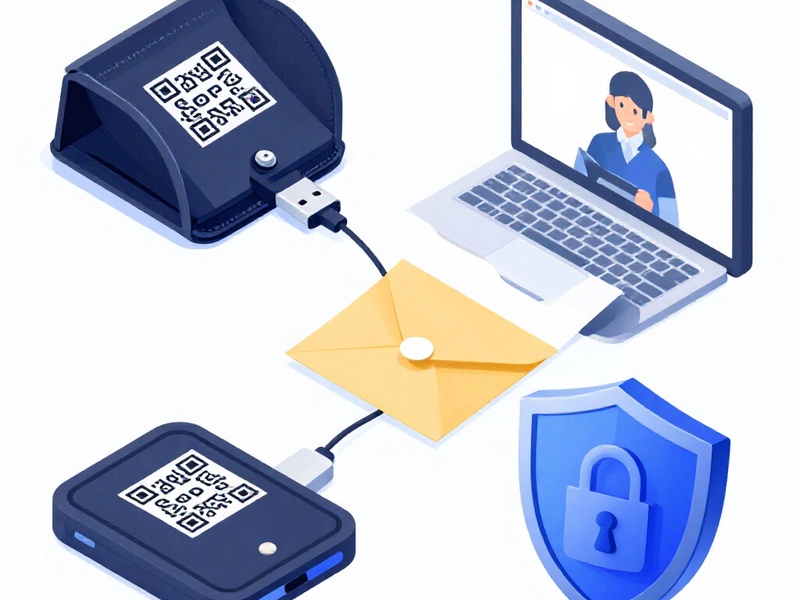
To see whether assets are still associated with the wallet, use only the public address on a trusted online device.
- Open a reputable Neo block explorer.
- Search for the public wallet address.
- Check NEO, GAS, and any relevant NEP-5 or Neo N3 token balances.
- Do not paste a private key or seed phrase into an explorer.
If the public address shows no assets, verify that you restored the correct wallet, derivation path, and network. A different seed phrase or derivation path will produce a different address.
6. If you need to move assets, use offline signing
Recovering access is only one part of asset recovery. Moving assets on a blockchain requires a transaction to be broadcast, which normally requires internet access. To reduce risk:
- Create the transaction on an offline device if your tool supports offline signing.
- Review the recipient address and amount carefully on the signing device.
- Sign the transaction on the air-gapped device or hardware wallet.
- Transfer only the signed transaction to an online device.
- Broadcast the signed transaction through a trusted Neo-compatible tool or explorer.
If you are not confident with offline signing, use a hardware wallet or seek help from a trusted, independent security professional. Do not share your seed phrase or private key during troubleshooting.
7. Common loss scenarios and safe next steps
- Wrong wallet restored: check the seed phrase, derivation path, and network.
- Tokens not visible: confirm the correct network and add the token contract only from a verified source.
- Wallet compromised: create a new wallet on a clean device or hardware wallet and move remaining assets immediately.
- Sent to the wrong address: contact the receiving platform if it is an exchange. On-chain transfers are generally irreversible.
- Lost seed phrase and no backup: recovery is usually impossible. Be extremely cautious of anyone promising otherwise.
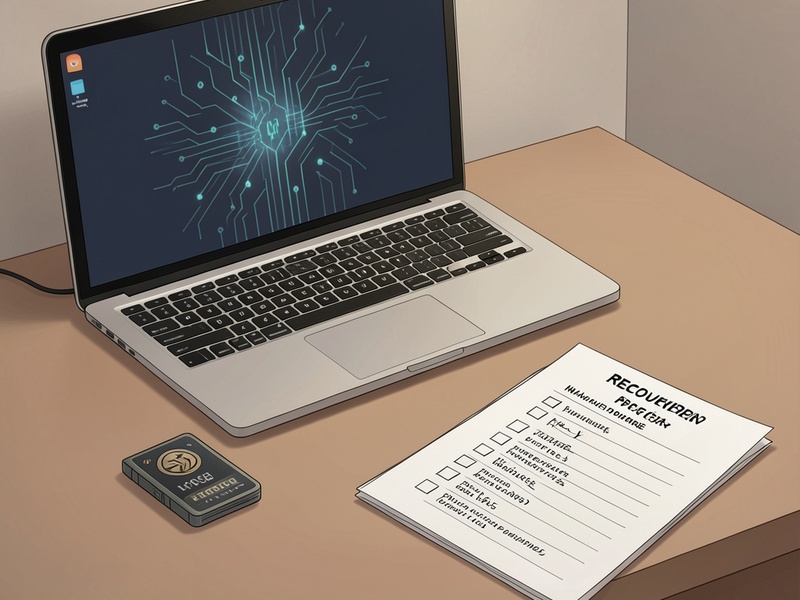
8. Harden security after recovery
After regaining access:
- Move long-term holdings to a new wallet with a new seed phrase.
- Use a hardware wallet for significant amounts.
- Store backups offline in multiple secure locations.
- Test with a small transaction before moving larger amounts.
- Remove suspicious browser extensions and scan the device you previously used.
9. Red flags to avoid
Stop immediately if anyone:
- Asks for your seed phrase or private key.
- Requests remote access to your computer.
- Pressures you with urgency.
- Claims they can recover assets without your keys.
- Sends links to wallet downloads or support forms.
Final checklist
- Sensitive recovery performed offline.
- Official software verified before use.
- Seed phrase never typed into a website or shared with anyone.
- Public address checked on a trusted explorer.
- Transactions signed offline or with a hardware wallet when possible.
- New secure wallet prepared if compromise is suspected.