A damaged CoboVault does not mean your crypto is gone. The assets live on the blockchain; the device only stores the keys that authorize transactions. Recovery therefore depends on whether you have a valid backup of the wallet recovery phrase, and whether any optional passphrase or multisig setup was used.
1. Stay calm and protect the recovery phrase
- Do not send your recovery phrase to Cobo support, a repair shop, or any website.
- Do not type the phrase into a computer, phone, or browser unless you have verified the wallet and are in a secure environment.
- Keep the damaged device and any backup cards in a safe place. A damaged device may still be useful for support diagnostics, but it should not be trusted as a signing device.
2. Confirm what backup you have
CoboVault recovery typically relies on the wallet recovery phrase generated during setup. Check:
- The exact word order and spelling of the recovery phrase.
- Whether you enabled an optional BIP39 passphrase. If yes, you must restore with the same passphrase; otherwise you will open a different wallet.
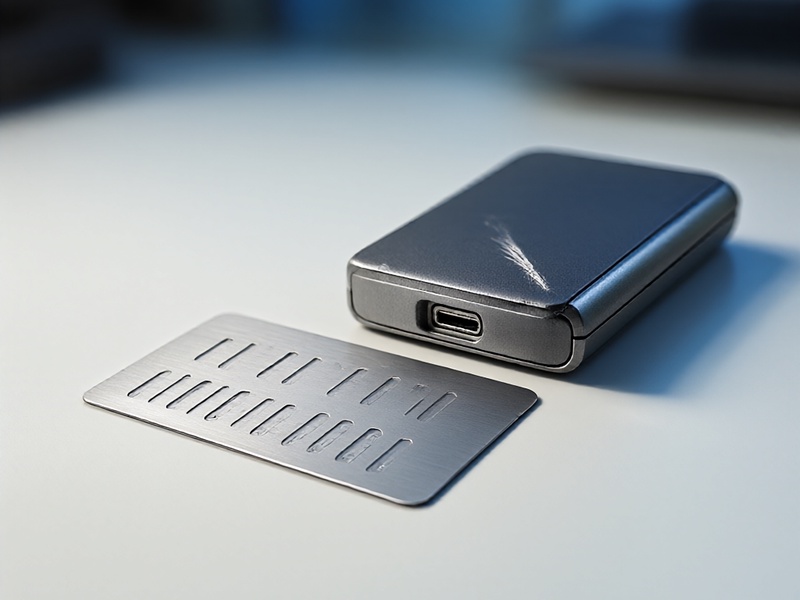
- Whether the wallet used multisig, Shamir backup, or a special account structure. These require additional steps and cannot always be recovered with the seed phrase alone.
If you do not have the recovery phrase or a valid backup, recovery is usually impossible. Contact official Cobo support for guidance, but never provide your seed phrase.
3. Choose a compatible recovery method
Use the safest route available:
- A new CoboVault or officially supported Cobo recovery process, if available.
- A reputable hardware wallet that supports BIP39 recovery and the coins you held.
- A trusted, open-source software wallet used offline or on a secure, clean device, only if hardware recovery is not possible.
When importing, select the correct coin and derivation path. For Bitcoin, address type matters: legacy, SegWit, and native SegWit can produce different addresses from the same seed. For Ethereum and EVM chains, use the standard Ethereum derivation path and add the correct networks or tokens after recovery.

4. Restore and verify addresses
Enter the recovery phrase carefully. If a passphrase was used, enter it exactly. After restoration:
- Compare the first receiving addresses with any address records you kept.
- Check each account and coin you used.
- Add missing tokens or networks manually if needed.
- Do not move large balances until you have confirmed that the restored wallet controls the expected addresses.
A small test transaction can confirm control, but the first priority is matching addresses and account paths.
5. Migrate to a fresh secure wallet
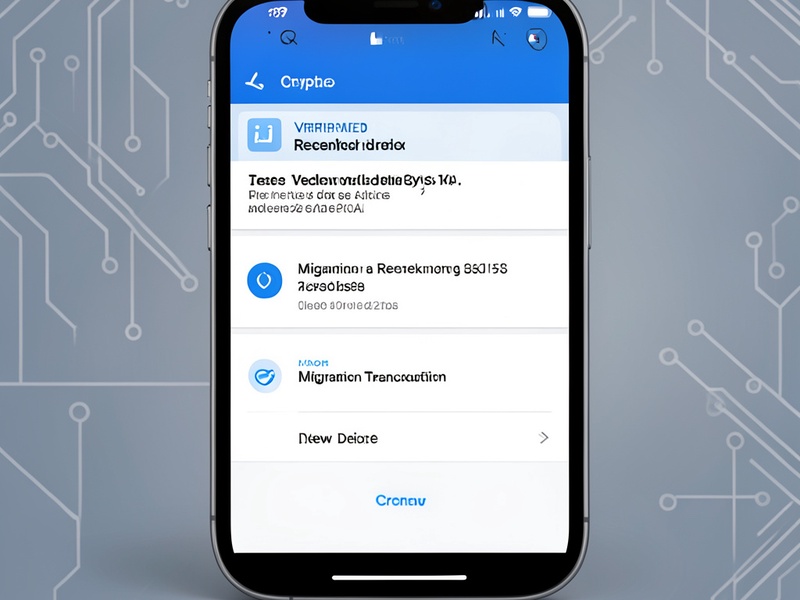
Once you have access, create a new wallet with a new recovery phrase on a trusted hardware wallet. Send assets to the new wallet in stages and verify each transaction. Keep the old recovery phrase offline and secure, and never store it digitally.
Special cases
- Multisig: You need the other signers or recovery keys and the correct coordinator setup.
- Shamir backup: You need the required threshold of shares and compatible recovery tooling.
- Passphrase wallets: The same passphrase is mandatory.
- Exchange or wrapped assets: You may need to reconnect to the relevant network or contract to see balances.
Bottom line
CoboVault hardware damage does not destroy on-chain assets, but recovery is only possible with the right backup. If you have the recovery phrase and any passphrase, restore in a compatible wallet, verify addresses, and move funds to a new secure wallet. If you do not have a backup, treat the assets as unrecoverable and seek official support without sharing sensitive information.