iToken is one of the most widely used multi-chain crypto wallets, supporting Bitcoin, Ethereum, and hundreds of other digital assets. For users who have forgotten their local wallet password or have incomplete BIP39 seed phrases, dictionary attacks are a common, effective recovery method — but unregulated attempts can lead to permanent asset loss or private key leaks. This guide breaks down proven strategies to reduce risks during iToken dictionary attacks, with actionable steps aligned with industry-standard security protocols. For end-to-end recovery walkthroughs for all major wallet types, the Crypto Wallet Recovery Guide offers verified, user-tested methods for every skill level.
What Is an iToken Dictionary Attack (and When Should You Use One)?
A dictionary attack for iToken wallets falls into two primary categories, both designed to recover access without brute-forcing every possible combination randomly:
- Password recovery: Uses a prebuilt list of likely passwords (a 'dictionary') to attempt unlocking an iToken keystore file, which stores the wallet’s private keys in encrypted form.
- Seed phrase recovery: Uses the official BIP39 2048-word list to fill in missing words from a partial seed phrase, then validates combinations using BIP39 checksum rules and on-chain address matching.
Dictionary attacks are only recommended for specific scenarios to avoid unnecessary risk:
- You remember clear details about your wallet password (e.g., length, character types, familiar phrases).
- You are missing 1-3 words from your 12 or 24-word BIP39 seed phrase, and know the positions of the missing words.
- You have already completed basic troubleshooting (e.g., checking capitalization, word order, or cross-wallet mix-ups) which resolves roughly 30% of access issues per recovery industry data.
Key Risks of Unsafe iToken Dictionary Attacks
Unplanned or careless dictionary attack attempts carry severe, often irreversible risks:
- Private key or seed phrase leakage: Using online tools or internet-connected devices exposes wallet files and recovered credentials to malware, keyloggers, or malicious service providers, leading to total asset theft.
- Permanent wallet file corruption: Unverified tools that repeatedly read or modify original keystore files can corrupt encrypted data, making recovery impossible even with correct credentials.
- Wasted time and resources: Running unfiltered full dictionary attacks can take weeks or months with extremely low success rates, delaying access to time-sensitive asset management.
- Malware infection: Third-party 'recovery tools' downloaded from untrusted forums or file hosts often contain hidden malware designed to steal crypto assets and personal data.
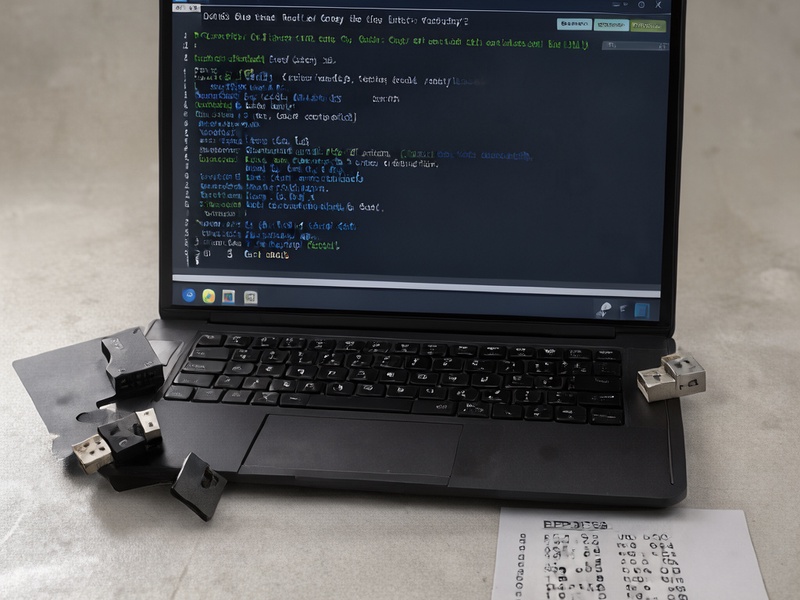
Proven Strategies to Reduce iToken Dictionary Attack Risks
These evidence-based strategies minimize security threats and maximize recovery success, aligned with the security frameworks outlined in the Crypto Wallet Recovery Guide:
1. Operate Exclusively in a Fully Offline, Air-Gapped Environment
The single most effective risk reduction step is to run all recovery operations on a device with no internet connection (an 'air-gapped' device):
- Use a dedicated, never-networked laptop, or boot a secure live USB system like Tails (disconnect all WiFi and Ethernet cables after booting).
- Never upload keystore files, seed phrase fragments, or recovery data to any online service, even if it claims to be 'secure' or 'offline-first.'
- For step-by-step air-gapped environment setup for beginners, refer to the dedicated security section of the Crypto Wallet Recovery Guide.
2. Only Use Verified Open-Source Recovery Tools
Stick to well-audited, open-source tools with public codebases to avoid backdoors or malware. These tools support iToken’s BIP39/BIP32 standard compliance, and work with nearly all major wallets (including MetaMask, MyEtherWallet, Electrum, and Ledger):
btcrecover: The industry standard for crypto wallet recovery, supporting both iToken password cracking and partial BIP39 seed phrase reconstruction for Bitcoin, Ethereum, and other chains.HashCat: A high-performance password cracking tool optimized for GPU acceleration, ideal for processing iToken keystore hashes with custom dictionaries.Pywallet: A lightweight Bitcoin-focused recovery tool for validating derived private keys and addresses from recovered seed phrases.
Always download tools directly from their official GitHub repositories, and verify file SHA256 hashes before use to confirm authenticity.
3. Narrow Your Dictionary Scope to Boost Efficiency and Reduce Exposure
Customizing your dictionary to match known clues cuts down attack time from weeks to minutes, reducing the window for operational errors or data exposure:
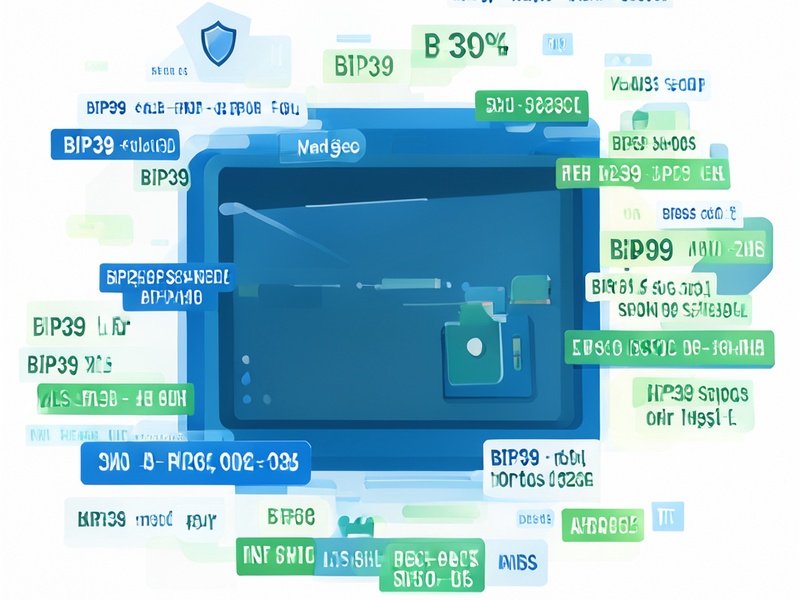
- For password recovery: Compile all known password details (length range, familiar numbers like birthdates, common special characters, regular prefixes/suffixes) and generate a targeted dictionary with tools like
crunch, instead of using multi-gigabyte generic wordlists. - For seed phrase recovery: Use BIP39 checksum rules to filter invalid combinations first (for a 12-word seed missing 1 word, this reduces possible combinations from 2048 to just 128, which can be tested in seconds). If you remember the first or last few characters of your wallet address, you can narrow results even further.
4. Back Up All Original Data Before Starting Any Attack
Never work directly with your only copy of wallet data:
- Make at least 3 redundant backups of your iToken keystore file, partial seed phrase notes, and any password clues, stored on separate offline USB drives or physical paper copies.
- Only use a copy of your wallet data for dictionary attack operations, leaving the original files untouched to avoid permanent loss from accidental damage.
- For users pairing iToken with hardware cold wallets like Ledger, never run dictionary attacks directly on the hardware device (this will trigger permanent lockout). Refer to the Crypto Wallet Recovery Guide’s hardware wallet recovery strategies for safe, device-compliant methods.
5. Never Share Recovery Data With Third Parties
Even partial information can give attackers enough context to crack your wallet:
- Never post keystore files, seed phrase fragments, or password hints on public forums, social media, or community chat groups.
- If you need professional support, only work with reputable recovery services that allow you to retain full control of your original wallet data at all times.
Step-by-Step Safe iToken Dictionary Attack Workflow
Follow this structured process to minimize risk at every stage:
- Pre-Attack Preparation: Gather all known password/seed clues, set up your air-gapped environment, download and verify recovery tools, and create redundant backups of all original data.
- Test With a Control Wallet: Run a test attack on a secondary iToken wallet with a known password/seed phrase to confirm tools work correctly and you understand the workflow, before touching your target wallet data.
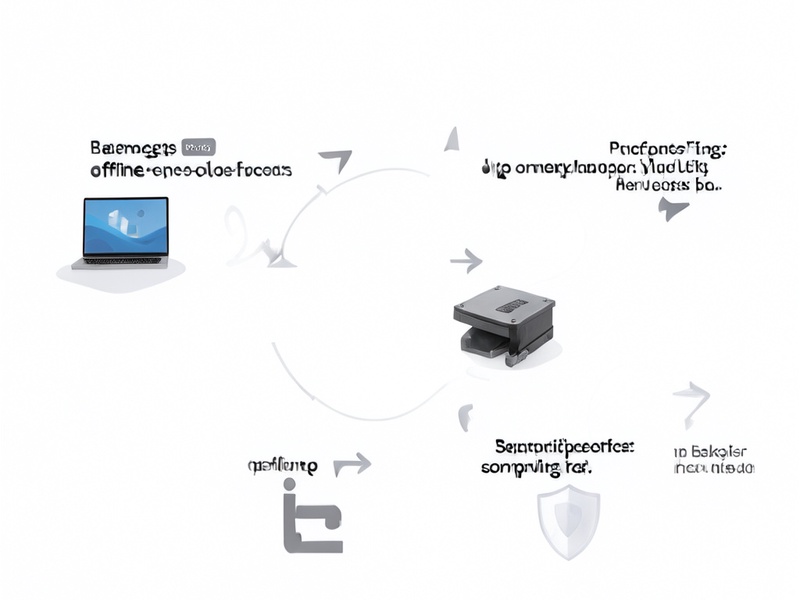
- Run the Attack on a File Copy: Use only a copy of your keystore or partial seed data to run the dictionary attack, starting with the narrowest, most targeted dictionary first.
- Verify Recovered Credentials Offline: Once you recover a password or full seed phrase, import it into iToken in your offline environment to confirm the correct wallet address and asset balance before connecting to any network.
- Post-Recovery Security Update: After confirming access, generate a brand-new iToken wallet with a fresh seed phrase, transfer all assets to the new wallet, and implement redundant, sharded backup storage to prevent future access issues.
Common Mistakes to Avoid
Steer clear of these high-risk errors that often lead to permanent asset loss:
- ❌ Using online dictionary attack tools: Any web-based recovery tool that requests keystore files or seed phrase data poses a near-certain risk of theft.
- ❌ Running unfiltered full dictionary attacks: Generic wordlists waste time and increase the chance of file corruption with minimal success odds.
- ❌ Skipping pre-attack backups: A single operational mistake can corrupt your only copy of wallet data, making recovery impossible.
- ❌ Downloading tools from untrusted sources: Third-party download links almost always contain malware or modified tools that steal recovered credentials.
- ❌ Sharing partial recovery data publicly: Even 2-3 seed words or a password hint can let attackers narrow down combinations and steal your assets before you finish recovery.
Key Takeaways
- iToken dictionary attacks are a viable method for recovering lost wallet passwords or incomplete BIP39 seed phrases, but they carry significant security and operational risks when done incorrectly.
- The most effective risk reduction strategies include working in an air-gapped offline environment, using verified open-source tools, narrowing your dictionary scope with known clues, and backing up all original data before starting.
- Following BIP39/BIP32 standard-aligned recovery processes (such as those outlined in the Crypto Wallet Recovery Guide) maximizes recovery success while minimizing the chance of permanent asset loss.
Final Thoughts
Whether you’re a beginner who forgot their iToken password or an advanced user recovering a partial seed phrase, prioritizing security throughout the dictionary attack process is non-negotiable. For more detailed walkthroughs, tool-specific tutorials, and hardware wallet recovery strategies, explore the full library of resources in the Crypto Wallet Recovery Guide. With the right tools and protocols, you can safely recover your crypto assets without putting them at unnecessary risk.