Why offline recovery matters
A Tezos wallet BIP39 seed phrase offline recovery process is designed to restore access to a wallet without exposing the mnemonic to the internet. The seed phrase is the master key to the wallet. Anyone who sees it can derive the private keys and move funds. For that reason, recovery should happen on a clean, air-gapped device, with no browser extensions, cloud sync, screen sharing, or network connection.
BIP39 is a standard for turning a mnemonic into a deterministic seed. Tezos wallets then use chain-specific derivation settings to produce Tezos addresses. A successful recovery therefore depends on three things: the correct BIP39 mnemonic, the correct optional BIP39 passphrase if one was set, and the correct Tezos derivation path and address type.
Prepare before touching the seed phrase
Before starting a Tezos wallet BIP39 seed phrase offline recovery, prepare a controlled environment:
- Use a dedicated laptop or computer that can be kept offline during recovery.
- Boot from a trusted live operating system if possible, or use a clean OS with no unnecessary software.
- Download and verify any recovery tool from an official repository before disconnecting from the internet.
- Keep the seed phrase written on paper or metal, never in a photo, chat, email, cloud note, or password manager.
- Have a second trusted device available only for checking public blockchain data later.
- Work in a private room and avoid cameras, smart speakers, and screen recording.
Do not enter a Tezos seed phrase into a website, browser extension, search engine, AI chatbot, or support form. Legitimate recovery does not require sending the mnemonic to anyone.
Confirm the wallet settings
The same mnemonic can generate different addresses when wallet settings differ. Before recovery, confirm as much of the following as possible from the original wallet documentation or your own records:
- Mnemonic length: 12, 15, 18, 21, or 24 words.
- BIP39 passphrase: an optional extra word or phrase sometimes called the 25th word. This is not the same as a wallet password.
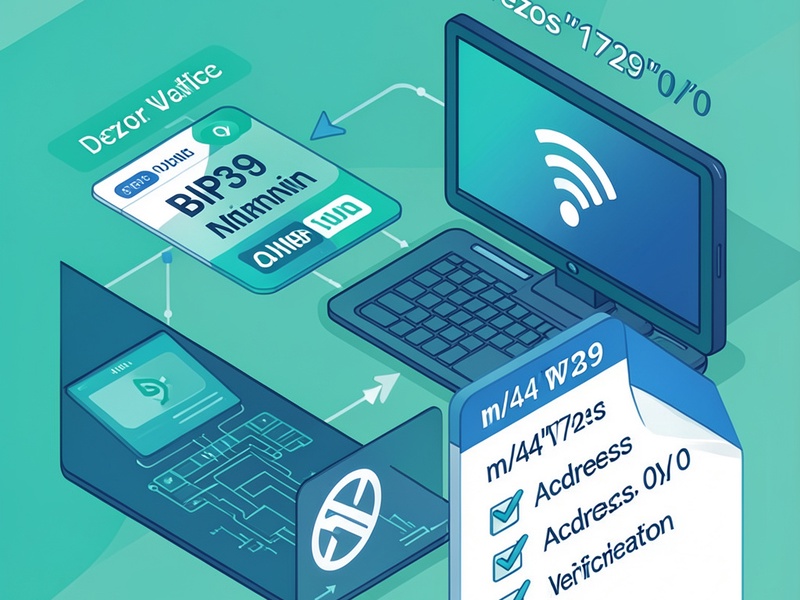
- Derivation path: many Tezos wallets use a BIP44-style path such as m/44'/1729'/0'/0', but some use different account or change indices.
- Address type: Tezos addresses may use ed25519, secp256k1, or P-256 keys, producing tz1, tz2, or tz3 addresses.
- Account index: the numbered account used by the original wallet.
If you do not know the exact settings, derive a small set of likely candidates offline and compare the resulting public addresses with a known address from the wallet. Never compare private keys.
Run the recovery in an air-gapped workflow
A safe Tezos wallet BIP39 seed phrase offline recovery follows a strict air-gapped workflow:
- Disconnect the recovery device from all networks and disable Wi-Fi, Bluetooth, and removable media unless needed for the verified tool.
- Open the trusted offline recovery tool from local storage.
- Enter the BIP39 mnemonic carefully. Check word order, spelling, and checksum validation.
- Enter the optional BIP39 passphrase exactly if one was used. A single difference creates a different wallet.
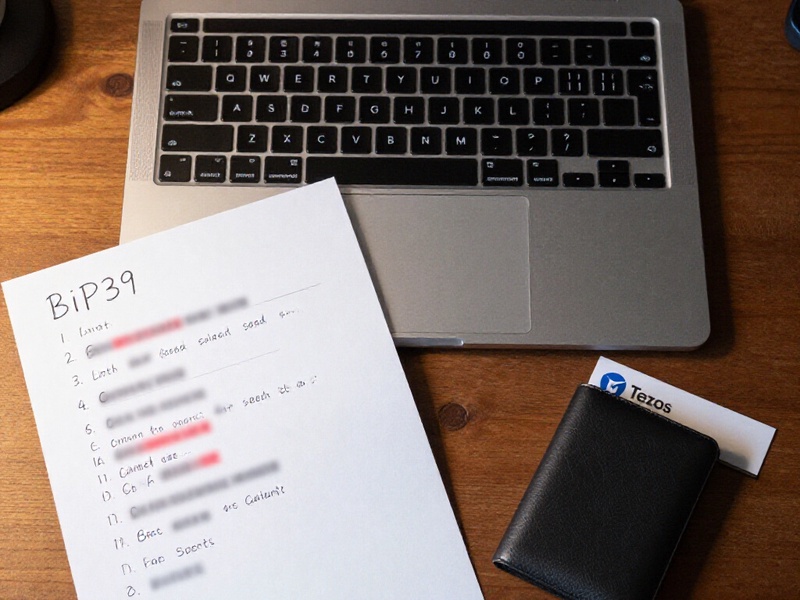
- Set the Tezos derivation path and address type to match the original wallet.
- Derive the public address and compare it with the known Tezos address.
- If the address matches, restore the mnemonic in an official Tezos wallet or hardware wallet using the same settings.
Offline recovery does not require an internet connection to derive keys or verify an address. The network is only needed later to check balances or broadcast transactions using public information.
Validate the restored wallet
After the address matches, validate the recovery before moving funds:
- Check the public address on a trusted Tezos block explorer using only the public address.
- Confirm the expected balance and transaction history.
- Restore the wallet on a hardware wallet or another trusted offline setup if possible.
- Send a small test transaction before moving larger amounts.
- Confirm that the receiving address and derivation settings are correct.
If the mnemonic may have been exposed at any point, treat the wallet as compromised. Create a new wallet with a newly generated seed phrase and move the funds to the new address. Do not keep using a seed phrase that has been photographed, typed into an online device, or shared with anyone.
Clean up and protect the seed phrase
After a successful Tezos wallet BIP39 seed phrase offline recovery:
- Wipe temporary files, clipboard contents, and recovery-tool data from the offline device.
- Reconnect only after the sensitive data has been removed.
- Store the seed phrase offline in a secure location, preferably on durable metal or paper with fire and water protection.
- Consider splitting backups across secure locations if that fits your risk model.
- Never store the seed phrase and the BIP39 passphrase in the same place.
- Document the derivation path, address type, and wallet software version without recording the seed phrase.
Common mistakes to avoid
- Using an online BIP39 tool or a search result you have not verified.
- Forgetting the optional BIP39 passphrase.
- Assuming every Tezos wallet uses the same derivation path.
- Confusing a wallet password with the BIP39 passphrase.
- Taking screenshots of the mnemonic or copying it to a clipboard.
- Checking the wrong address type or account index.
- Moving funds before confirming the restored address matches the original.
Offline recovery is a security-sensitive procedure. The guiding rule is simple: the seed phrase stays offline, the environment stays controlled, and every setting is verified against the original wallet before any funds are moved.