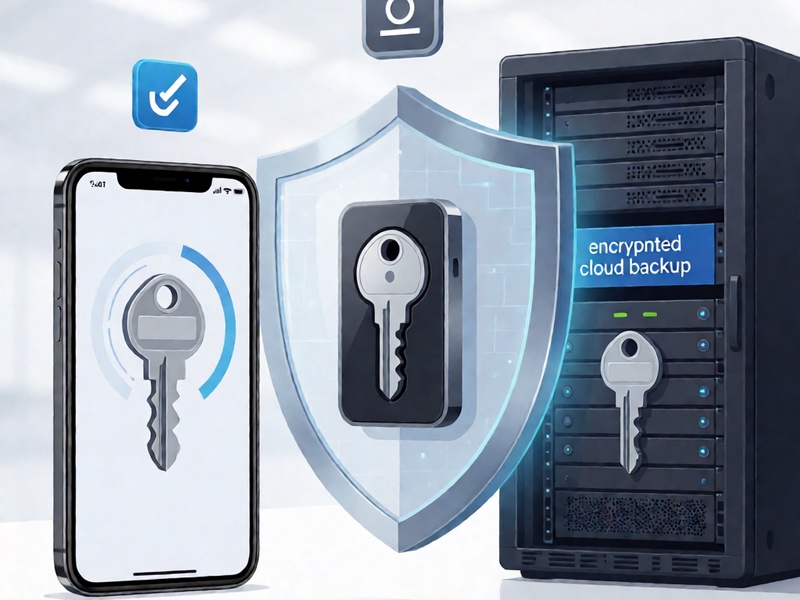
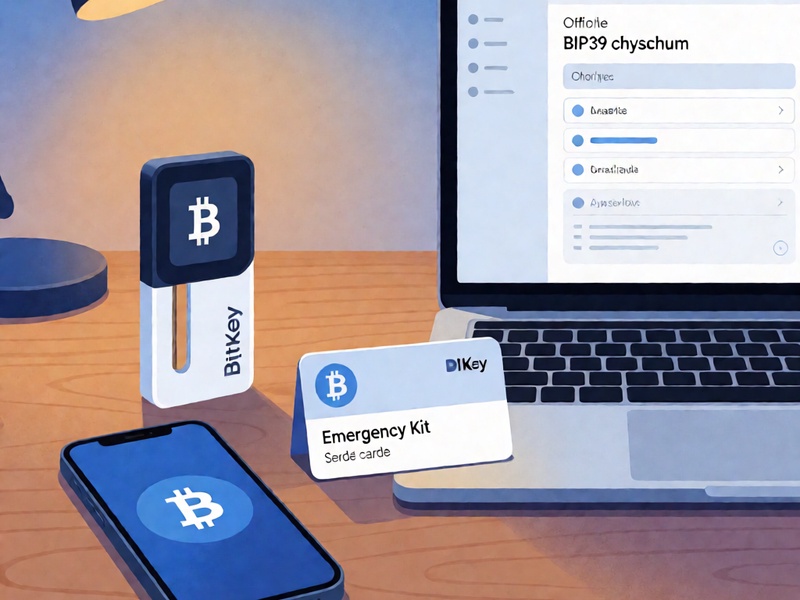
BitKey is a self-custody Bitcoin wallet designed around a 2-of-3 multisig model: a key on your phone, a key in the hardware device, and an encrypted backup key associated with BitKey’s recovery service. Because of that design, a “BitKey recovery phrase” may mean different things: a standard BIP39 mnemonic for one key, a BitKey-specific recovery code, an emergency kit value, or an encrypted cloud backup. Open-source tools can help you inspect and verify standard Bitcoin backup material, but they cannot bypass BitKey’s encryption, identity checks, or hardware security.
This guide is for legitimate owners recovering their own wallet. Never share a recovery phrase, seed, private key, backup code, or wallet descriptor with anyone. Do not use a “recovery service” that asks for remote access or your secret words. If you are unsure which recovery method applies to your BitKey, contact official BitKey support before typing secrets into third-party software.
1. Identify What You Actually Have
Before opening any tool, inventory the recovery material you possess:
- The BitKey hardware device and its original packaging or documentation.
- The BitKey mobile app and any linked account or cloud backup.
- An emergency kit, recovery card, or printed backup code.
- A 12- or 24-word mnemonic phrase, if one was separately created or exported.
- A wallet descriptor, xpub, multisig configuration, or receive address from the BitKey app.
- Transaction history or a known first receive address.
This matters because BitKey’s normal recovery flow is built around its 2-of-3 multisig and encrypted backup, not around typing a seed phrase into generic wallet software. If you have a standard BIP39 mnemonic, open-source tools can validate its checksum, derive child keys, and compare addresses. If you have a BitKey-specific encrypted backup or recovery code, use the official BitKey process unless documentation explicitly describes an open format.
2. Build an Offline, Verified Environment
Recovery work should be done offline whenever possible:
- Use a dedicated laptop or a live Linux environment such as Tails.
- Download tools only from official repositories or release pages.
- Verify checksums and signatures before running anything.
- Disable networking before entering any secret material.
- Avoid screenshots, cloud notes, clipboard managers, and shell history that may capture secrets.
- Prefer reproducible builds and well-audited tools.
A website can look open source and still be malicious. If you use a browser-based tool, run a verified local copy with the network disconnected.
3. Validate a BIP39 Mnemonic
If your BitKey-related backup is a standard BIP39 mnemonic, start by checking the checksum and wordlist. Useful open-source options include:
- Ian Coleman’s BIP39 tool, run locally and offline, for checking mnemonics and deriving addresses.
- Python libraries such as
mnemonic,bip39, orbitcoinlibfor scripted validation. seedtooland similar command-line utilities for offline seed handling.
Check for these common issues:
- A misspelled or invalid word.
- A wrong word order.
- An accidental extra word.
- A BIP39 passphrase, sometimes called a “25th word,” that was set but forgotten.
- The wrong derivation path or account type.
Do not stop at “the phrase is valid.” A valid mnemonic may still be the wrong key. Derive the first receive address and compare it with a known address from your BitKey app, transaction history, or emergency documentation. If the addresses do not match, the phrase may belong to a different wallet, use a different derivation path, or require a passphrase.
4. Recover Missing or Damaged Words Carefully
If you are missing one or two words from a BIP39 mnemonic, open-source tools such as btcrecover or seedrecover can sometimes help when you know the wordlist and constraints. Be realistic: every missing BIP39 word multiplies the search space by 2048. Missing three or more words can quickly become impractical without strong additional information.
Use these tools only offline, with a clear record of what you know and what you are testing. Do not run random recovery scripts from unknown sources. A typo recovery tool should never need to send your phrase anywhere.
If your backup uses SLIP39 shares or another share-based scheme, use the matching open-source implementation and verify that BitKey actually supports that format. Do not assume that every Bitcoin recovery phrase is BIP39.
5. Inspect Multisig and Descriptor Data
BitKey is a multisig wallet, so recovery may involve more than one key. If you have public key data, xpubs, or an output descriptor, you can often reconstruct a watch-only view without exposing private keys. Open-source tools such as Bitcoin Core, Sparrow Wallet, Electrum, and hardware wallet interfaces can help you import descriptors or build a multisig wallet for verification.
A safe workflow is:
- Import only public descriptors or xpubs first.
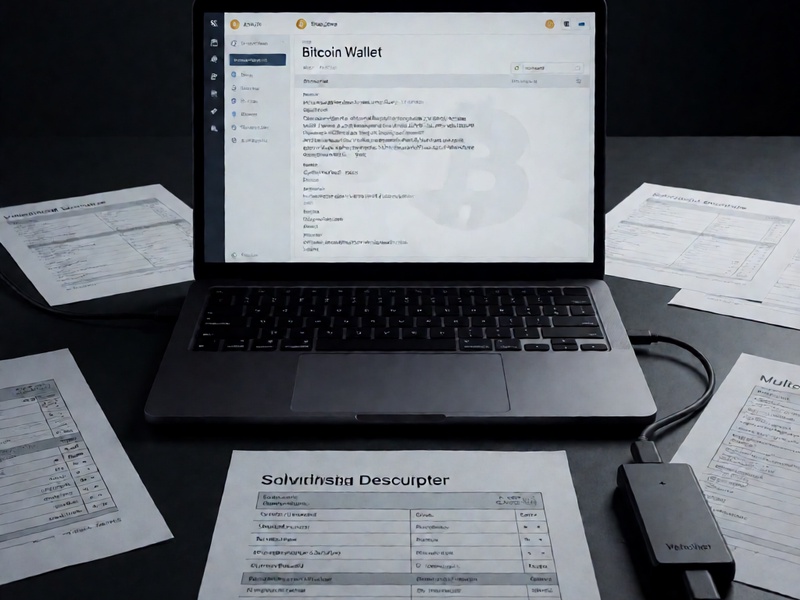
- Confirm that derived addresses match known BitKey addresses.
- Add private keys only if you are certain the environment is offline and trusted.
- Test with a very small amount before moving significant funds.
If you need two keys to spend, having only one key is not enough. Open-source software cannot manufacture the missing key share.
6. Understand the Limits of BitKey-Specific Backups
BitKey’s encrypted cloud backup and recovery service are not generic BIP39 seed phrases. Generic open-source tools will not decrypt BitKey’s backup service or bypass its account and identity verification. If BitKey provides an exported encrypted backup and documents its format, you may be able to use standard cryptographic tools such as GPG or age to inspect or decrypt that local file, but only if you have the correct password and the format is officially documented.
Do not attempt to reverse-engineer a live service or use unauthorized access methods. For BitKey-specific recovery, the correct path is usually the official app, official support, and your emergency kit.
7. Rebuild and Verify Before Spending
Once you have validated the necessary material, reconstruct the wallet in reputable open-source software and verify addresses against known history. Check the first receive address, a recent change address if available, and the multisig threshold. If anything does not match, stop and reassess rather than sweeping funds into an unverified wallet.
After recovery, consider moving funds to a fresh wallet if any secret material was exposed, photographed, typed into an online device, or handled outside a secure environment. Update your emergency kit, test your backup process, and keep recovery material offline.
Bottom Line
Open-source tools are valuable for validating BIP39 mnemonics, deriving addresses, checking multisig descriptors, and recovering from limited transcription errors. They are not magic. They cannot guess a full recovery phrase, break BitKey’s encryption, or replace official BitKey recovery procedures. Work offline, verify every tool, compare derived addresses with known wallet data, and treat any request for your recovery phrase as hostile.