Many cryptocurrency losses are not caused by theft, but by forgotten passwords and incomplete backups. If you still possess your own encrypted Ownbit wallet backup, a well-scoped dictionary attack may help you regain access. This article is part of our Crypto Wallet Recovery Guide, and the index at / links to related notes on mnemonic recovery, file-based password recovery, and safe offline workflows. The guidance below assumes you are recovering your own wallet on a device you control.
Start with a Safety-First Workflow
Before testing any password, create a recovery environment that protects your keys.
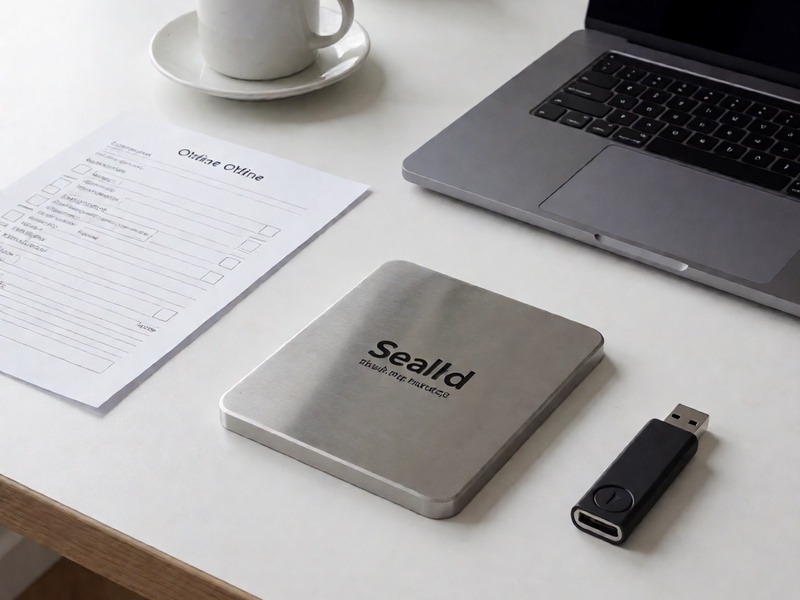
- Work offline. Disable network access on the recovery machine, or at least block traffic to unknown destinations. Wallet files and seed material must never be exposed to cloud services.
- Copy, do not edit originals. Keep the original backup read-only. Run recovery against a copied folder so a failed process cannot corrupt your wallet file.
- Confirm ownership. Do not attempt to recover wallets that belong to someone else without clear legal authorization.
- Verify file integrity. Note checksums of the backup files before and after testing. If a tool rewrites the file accidentally, you need to know quickly.
- Keep notes. Record which candidate lists, masks, rules, and tools you tried, plus whether a result is a false positive.
Know Which Secret You Are Actually Attacking
Ownbit wallets may involve more than one secret. The right technique depends on the target.
| Recovery target | What is protected | Dictionary-attack feasibility |
|---|---|---|
| App unlock password | Local access to the app UI | Often low value unless the password also decrypts key material |
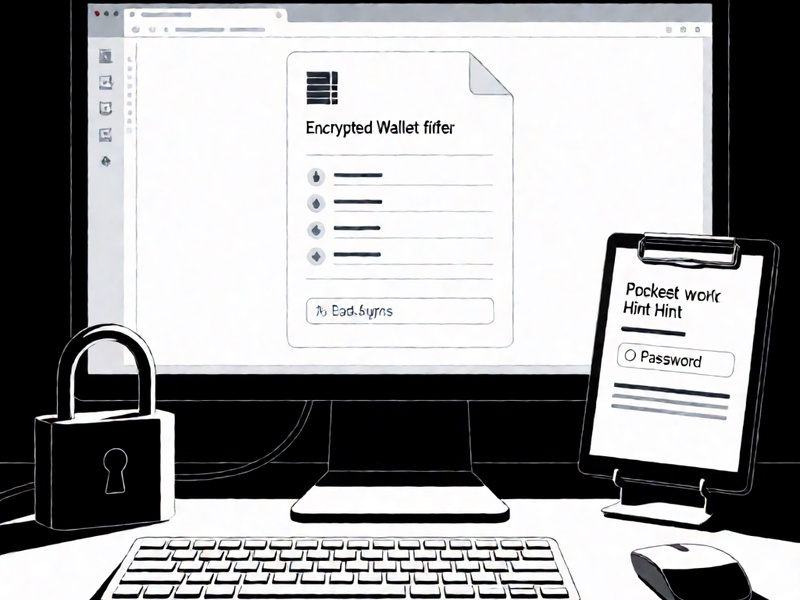
| Encrypted wallet file | Private keys stored in a file backup | Potentially useful for weak or human-created passwords |
| BIP39 passphrase | Seed extension that changes the derived wallet | Usually very difficult unless you remember hints |
| Seed phrase itself | The actual mnemonic recovery words | Not a good target for dictionary attacks; use partial mnemonic recovery instead |
If you are missing the 12 or 24 mnemonic words, dictionary-attack tactics are usually the wrong approach. Instead, you need word-position recovery, checksum validation, and memory-based word-list prioritization. If you have the seed phrase but forgot the optional passphrase, a targeted wordlist may work, but the search space can still be enormous.
Why Many Password Attacks Fail
A dictionary attack does not recover strong random passwords. It recovers patterns created by humans. Most failures happen because the attacker searches too broadly, too late, or with the wrong assumptions.
Common reasons for poor success rates:
- Using only public wordlists that miss personal context.
- Ignoring keyboard walks, dates, names, and device-specific habits.
- Testing the wrong file format or hash type.
- Treating a seed extension like an app password.
- Spending GPU time on impossible combinations before exhausting likely ones.
- Forgetting that some Ownbit-style backups may use formats that need specialized parsers rather than generic hash crackers.
Improving Ownbit wallet password dictionary attack success rate is mostly about reducing uncertainty: build a smaller, smarter candidate space, verify the hash format, and run recovery in phases.
Step 1: Reconstruct Password Context
Start with what you remember about the password. Do not jump straight to a 10 million-word list.
Collect these inputs:
- Names of the device, computer, phone, wallet nickname, and project.
- Birthdays, anniversaries, pet names, street names, school names, and favorite sports teams.
- Common old passwords reused across accounts.
- Patterns such as capitalizing the first letter, adding a year, appending
!,@1, or2021.
- Keyboard walks such as
qwerty,asdfgh,zxcvbn, and mobile swipe shapes that may appear in text. - Password manager history if you kept notes, even partial ones.
- Emails and usernames that may appear in the password or hint field.
The goal is not to find the exact password immediately. The goal is to produce a small, high-probability candidate list.
Step 2: Build a Context-Aware Wordlist
A strong recovery wordlist is layered:
- Core personal list: names, emails, device names, dates, favorite places.
- Core password list: old reused passwords, security answers, common local patterns.
- Expansion list: public top-passwords, breach-like common words, but used only as a fallback.
- Mutation list: capitalization, reversed strings, leet substitutions, numeric suffixes, and separators.
Example categories:
name + year + specialsuch asmarco2019!.email prefix + pet + digitsuch asalicecat77.device name + password basesuch asphonebackup2020.seed hint phrasesuch assunrise garden winter moonwhen you remember passphrase words.
Do not assume every wallet uses the same format. If your Ownbit backup uses a Bitcoin-compatible encrypted wallet file, tools may handle it differently than a mobile keystore or JSON export.
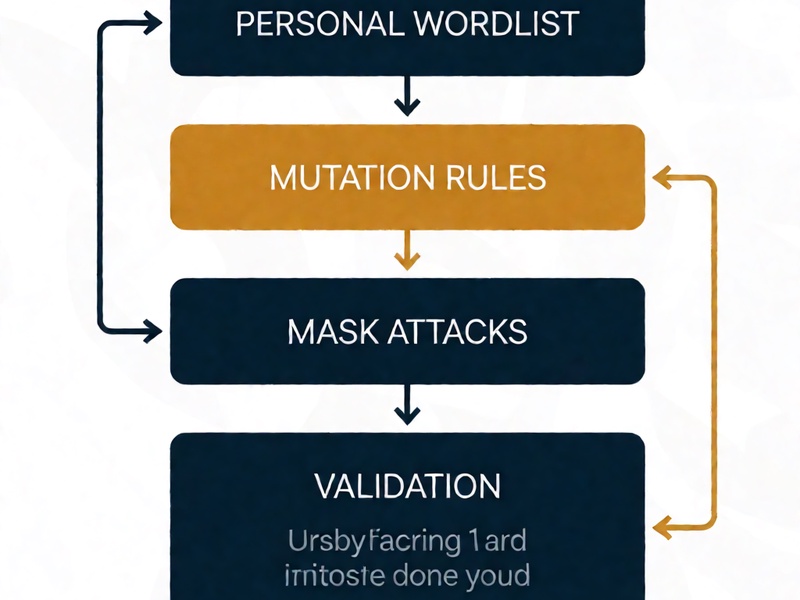
Step 3: Use Mutation Rules Before Heavy Masking
Rules often beat brute-force masks because human passwords are rule-based.
Useful mutations:
- Capitalize first or last character.
- Lowercase everything.
- Reverse the word.
- Insert separators: dash, underscore, dot, comma, period, space.
- Add years: 2010 to 2026, or two-digit variants: 10 to 26.
- Add special characters:
!,@,#,$,%,.. - Substitute common letters:
ato4,eto3,ito1,oto0,sto$. - Add prefixes or suffixes:
old,new,wallet,btc,eth,pass,pin.
Run rules first. Only after the core list fails should you move to larger public lists and masks.
Step 4: Use Mask Attacks for Known Patterns
Masks are useful when you know the shape of the password but not the exact characters.
Typical mask cases:
????????when the length is known and likely random-ish.@???????when a capital first letter and symbols are likely.????????@when years are appended.
??????####when three words plus a number are remembered.
Masks can expand quickly. Always benchmark on a small candidate set first. If the estimated run time is too long, add constraints rather than throwing more compute at the problem.
Step 5: Use the Right Tools and Hash Format
Common tools used in legitimate recovery include btcrecover, HashCat, and Pywallet-related utilities. The choice depends on the backup type.
btcrecover
Useful for certain Bitcoin Core-style encrypted wallet files when the tool supports the format and key derivation. It can test passwords against an encrypted wallet backup. Use it only in a clean, offline environment.
HashCat
Best when you have a correctly extracted hash and a supported hash mode. Do not feed a wallet file directly into a generic cracker unless the file format and hash mode are documented and verified.
Pywallet
Historically useful for inspecting or decrypting certain Bitcoin-style wallet data, but compatibility depends on file version, encryption method, and key layout. If it can read and verify the backup, it may be a safer first step than assuming a generic hash type.
Ownbit-specific caution
Older wallets sometimes use non-standard key storage, custom database layouts, or app-level encryption. If the hash extractor says the file is unsupported, do not guess. Try to identify the exact version, file header, encryption metadata, and backup format before attacking.
Step 6: Run a Phased Recovery Plan
Avoid starting with the largest list. A better sequence improves efficiency.
Phase 1: Small personal list
- Size: 1,000 to 20,000 candidates.
- Includes: remembered bases, device names, emails, pet names, birth dates.
- Goal: quickly catch obvious human passwords.
Phase 2: Personal rules
- Size: 50,000 to 500,000 candidates.
- Includes: mutations, separators, years, suffixes, prefix combinations.
- Goal: capture near-miss memories.
Phase 3: Context masks
- Size: depends on pattern length and charset.
- Includes: known lengths, uppercase/lowercase constraints, digits, symbol sets.
- Goal: recover structured passwords.
Phase 4: Broad public wordlists
- Size: millions to hundreds of millions.
- Includes: common password lists, dictionary words, breach-like words.
- Goal: use only after personal context is exhausted.
Each phase should be logged. A false positive can waste hours if validation is sloppy.
Step 7: Validate the Result Carefully
A candidate that produces no error is not always the final proof. Verify using read-only checks.
Validation checklist:
- Confirm the decrypted wallet loads with the expected metadata.
- Check known Bitcoin addresses or transaction history.
- Compare expected balances using a watch-only setup.
- Do not broadcast a transaction until you are sure the wallet matches your ownership proof.
- If you restored a seed or passphrase, validate the BIP39 checksum before using derived addresses.
If the address set does not match, stop. You may have a wrong hash mode, wrong backup file, or an app-level password that is not the actual key-decrypting secret.
Common Mistakes That Lower Success Rate
- Uploading wallet files or hashes to third-party sites.
- Editing the original backup while testing.
- Assuming the app password is always the wallet passphrase.
- Running a general Bitcoin hash mode against a format that requires a custom parser.
- Forgetting that BIP39 passphrases are case-sensitive and whitespace-sensitive.
- Trying to brute-force a 12 or 24-word seed phrase instead of using mnemonic-position recovery.
- Using public wordlists only and ignoring local names, keyboards, or mobile typing patterns.
- Turning off safety checks to go faster, then creating false positives.
Preventive Practices After Recovery
Once access is restored, reduce the chance of repeating the same problem.
- Test restores regularly. Keep one small offline test backup and practice recovery annually.
- Store metadata safely. Record version, creation date, wallet type, and whether an optional passphrase was used, without storing secrets in plain text.
- Use a password manager for wallet access passwords, but do not rely on it as your only backup.
- Split seed storage. Consider encrypted metal backup, multisig, or threshold schemes for significant holdings.
- Create watch-only addresses. They allow monitoring without exposing private keys.
- Keep backups offline. A disconnected encrypted archive is safer than a cloud folder.
- Document recovery paths. Explain how a trusted person would verify ownership and use your backup after a device failure.
Key Takeaways
- Dictionary attacks work best when the password is human-created and context is known.
- Always separate app unlock passwords, encrypted wallet file passwords, BIP39 passphrases, and mnemonic words.
- Improve success rate by reducing search space, using personal wordlists, applying rules, and running phased tests.
- Use offline, read-only copies and validate results before moving funds.
- If the seed phrase itself is missing, do not use dictionary attack tactics; switch to mnemonic recovery methods.
- Prevention matters: backup format knowledge, restore tests, and safe metadata can save assets later.
Recovering an Ownbit wallet is rarely a single tool problem. It is an information problem: the more accurate the context, file format, and hash handling, the higher the chance that a focused dictionary attack restores access.