When a hard drive that contains Cobo wallet backups, recovery files, or mnemonic records fails, the problem is not only data loss. It is a security and continuity incident for the wallet owner. A calm, methodical approach protects both the data and the funds.
Understand what is at stake
A Cobo wallet may rely on a recovery phrase, encrypted backup, or a product-specific recovery method. The exact process depends on the Cobo product and the backup type. Before touching the drive, identify what was stored: seed phrase text, encrypted wallet file, screenshots, password manager database, or export file. Never assume the drive contains everything; check for metal backups, paper backups, secondary devices, and family or corporate recovery arrangements.
First response checklist
- Stop using the failed drive immediately. Do not format, initialize, run repair tools, or reinstall the operating system on it.
- Do not open the drive casing. A hard drive platter or SSD circuit is easily damaged by dust, static, or mishandling.
- Record symptoms: clicking, beeping, not detected, wrong capacity, RAW partition, encryption prompt, or intermittent access.
- Keep the drive powered off unless a professional recovery lab advises otherwise.
- Do not send the mnemonic, password, or key material to a recovery company through chat, email, or cloud forms.
- Contact official Cobo support first for product-specific recovery guidance.
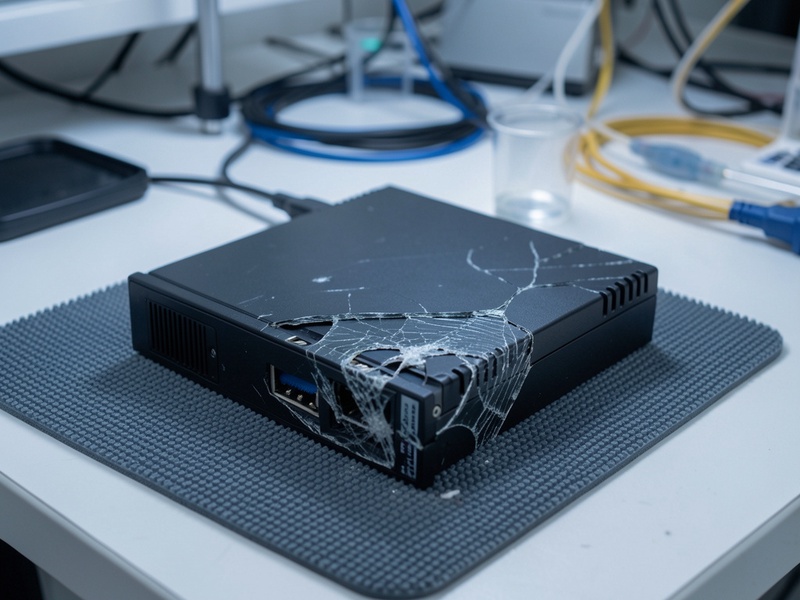
Legitimate recovery paths
There are three common paths:
- Official Cobo support. Use the official website and verified channels. Ask what recovery method your Cobo product supports and what information is required. Do not trust search ads or social media accounts.
- Professional data recovery. Choose a lab with cleanroom capability, transparent chain of custody, and experience with encrypted storage. The lab should image the drive before any logical recovery attempt.
- Wallet-level recovery. If you already have a valid recovery phrase or the required Cobo recovery shares, you may not need the failed drive at all. Restore to a new, verified device or compatible official app, then move funds to a newly created wallet.
How professional data extraction usually works
A reputable recovery process starts with evaluation. The lab documents the drive model, health status, and failure type, then creates a sector-by-sector image when possible. Physical failures may require cleanroom work, donor parts, or firmware repair. Logical failures may involve filesystem reconstruction, file carving, or database repair.
If the valuable data is encrypted, decryption should happen in a controlled environment with owner-provided credentials. The recovery team should not need to see the mnemonic in plaintext. They can deliver the encrypted container or recovered files, and the owner can unlock them locally. For SSD failures, success can be limited by TRIM, wear leveling, controller encryption, and missing keys. A responsible lab will explain these limits before charging for work.

Recovering a mnemonic without exposing it
If the recovered data includes a mnemonic, treat the recovery area as hostile. Use an offline computer, disable network connections, and avoid copying the phrase into web forms, email, chat apps, or cloud notes. Verify the phrase only through official Cobo software or a compatible hardware wallet. A useful sequence is:
- Recover the file or text to an encrypted, offline USB drive.
- Open it on an air-gapped device.
- Write the mnemonic to a durable offline backup, such as a metal seed plate.
- Restore to a new wallet and confirm the derived addresses match expectations.
- Move remaining funds to a fresh wallet and retire the compromised or uncertain backup.
If the mnemonic was stored digitally, assume it may have been exposed. A new wallet is safer than reusing a phrase that may have been copied, indexed, or backed up by system services.
Cobo-specific cautions
Cobo products are not all identical. Some use recovery phrases, some involve app-based recovery, and some may use different key management designs. Do not follow generic instructions for a different model. Confirm the exact product name and firmware version with official support. If the failed hard drive only contains an encrypted backup and the password or recovery phrase is lost, no ethical recovery service can promise a miracle. Avoid anyone who claims to bypass encryption without credentials.

What to avoid
- Do not share your mnemonic with a recovery technician, even if they ask for it.
- Do not allow remote desktop access to a machine holding wallet data.
- Do not pay a large upfront fee to an unverified recovery broker.
- Do not use file recovery software that writes to the failing drive.
- Do not post screenshots of seed words or wallet QR codes online.
Prevention after recovery
After the crisis, improve resilience. Use multiple geographically separated backups, test restoration before relying on them, and store mnemonic backups offline in tamper-evident metal or fire-resistant form. Keep encrypted wallet backups separate from their passwords. Document the recovery procedure without recording the secret itself. For organizations, use dual control and clear custody rules.
Conclusion
Cobo hard drive failure does not automatically mean lost funds, but it demands discipline. Stop using the drive, verify the Cobo product and backup method, engage official support or a reputable data recovery lab, and keep the mnemonic offline throughout the process. The safest recovery is one where the data is restored, the wallet is verified, and the secret is never exposed to unnecessary people or systems.