When a hardware wallet is damaged, panic often leads to costly mistakes. The good news is that most modern wallets are built around a recoverable seed phrase, and even BIP38 encrypted private keys can be handled safely with the right offline process. This guide explains a practical recovery plan for users dealing with BIP38 hardware damage, mnemonic backups, and the need to move funds to a secure new device.
Clarify the Terms Before You Recover
BIP38 and BIP39 solve different problems, and mixing them up can turn a simple recovery into a permanent loss.
- BIP39 mnemonic is the familiar 12 or 24 word backup that represents a wallet seed. It restores a whole wallet hierarchy, including multiple accounts and addresses.
- BIP38 encrypted private key protects a single private key with a passphrase. It usually appears as a key beginning with
6Pand is not the same as a mnemonic phrase. - Many hardware wallets use BIP39 seeds internally, while BIP38 may appear in paper wallet imports, legacy backups, or third party tools.
A mnemonic restores a wallet. A BIP38 passphrase unlocks a specific encrypted key. Treat them as separate recovery paths.
If you have a 12 or 24 word phrase, you likely need a BIP39 recovery workflow. If you have an encrypted private key beginning with 6P, you need an offline BIP38 decryption workflow. If you have both, secure the mnemonic first and then verify whether the BIP38 key controls any additional funds.
Step-by-Step Recovery Plan After Hardware Damage
1. Stop, Secure, and Document the Device
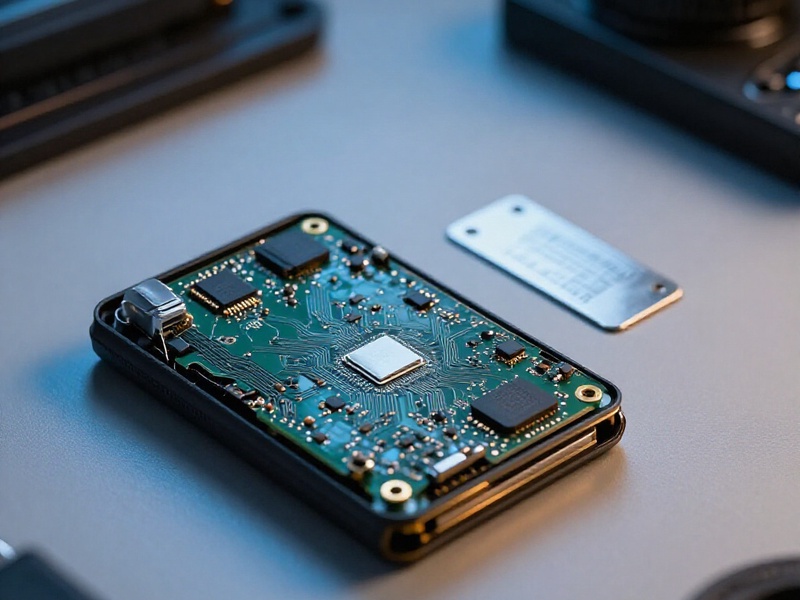
Do not repeatedly power on a damaged hardware wallet. Heat, moisture, or unstable power can worsen the damage. Disconnect it, photograph the condition, and store it in a dry anti-static bag. Avoid unsolicited repair offers and never send the device to an unknown technician. If the device is the only copy of the seed and you have no backup, contact the manufacturer first before attempting any physical repair.
2. Identify What You Actually Backed Up
Check your backup materials carefully:
- A list of 12 or 24 common words is probably a BIP39 mnemonic.
- A
6Pstring with a separate passphrase is likely a BIP38 encrypted private key. - A seed card, metal backup, or split backup may include additional passphrases or recovery instructions.
- A wallet PIN is not a recovery phrase. It only unlocks the device and cannot restore funds by itself.
Write down what you have, but never type secrets into a website, chat, cloud note, or email. Use paper or a trusted metal backup and keep it offline.
3. Recover the BIP39 Mnemonic in a Trusted Offline Wallet
If your hardware wallet used a BIP39 seed, restore the mnemonic in a reputable wallet that supports your original standards and address types. Prefer an air-gapped or offline environment when possible.
Key checks:
- Derivation path matters. A correct mnemonic can show zero balance if the wallet scans the wrong path.
- BIP39 passphrase is optional but critical. If you added one, restore with the same passphrase and spelling.
- Address type matters. Legacy, SegWit, and native SegWit addresses may appear under different accounts.
- Account index matters. Funds may sit in an account beyond the default first account.
After recovery, compare the first few receiving addresses with old records or screenshots. Do not move funds until you see the expected addresses and balances.
4. Recover BIP38 Keys Only in a Safe Offline Workflow
If you have a BIP38 encrypted private key, decrypt it only with trusted open source software on an offline computer. Verify the tool from an official source, disconnect the network, and test with a small amount first if possible.
The BIP38 passphrase unlocks the encrypted private key. Once decrypted, immediately sweep the funds to a new wallet whose seed you control. Do not reuse the old private key for long term storage. If the key is compromised or the passphrase was ever stored digitally, treat it as unsafe.
5. Handle No-Backup Cases with Extreme Caution
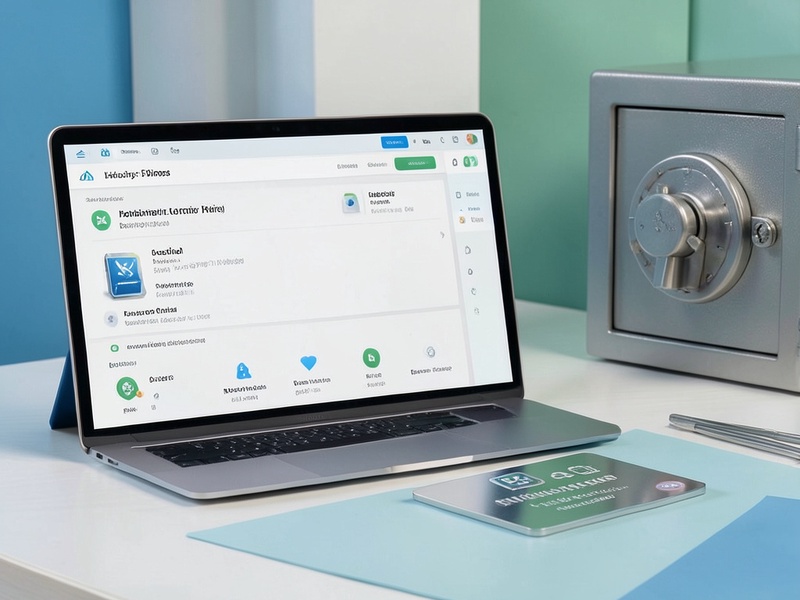
If the hardware wallet is damaged and there is no mnemonic or BIP38 backup, recovery becomes a specialist data recovery problem. Manufacturer support may offer guidance, but chip-off or forensic recovery is expensive, risky, and not guaranteed. Never share the device or seed material with strangers. A professional recovery attempt should be a last resort, not a shortcut.
Critical Checks and Common Pitfalls
- Do not confuse the BIP39 passphrase with a BIP38 passphrase. They protect different things and are not interchangeable.
- Do not assume a zero balance means the seed is wrong. Test derivation paths, address types, and account indexes.
- Do not enter a mnemonic or BIP38 passphrase on a random website. Phishing tools are designed to look like recovery services.
- Do not use cloud sync for secrets. Screenshots, clipboard history, and note apps can leak recovery data.
- Do not skip the test transaction. Send a small amount first, confirm it arrives, and then move the rest.
- Do not keep using a damaged or suspect device. Migrate to a new hardware wallet after recovery.
Choose a Safe Recovery Environment
Use a clean, offline computer when possible. Download wallet software and verification tools from official sources, verify checksums, and keep the machine disconnected from the internet during secret entry. If you must use an online device, disconnect the network first, disable cloud clipboard sync, and avoid browser extensions. For high value wallets, consider a dedicated air-gapped setup or a trusted recovery specialist who works under a clear, private process.
Summary
A damaged hardware wallet is a security incident, not automatically a loss of funds. The right recovery plan starts with identifying whether you hold a BIP39 mnemonic, a BIP38 encrypted private key, or both. Recover mnemonics in a trusted wallet with the correct derivation path and passphrase, decrypt BIP38 keys only in an offline environment, and move recovered funds to a new hardware wallet you fully control. Slow, verified, offline steps are far safer than rushed attempts to revive a damaged device.