Why self-recovery is the right path
Polkawallet is a non-custodial wallet for Polkadot, Kusama, and other Substrate networks. The app does not hold your funds, and no company can reset your account the way an exchange can. Access depends on a secret you created: a mnemonic seed phrase, or an encrypted JSON backup plus its password. If you still have one of those, you can restore the account yourself. You do not need a recovery agency, a stranger in a chat app, or any third-party platform.
Services that promise to "restore Polkawallet" for a fee are a common scam pattern. A real non-custodial wallet cannot be unlocked by someone who never had your keys. Anyone who asks for your 12- or 24-word phrase, a photo of it, or remote control of your screen is asking for the ability to move your assets. On these networks, a signed transfer is generally final.
What you need before you start
You can restore an account only if you still have at least one of the following:
- The mnemonic seed phrase shown when the account was created, in the original word order
- An exported JSON keystore file and the password that encrypted it
- A backup created through the official Polkawallet or Polkadot.js flow that you can still decrypt
A local PIN, fingerprint, or app password only locks the app on that device. It is not a copy of the account. If both the seed phrase and the encrypted backup are gone, no guide and no support desk can recreate the private key. That limit is part of how self-custody works.
This tutorial is only for an account you already own. It does not unlock someone else's wallet, guess a forgotten keystore password, or bypass a missing seed.
Prepare a safe setup
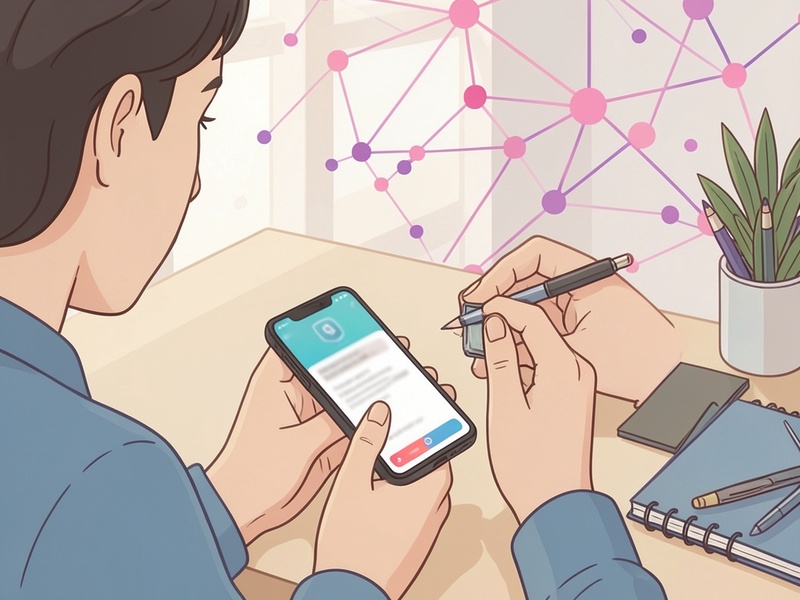
- Use a device you control. Update the system, and avoid installing unknown tools or browser extensions for this task.
- Install Polkawallet only from its official website or the official store listing, and check the publisher name. Do not use links from ads, comments, or unsolicited messages.
- If you no longer have the phone, you can instead use the official Polkadot.js browser extension with Polkadot.js Apps. Confirm the site domain yourself before connecting a wallet.
- Never type your seed into a website form, a "balance checker," or a support chat. Recovery happens inside wallet software on your device.
- Have the words ready offline. Spelling and order both matter. Do not upload a photo of the phrase.
Restore in the official Polkawallet app
- Open the official app and choose restore or import. Do not create a brand-new wallet if your goal is to reach an existing account.
- Choose mnemonic import if you have the word list. If you have a JSON file, use the file import option and enter the original encryption password.
- Enter the words carefully. Use the in-app word suggestions so a typo is easier to catch.
- Leave the cryptography type at the default unless you know this account was created differently. Polkawallet accounts on Polkadot and Kusama are typically sr25519.
- Set a new local PIN or password for this device. That PIN protects the app on the phone. It does not replace the seed phrase.
- Compare the restored public address with an address you already know is yours, such as one saved in your notes or visible in your own transaction history. A public address is safe to check. The seed is not.
- Select the network where you previously held funds. The same seed can show different addresses on Polkadot, Kusama, and other chains. Confirm the address on the correct network before you transfer anything.
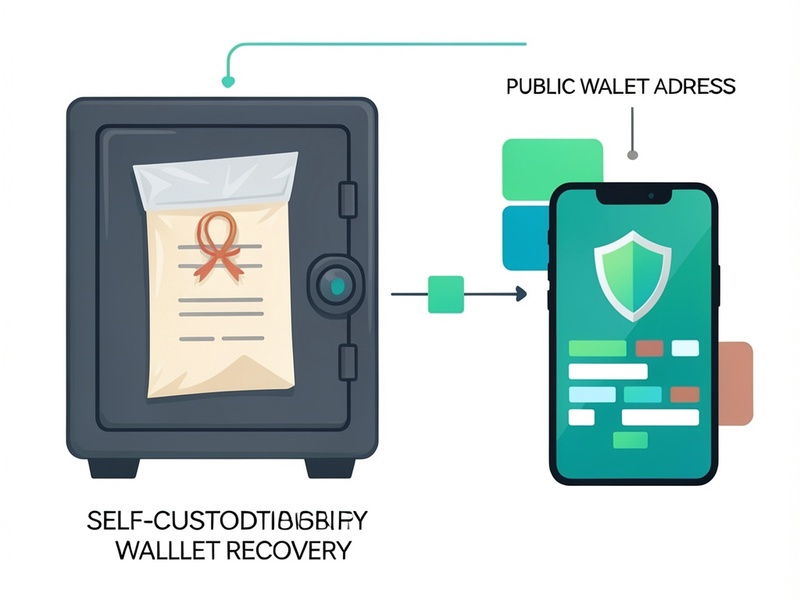
If the address does not match, stop. Recheck word order, extra spaces, and whether you imported the right phrase or the right network. Do not paste the phrase into an unknown mismatch tool, and do not share it with anyone who offers to "fix the derivation" for you.
Restore on a computer with Polkadot.js
If the phone is gone but the seed or JSON backup is safe, a desktop restore is enough. You are still not handing keys to a custodian.
- Install the official Polkadot.js extension from the browser's extension store and verify the publisher.
- Import an account from the seed phrase, or restore the JSON keystore with its password.
- Give the account a local name and set a password for the extension.
- Open the official Polkadot.js Apps site, connect the extension, and select the network you used before.
- Confirm the address matches your old account. Only then review balances or sign a transfer.
The extension stores the key in your browser profile on that computer. Treat that profile as sensitive.
After the account appears
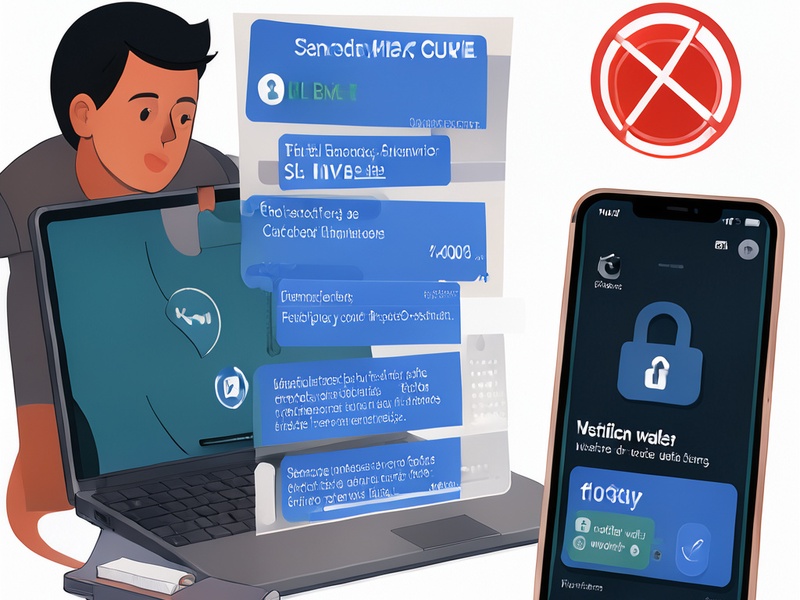
- If the old phone was lost, stolen, or may have been compromised, do not keep using that device for the seed. After you confirm the correct address, create a new account on a trusted device and move the assets there. The new seed should never be entered on the old device.
- Store the new phrase offline, somewhere only you can access. Do not keep it in email, cloud notes, screenshots, or chat history.
- In the official app, review staking nominations, proxies, and connected dApps. Remove access you do not recognize.
- Ignore follow-up messages from people who noticed you were looking for recovery help. Legitimate wallet software will not ask you to reveal the seed.
What to do if the secret is really gone
If you do not have the mnemonic and you do not have a JSON backup you can decrypt, the account cannot be restored through Polkawallet, an exchange, or a third-party service. Trying random passwords against a keystore, or paying someone to do that, is not a responsible recovery method and will not bring the keys back. Plan future storage so a second offline copy of a new wallet's seed exists before you move value again.
Short checklist
- Use only the official app or official Polkadot.js software
- Enter the seed or JSON only on a device you trust
- Match the public address and the network before any transfer
- Refuse screen sharing, remote-access tools, and anyone who asks for the phrase
- Remember that no third party is required, and no third party should ever see the recovery secret
Self-custody means you are the recovery process. Done carefully, that is an advantage: no platform has to approve the restore, and no platform should ever hold the keys for you.