Digital assets are only as secure as the recovery process behind them. A BitPortal cold wallet helps users keep private keys offline, but losing backup access can turn strong protection into permanent loss. This tutorial explains how to create a durable backup, verify it safely, and restore a BitPortal cold wallet when replacing hardware, migrating coins, or preparing for emergency access.
Why Cold Wallet Backup Matters
A cold wallet stores signing authority away from the internet. The physical device is not the wallet itself; it only controls access to keys. If the device fails, is lost, or is factory reset, the backup is the only path to funds. Without a correct backup, even a technically secure wallet cannot recover assets.
Before You Begin: Gather the Right Materials
Prepare three items: the BitPortal cold wallet device, an offline computer or trusted display, and a backup medium such as acid-free paper or steel backup plates. Do not take photos of secret information, and never store seed phrases in email, notes, screenshots, chat apps, or cloud storage. If possible, use an air-gapped laptop with no browser extensions.
Creating the Backup Safely
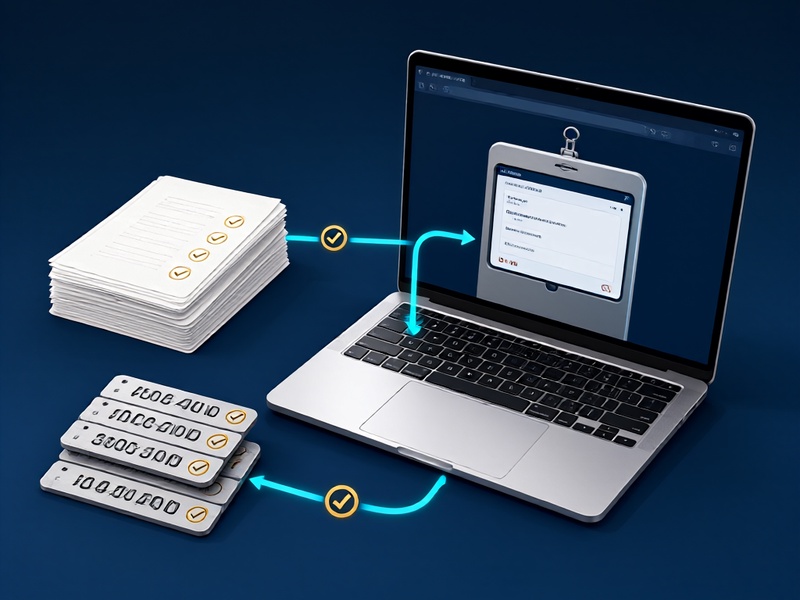
- Initialize the BitPortal cold wallet from its official recovery instructions and generate a new seed phrase if required.
- Write the full seed phrase, optional passphrase, derivation path, and wallet label on the backup medium.
- Keep the passphrase separate from the seed phrase. The seed alone may not be enough if a hidden wallet uses an added passphrase.
- Record metadata needed for restoration, such as account type, blockchain networks, address indexes, and firmware version.
- Store the backup in two secure locations. Common options include a fireproof safe, a bank deposit box, or a trusted family vault.
Verifying Your BitPortal Backup
Restoration failures often come from small mistakes: omitted words, wrong order, extra spaces, or a mistyped passphrase. To verify, create a temporary wallet on an isolated device and import the backup without moving large funds. Compare the first receiving addresses with the original device. If the addresses match, the backup is likely complete and correct. After verification, delete the temporary wallet from the connected device carefully and reset it to an empty state.
How to Restore a BitPortal Cold Wallet
Case 1: The Original Device Is Still Working

If the BitPortal device is intact but needs reconfiguration, follow the official factory reset or recovery option inside the device menu. Select Restore from seed phrase, enter the backup on the device screen or with the companion software, and confirm the displayed wallet fingerprint, addresses, or public key hashes before accepting. Never type the seed into a web browser or untrusted app.
Case 2: The Device Is Lost, Broken, or Stolen
If the hardware is unavailable, obtain a replacement device from an official source. Do not use marketplace devices that may be tampered. Install the latest official firmware only on a clean computer, then choose the recovery option. Enter the seed phrase offline. Once restored, rotate any reused receiving addresses, create a new backup record if metadata has changed, and check balances through a trusted node or block explorer that does not expose private data.
Case 3: Migrating to a Different Cold Wallet Solution
Migration is a restoration and re-backup exercise. Restore the old seed into the new BitPortal environment or another compatible hardware wallet, verify key addresses, sign a tiny test transaction, and only then move funds. After successful migration, store the old backup until a final review is complete, then destroy it securely according to local law and organizational policy.
Security Rules That Protect the Backup
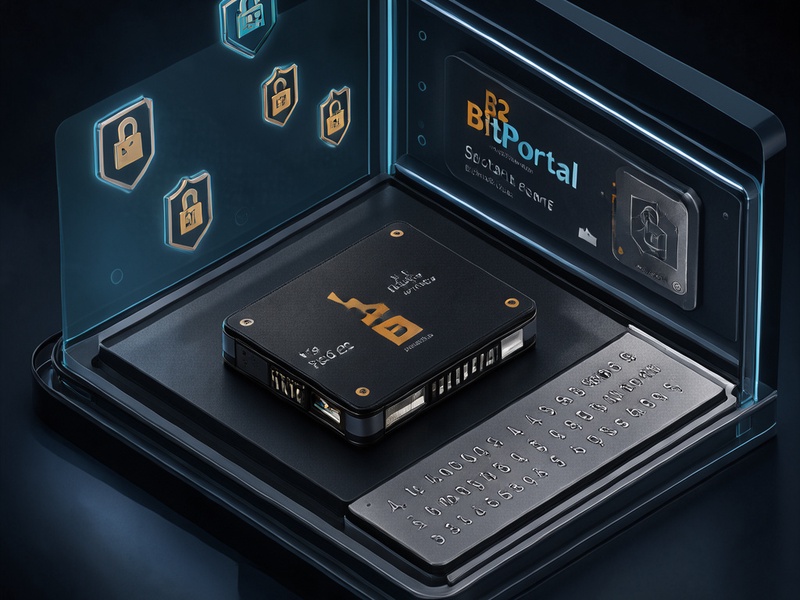
- Treat every backup as a physical private key. Anyone holding the seed can control the funds.
- Use a passphrase to protect against seed exposure, but keep it separate and documented safely.
- Avoid entering secrets on devices with keyboards that can record input, especially public computers.
- Update firmware only from verified official sources, and check hash signatures when available.
- Perform a recovery drill every year. Test access to a small, non-critical wallet first.
- For estates or teams, use documented multi-location recovery procedures instead of sharing secrets casually.
Common Mistakes to Avoid
The most expensive errors are not technical; they are procedural. Users often store backups in one location, photograph seeds, omit passphrase settings, ignore derivation changes, or skip address verification. Another mistake is trusting a third-party service to manage keys. A cold wallet backup should remain under the owner's direct control.
Conclusion
A BitPortal cold wallet backup is only useful when it can be restored quickly, correctly, and privately. The best recovery process is simple enough to survive stress, durable enough to last years, and strict enough to keep secrets offline. By creating clear backups, verifying them in isolation, following controlled restoration steps, and rehearsing emergency access, users can protect long-term holdings while avoiding the most common causes of permanent crypto loss.