What the Password Actually Protects
Forgetting a Hope Seed Wallet password does not automatically mean your assets are gone. In most seed-based wallets, the password only locks the app on that device. The real backup is the recovery phrase (seed phrase) you wrote down when you created the wallet. Anyone who has that phrase can restore the same addresses on a new device. Anyone who has neither the password nor the phrase usually cannot recover the funds.
Before you try anything, stop and write down what you still have: the device, whether the app is still open, any cloud or paper backups, and the exact wallet name and version. Do not enter your phrase into random websites, browser extensions, or “support” chats.
If the App Is Still Unlocked
This is the best case. If Hope Seed Wallet is open and you can still see your balances:
- Go to the official backup or security settings inside the app.
- Reveal and carefully write down your recovery phrase offline. Check every word and the word order twice.
- Store that phrase on paper or metal in a place only you control. Do not screenshot it, email it, or save it in cloud notes.
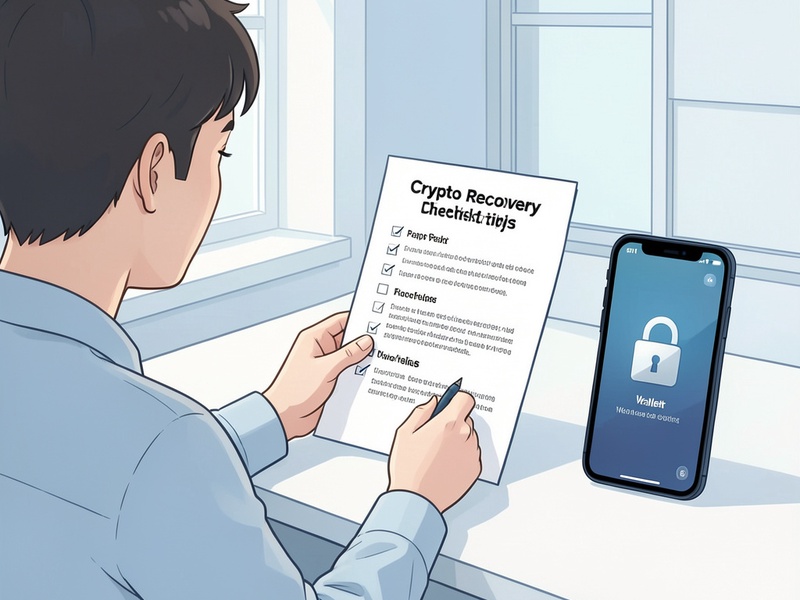
- After you have a verified backup, you can reset the password from inside the app if that option exists, or restore the wallet on a clean device and set a new password.
Do this before the session locks. Once the app asks for the forgotten password, this path may close.
If You Have the Recovery Phrase
A forgotten password is usually solvable when the seed phrase is intact.
- Install Hope Seed Wallet only from the official app store or the vendor’s official website. Confirm the publisher name so you do not install a lookalike.
- Choose restore or import wallet, not create a new wallet.
- Enter the recovery phrase in the original order, offline if the app allows it.
- Set a new, strong password and store it in a password manager you control.
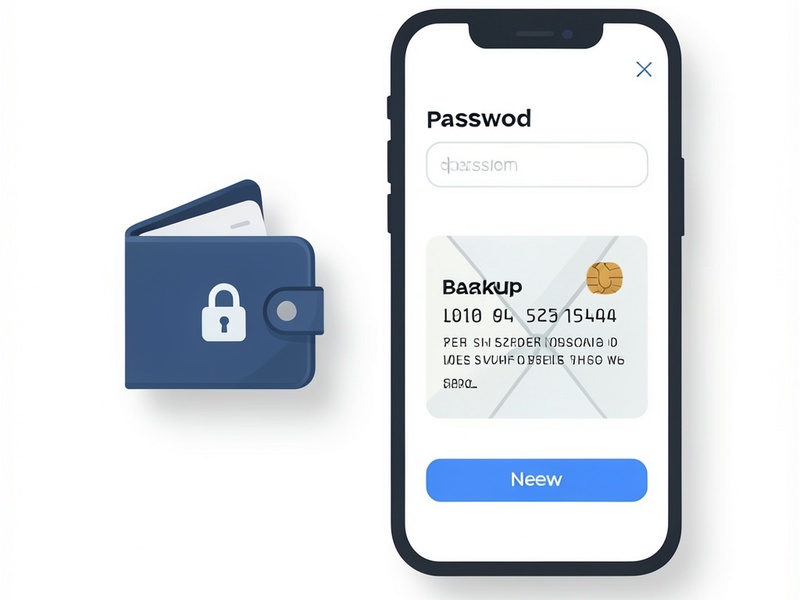
- Wait for the wallet to sync, then confirm that your addresses and balances match what you expect before you move funds.
If the phrase is rejected, check for a wrong word, a missing word, or an extra space. Some wallets use 12, 18, or 24 words. A single typo will restore a different, empty wallet. Do not keep guessing on untrusted sites.
If You Do Not Have the Phrase or an Open Session
Without the password and without the recovery phrase, there is usually no legitimate way to reconstruct the keys. Wallet companies typically cannot reset a local password or recover a seed they never stored. Treat any service that promises “password bypass,” “seed recovery,” or “remote unlock” for a fee as a scam.
Still check these low-risk places before you conclude the funds are lost:
- Paper notes, password managers, and encrypted backups you created yourself
- Old phones or computers where the wallet might still be unlocked or where an export file was saved

- A secondary device that was already paired to the same wallet
- Family or business records if you deliberately shared a backup under a written plan
Do not pay strangers, install remote-access tools, or share screenshots of your phrase. Those steps are how people lose the assets they still have.
How to Avoid This Next Time
- Write the recovery phrase on paper or metal and keep a second copy in a separate secure location.
- Use a unique password stored in a reputable password manager.
- Test a restore on a spare device with a small amount before you rely on the backup.
- Never type the phrase into a website, form, or chat, including messages that claim to be Hope Seed Wallet support.
If your only copies of the password and phrase are gone, assume the assets cannot be recovered through official support. Protect any remaining wallets immediately, and ignore unsolicited recovery offers.